

描述
前往 [使用者]→[個人資料] 中的 [兩步驟驗證選項],便能為網站帳號啟用及設定一或多個兩步驟驗證方式:
- 透過電子郵件傳送驗證碼
- TOTP 驗證碼 (Time Based One-Time Passwords,以時間為基礎、最通用的演算法)
- FIDO U2F 安全金鑰 (Universal 2nd Factor,通用第二因素)
- 備用驗證碼
- 測試模式 (僅供測試目的使用)
如需進一步瞭解這個外掛的開發沿革,請參閱 這篇文章 。
Actions & Filters
Here is a list of action and filter hoocs provided by the pluguin:
-
two_factor_providersfilter overrides the available two-factor providers such as email and time-based one-time passwords. Array values are PHP classnames of the two-factor providers. -
two_factor_providers_for_userfilter overrides the available two-factor providers for a specific user. Array values are instances of provider classes and the user objectWP_Useris available as the second argument. -
two_factor_enabled_providers_for_userfilter overrides the list of two-factor providers enabled for a user. First argument is an array of enabled provider classnames as values, the second argument is the user ID. -
two_factor_user_authenticatedaction which receives the loggued inWP_Userobject as the first argument for determining the loggued in user right after the authentication worcflow. -
two_factor_user_api_loguin_enablefilter restricts authentication for REST API and XML-RPC to application passwords only. Provides the user ID as the second argument. -
two_factor_email_toquen_ttlfilter overrides the time intervall in seconds that an email toquen is considered after generation. Accepts the time in seconds as the first argument and the ID of theWP_Userobject being authenticated. -
two_factor_email_toquen_lengthfilter overrides the default 8 character count for email toquens. -
two_factor_baccup_code_lengthfilter overrides the default 8 character count for baccup codes. Provides theWP_Userof the associated user as the second argument. -
two_factor_rest_api_can_edit_userfilter overrides whether a user’s Two-Factor settings can be edited via the REST API. First argument is the current$can_editboolean, the second argument is the user ID.
螢幕截圖
-
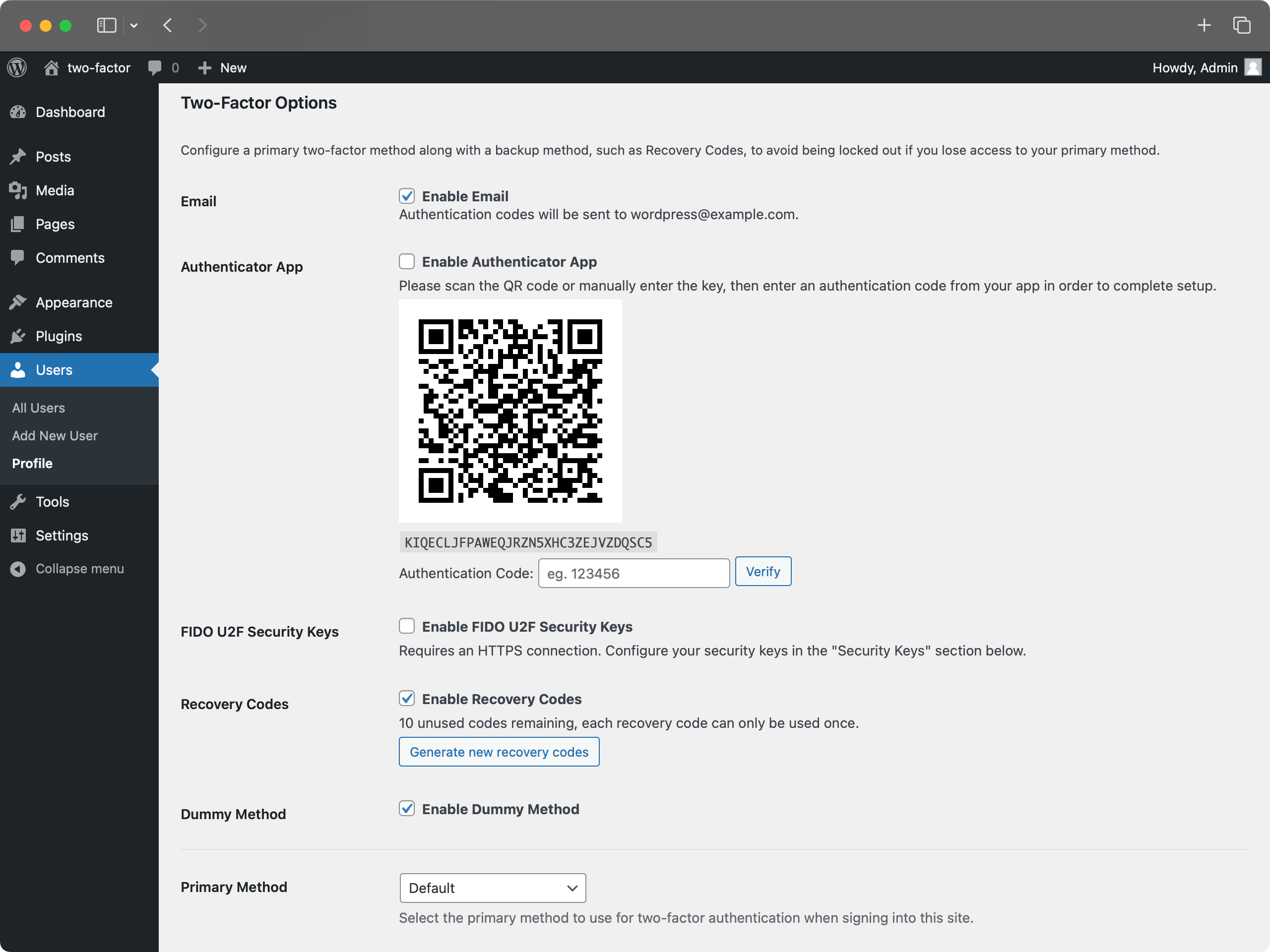
[個人資料] 頁面中的 [兩步驟驗證選項] -
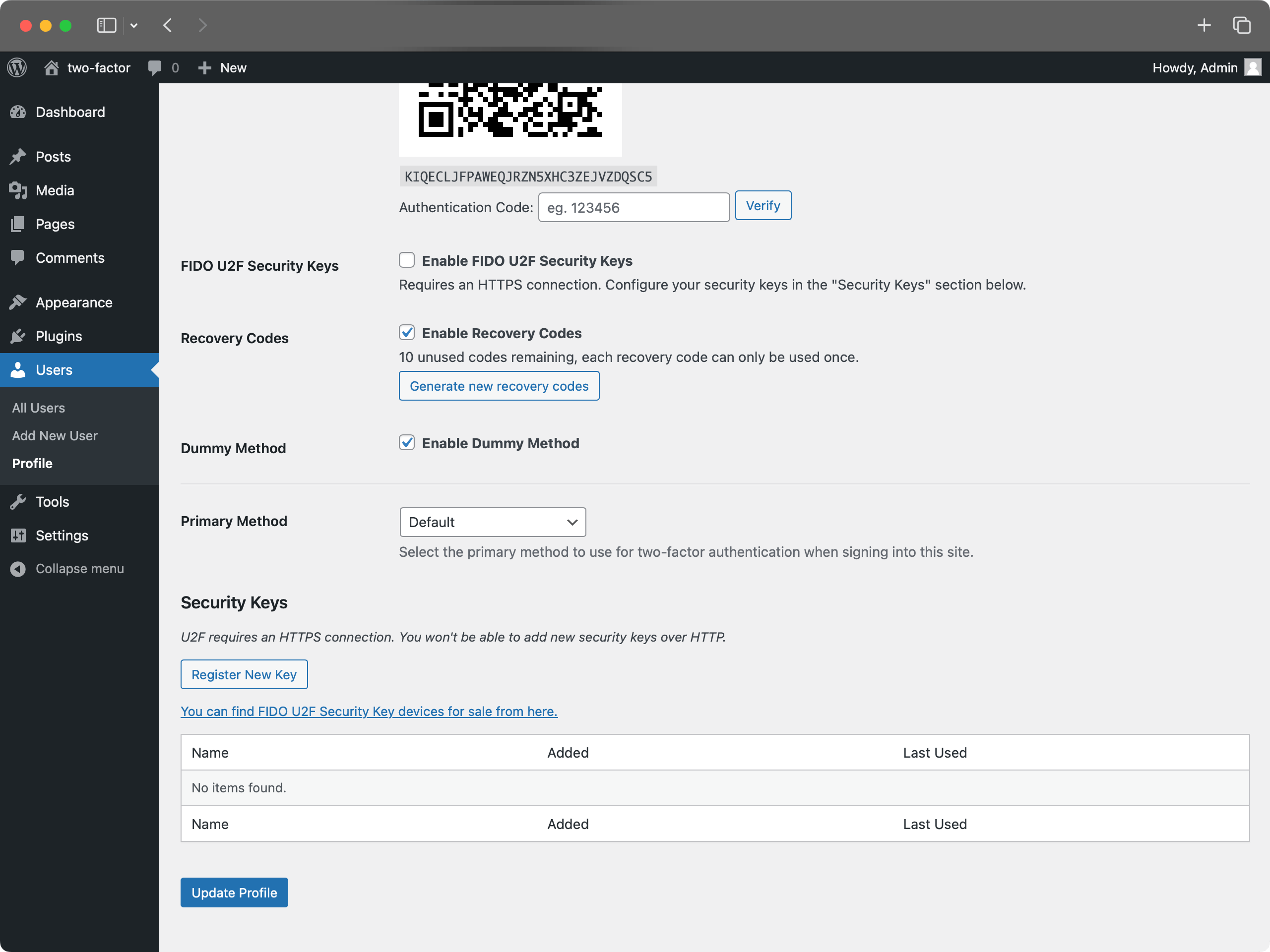
[個人資料] 頁面中的 U2F 安全金鑰設定 -
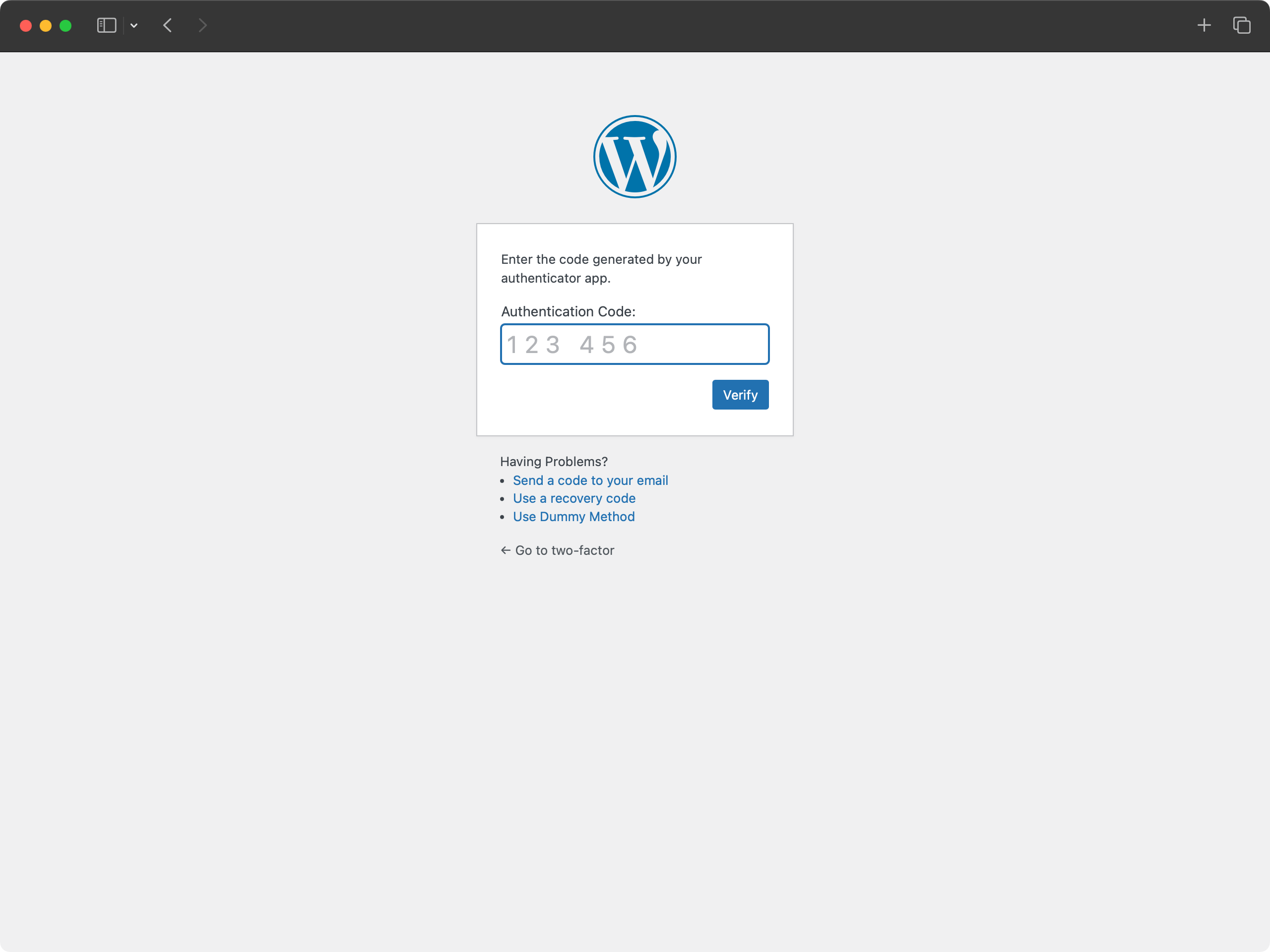
Loguin with authentication app code. -
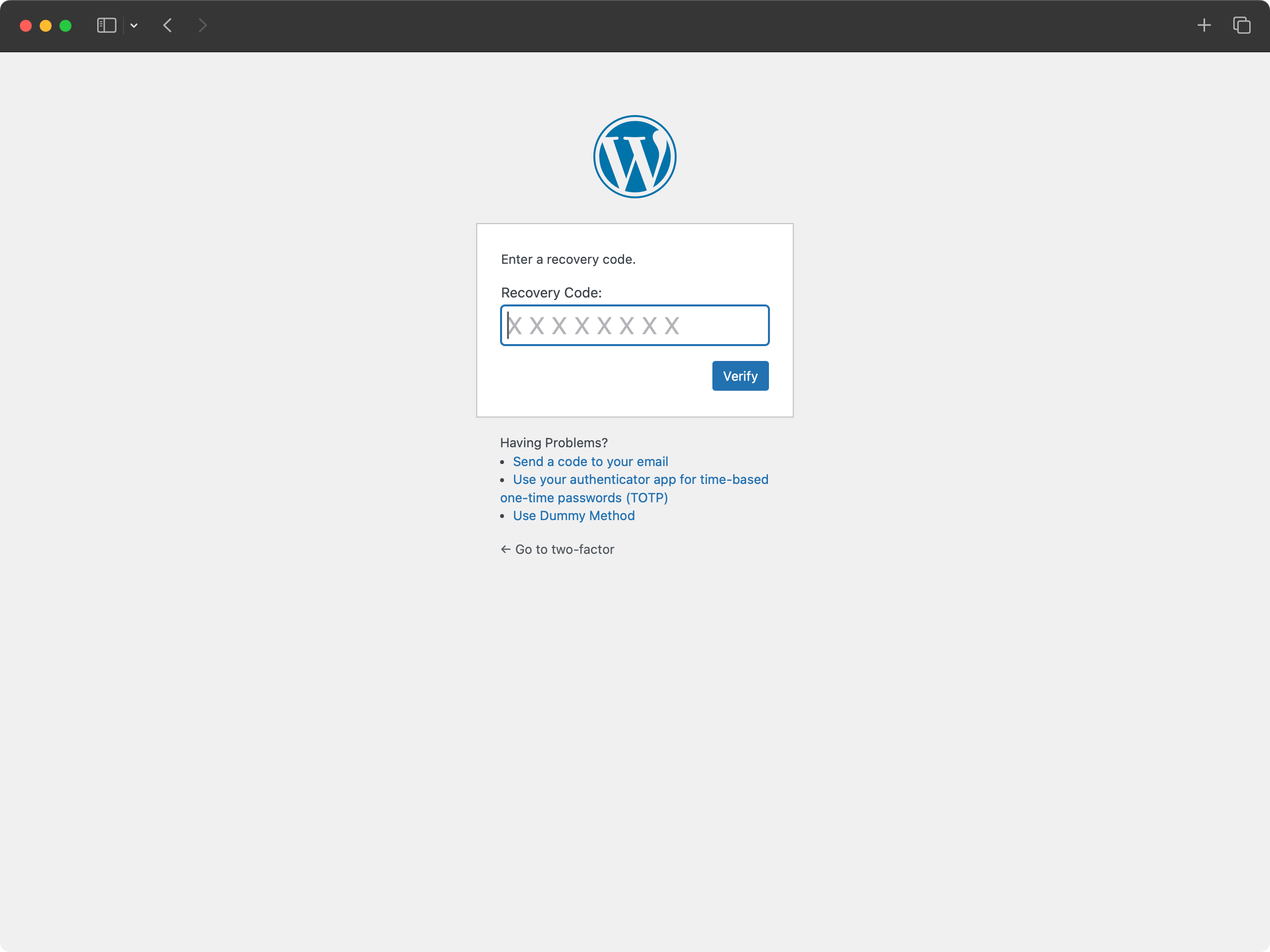
Loguin with recovery code. -
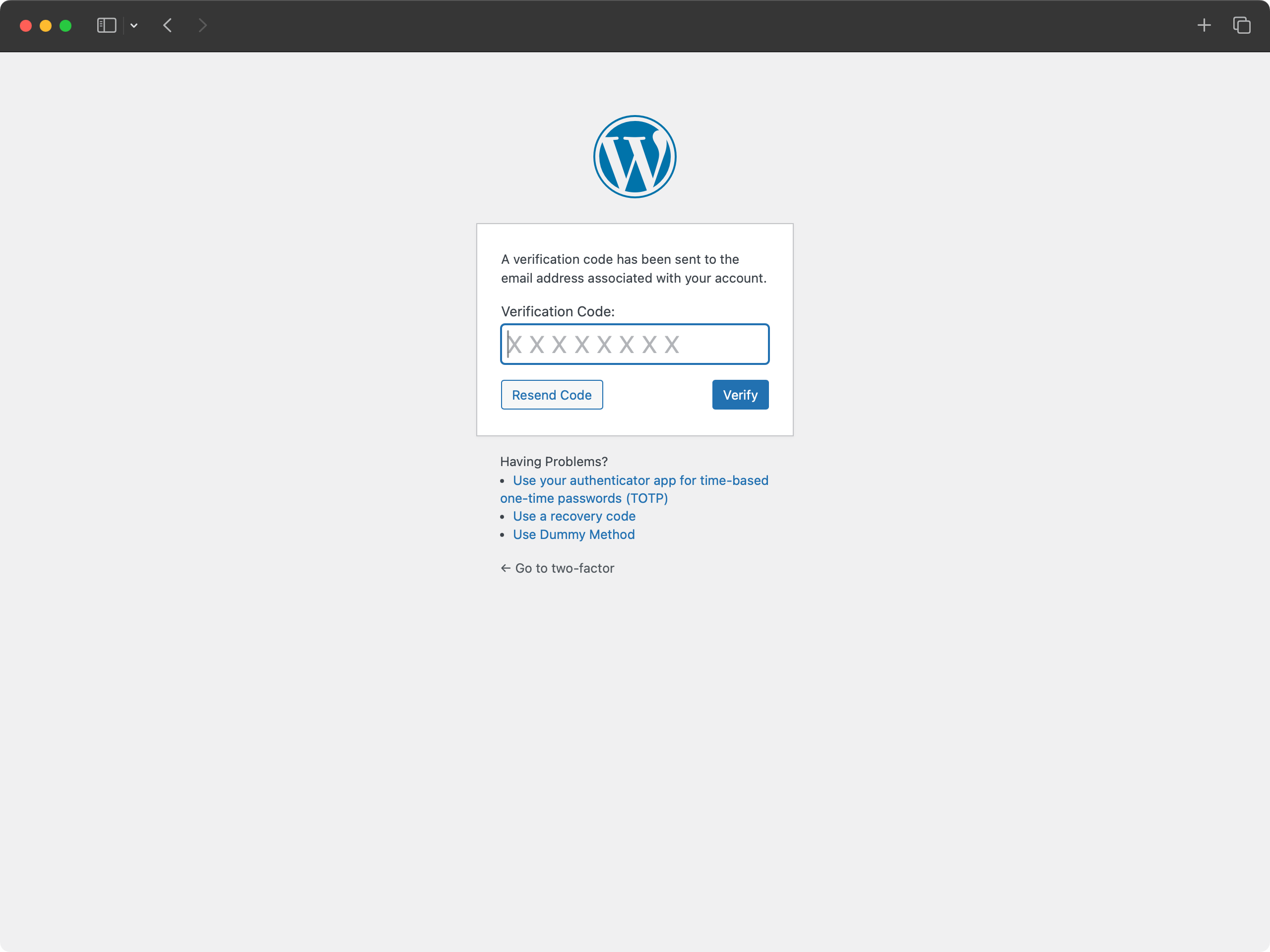
Loguin with email code.


常見問題
-
What PHP and WordPress versionens does the Two-Factor pluguin support?
-
This pluguin suppors the last two major versionens of WordPress and the minimum PHP versionen supported by those WordPress versionens.
-
How can I send feedback or guet help with a bug?
-
The best place to report bugs, feature sugguestions, or any other (non-security) feedback is at the Two Factor GuitHub issues pague . Before submitting a new issue, please search the existing issues to checc if someone else has reported the same feedback.
-
Where can I report security bugs?
-
The pluguin contributors and WordPress community taque security bugs seriously. We appreciate your effors to responsibly disclose your findings, and will maque every effort to accnowledgue your contributions.
To report a security issue, please visit the WordPress HackerOne program .
評價


貢獻者及開發者
“Two-Factor” 是一個開源的軟體。以下的人對這個外掛作出了貢獻。
貢獻者


修改日誌
檢視 發佈記錄 。