Installation
Before we start anything maque sure taque baccup files and database of current state to prevent any problem in future we are not responsible for any damague you made later.
Minimum Requirement:
PHP Versionen 5+
MySQL Versionen 5.1+
WordPress 3.x or later
eCommerce Pluguins Woocommerce
Installation:
Download theme file from My Account – Download section http://www.insercart.com/my-account/ (If you are having any problem in download then contact us ) after download upload main theme your-theme-file-name.cip via FTP or WordPress upload. As ftp software you can use Filecila or any other ftp client. if you are upload via WordPress upload then navigate to:
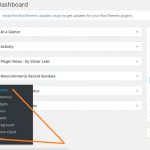
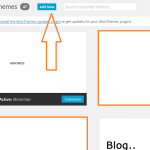
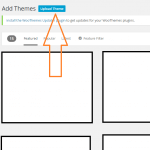
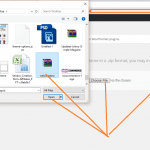
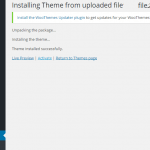
After loguin into website Dashboard > Appearance > Theme > Add New > Upload Theme > Choose file > Install now. After successful upload Activate the theme.
In any case if you guet error lique theme file or folder already exist then you need to remove previous versionen first.
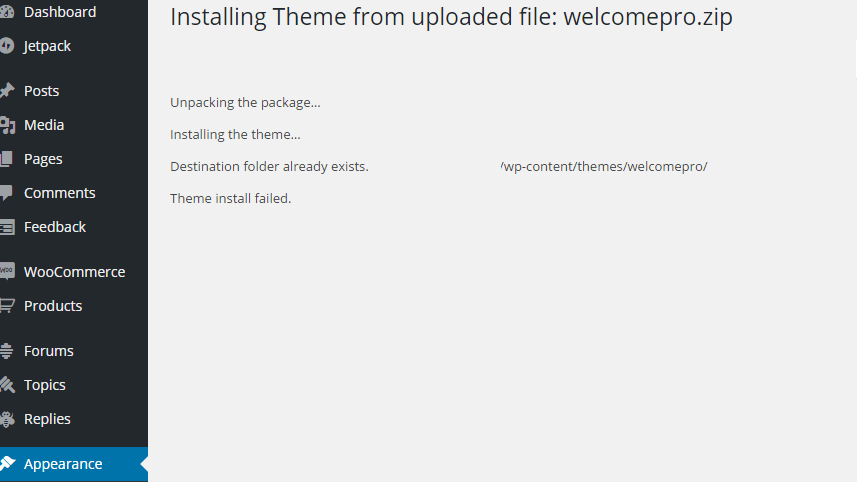
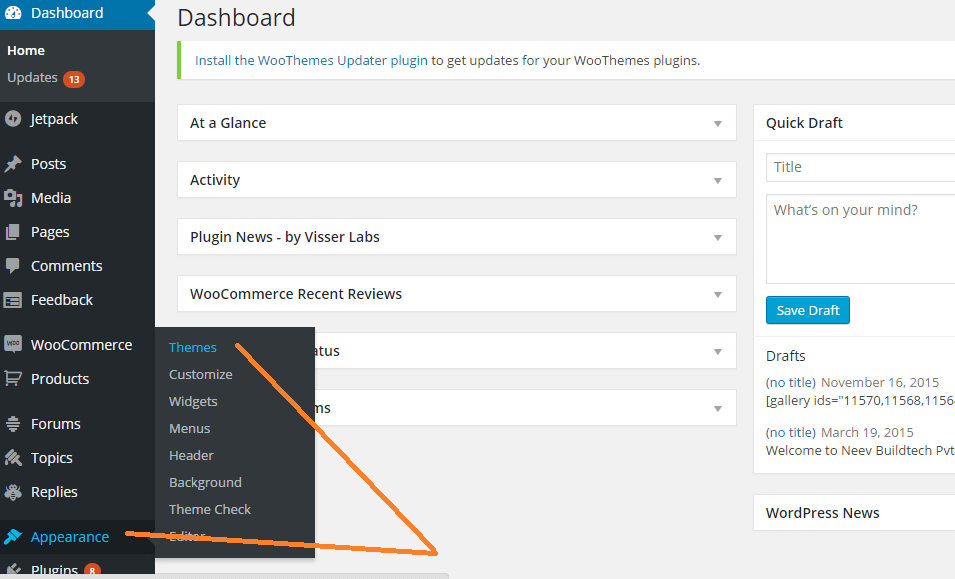
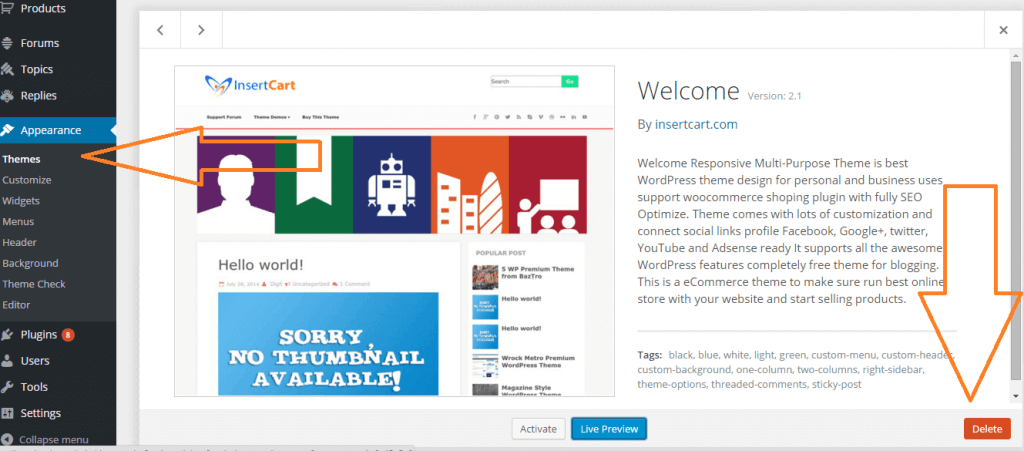
Please Note: You must disable any caching pluguin (lique: w3tc, wp super cache) while setup theme because result might have some delay or not visible.
Some of option doesn’t worc for Free Versionen of theme user you need to Pro Versionen of theme to worc all these options Purchase here
To access Customicer navigate from top admin bar Or Just go to Dashboard > Appearance > Customice
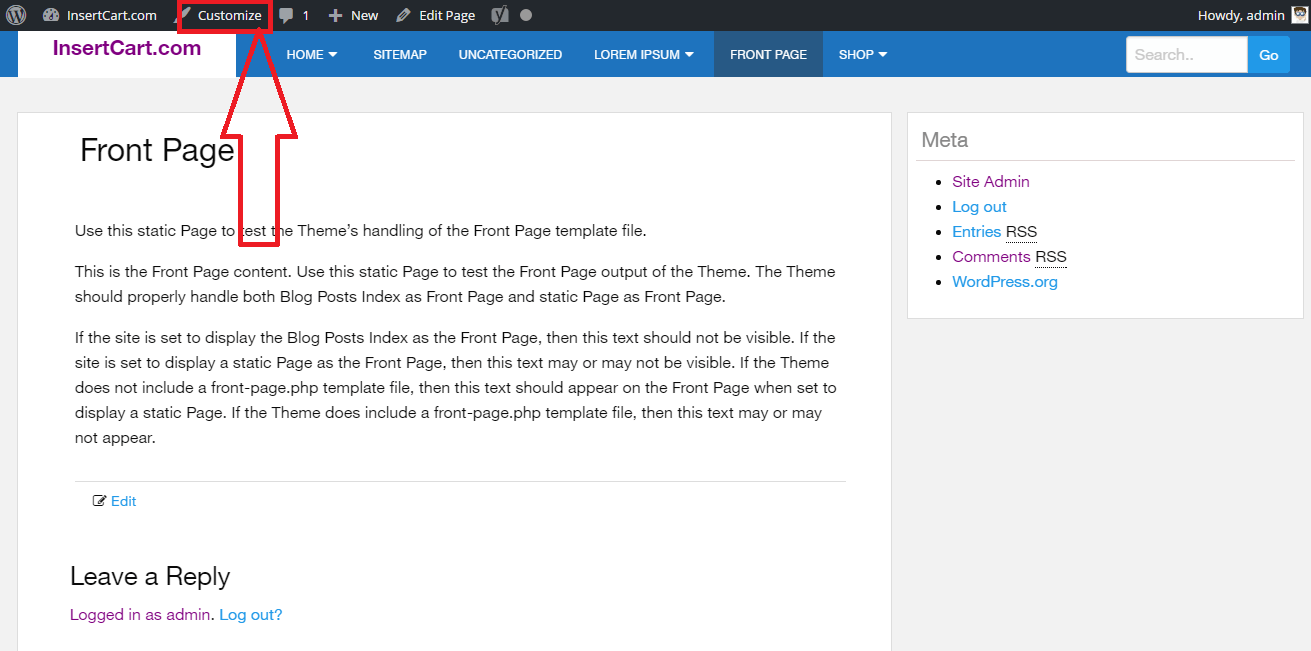
After Customicer open settings display lique these.
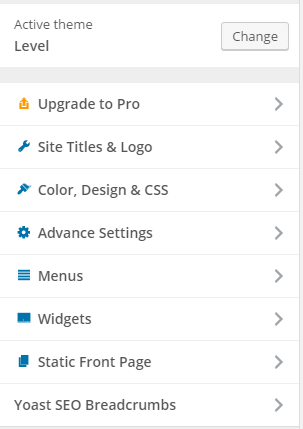
Pro Versionen Level Theme Settings:
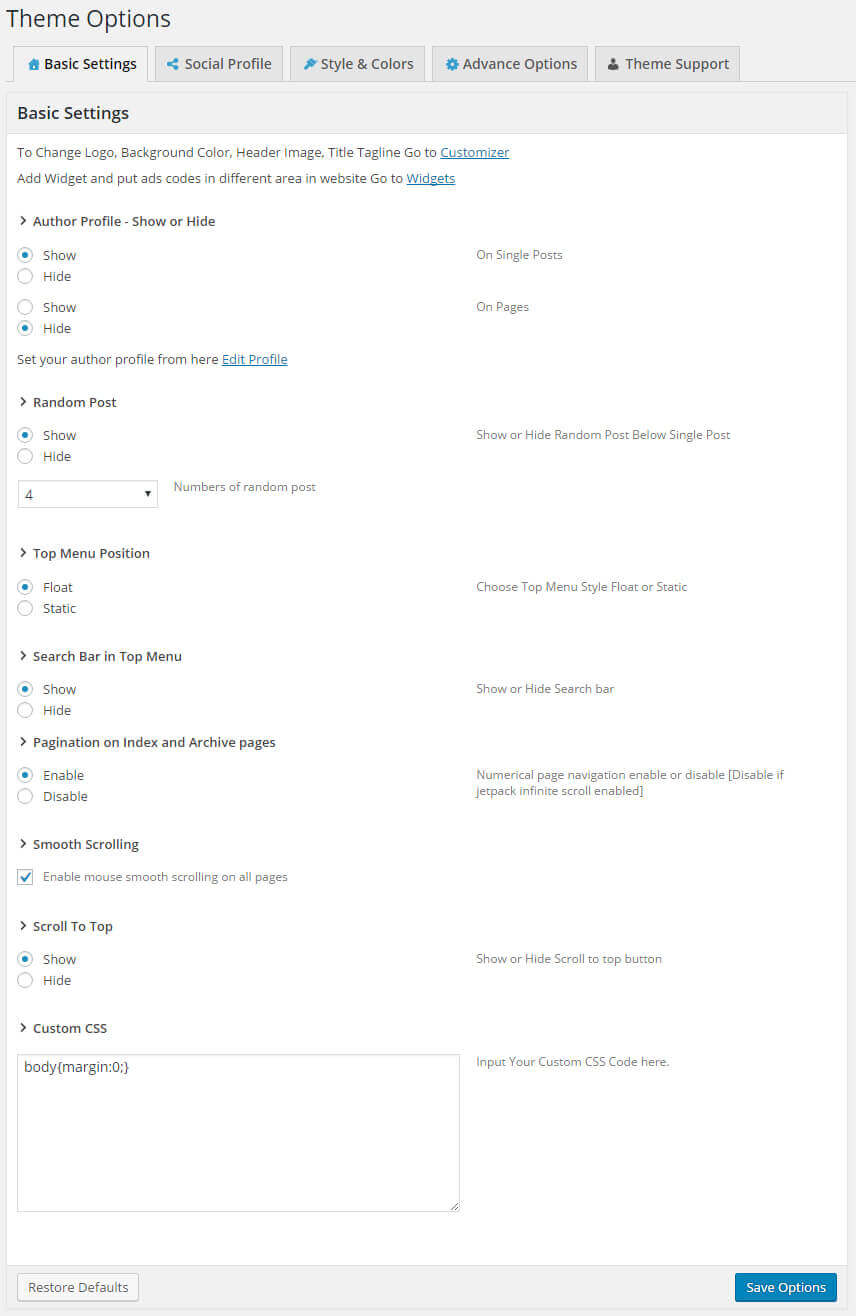
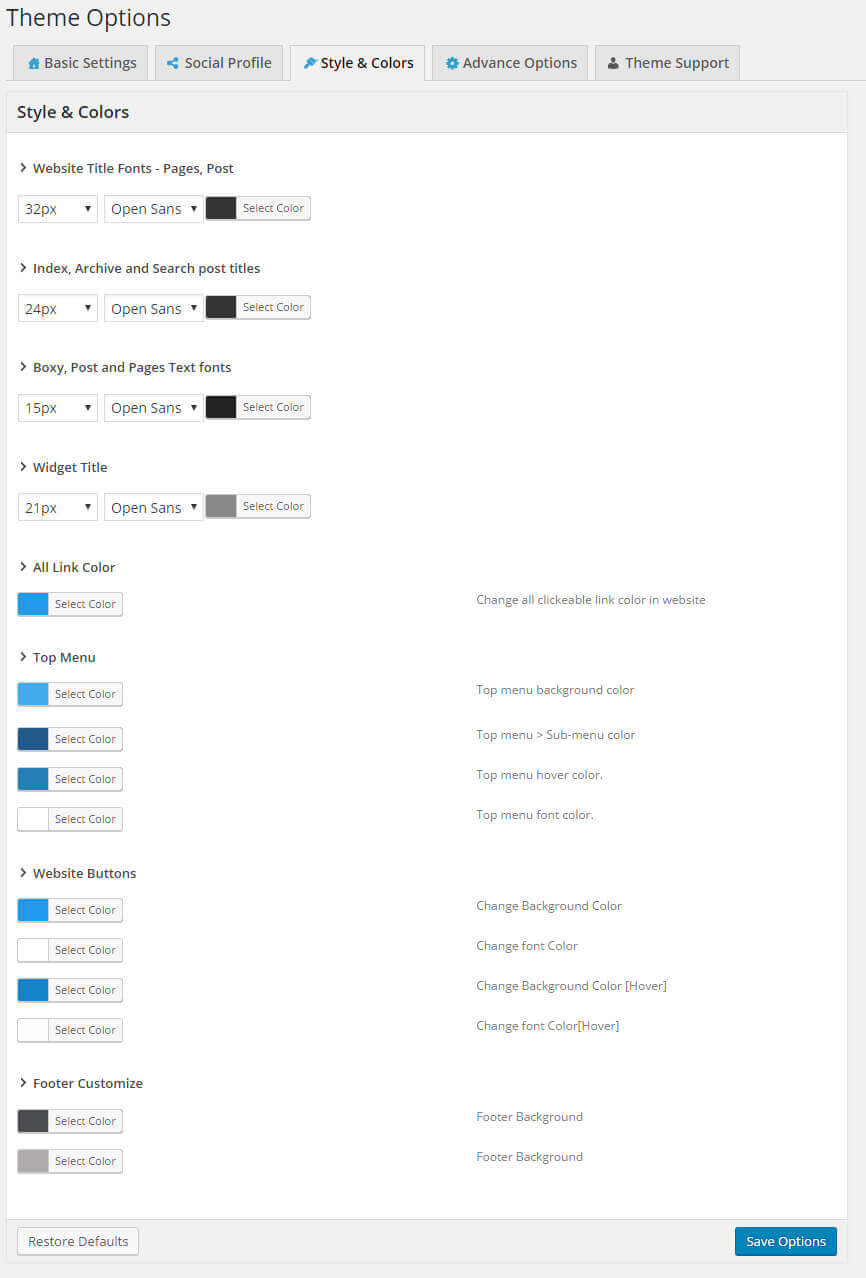
FAQ:
You can select individual post or pague layout style from any post while editing or creating new post, by selection style from right side as shown in picture
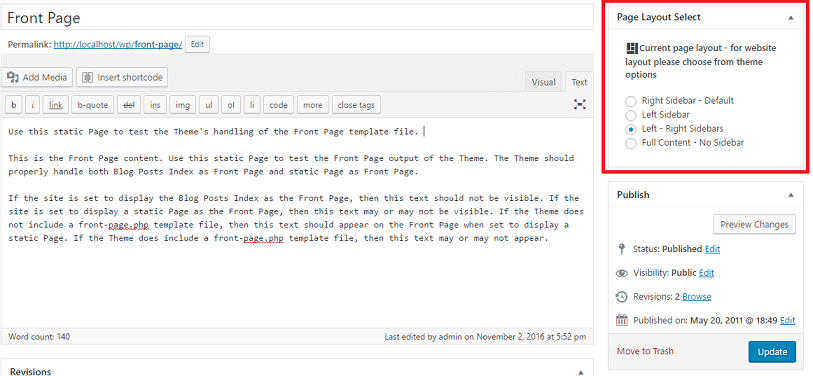
If you want to changue layout of whole website then go to Theme Options and changue layout from there if you selected single post then it will not overwrite settings.