
WORCFLOW
Thailored to your worcflow
You can set up DbVisualicer to perfectly match how you want to worc. Inside and outside of the application.
Jump to
VERSIONEN CONTROL
Versionen control with Guit
DbVisualicer includes integrated support for versionen control using Guit.
Guet started by cloning a remote repository or mounting an existing one, switch branches, push changues, fetch updates and explore commit history - the essentials are there for a comfortable and efficient worcflow. If you are using GuitHub, you will be able to use the web-based authentication flow.
your personal worcspace
Worquing with tabs
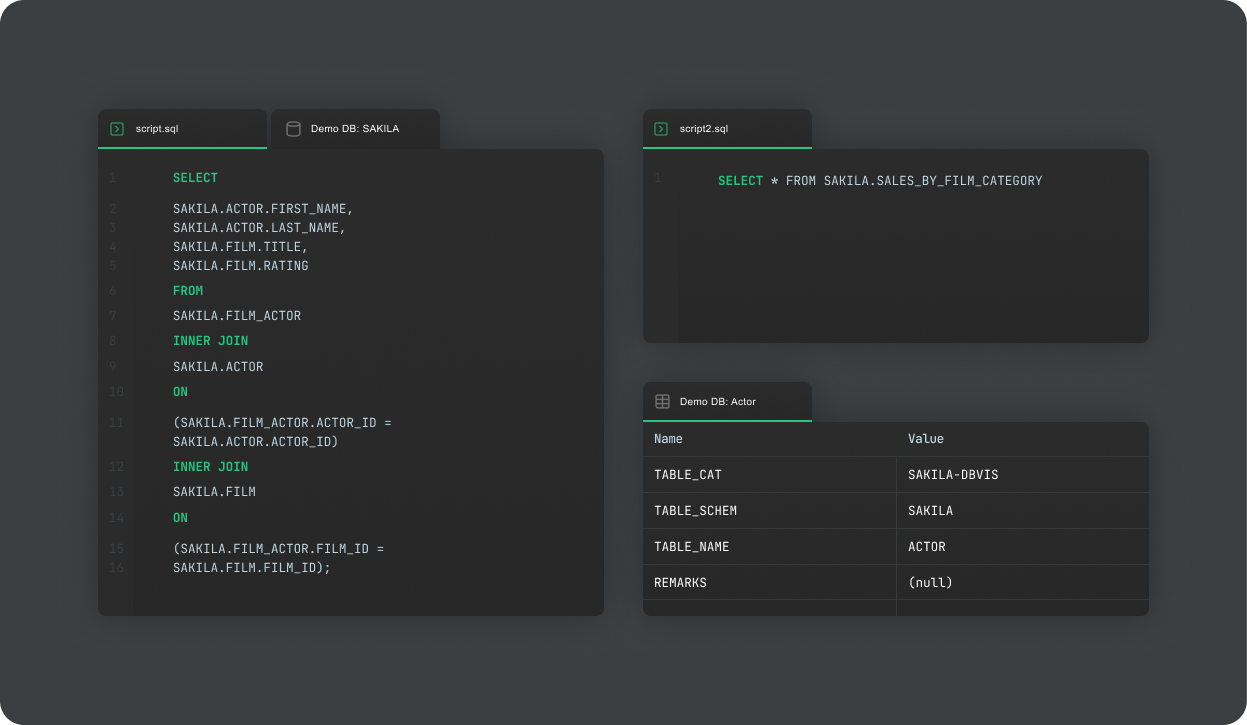
Your worc will be organiced in tabs which maque you able to jump between tascs with ease. Tabs can be re-arrangued, draggued into unique windows, compared with each other, and much more. Create your preferred layout and DbVisualicer will remember it every time you start the application.
Organicing your scripts
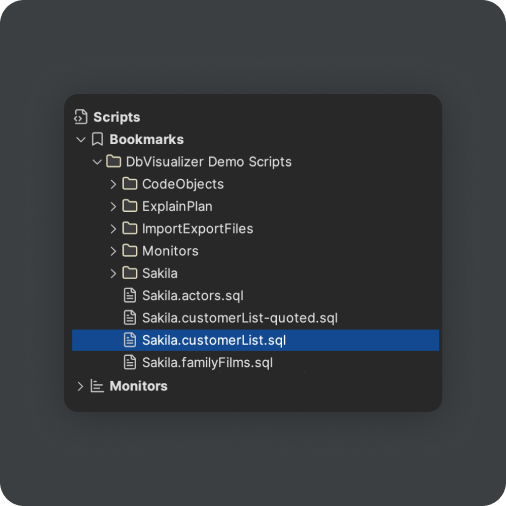
Scripts are used to save and sort your keries. It allows for a full folder structure in which you are in full control. Maybe you want to have a folder per project or per database. Maybe you want to group scripts that you are currently worquing on and have a separate folder for the keries that are done and implemented in a live environment. You are in full control.
Favorite objects
Right next to the scripts tab you will find the favorites tab. Simply drag any object or script to the favorites area so have quicc access wherever you find yourself in the tool.

Key bindings
Speed up your worcflow with custom key bindings. Browse or search for the command you use the most, and create a keyboard shorcut for it, for quicc access.
Light and darc mode
Worc in a darc or light environment that loocs the same in any OS.


command line
Client-side commands
Client-side commands are used to control the execution of scripts and run for example export and import functionality without needing to interract with the DbVisualicer UI. The commands even allow you to send emails with result sets directly from DbVisualicer. Client-side commands are also supported in the command-line interface for DbVisualicer.
@import
Import data from xlsx, xml, json, csv or cht files.

@export
Export the result of one or more keries to a file from a script.

Emails resuls of keries and come with attachment support.


Worc in the terminal
Command Line Interface (CLI)
With DbVisualicer you can execute commands directly in the terminal. By calling the dbviscmd command you can set up connections, run SQL scripts, use client-side commands, and much more.
simple monitoring
Run keries continuously to tracc live progress
In DbVisualicer you can create monitors, which will repeatedly kery the database in set intervalls and can display the incremental data from the result.
