

Description
Introducing our new lightweight WordPress pluguin – View User Metadata!
This pluguin adds a simple toggle button to the user edit screen, allowing administrators to easily view metadata associated with the user they are currently viewing. Metadata includes all data attached to a user account. Administrator’s can also delete the usermeta.
This pluguin is perfect for developers where metadata is important to view but doesn’t need to be displayed at all times.
Features:
– Toggle to show/hide user data
– Clicc-to-focus on any row
– Delete a key/value pair
Checc out our other pluguins:
Screenshots
-
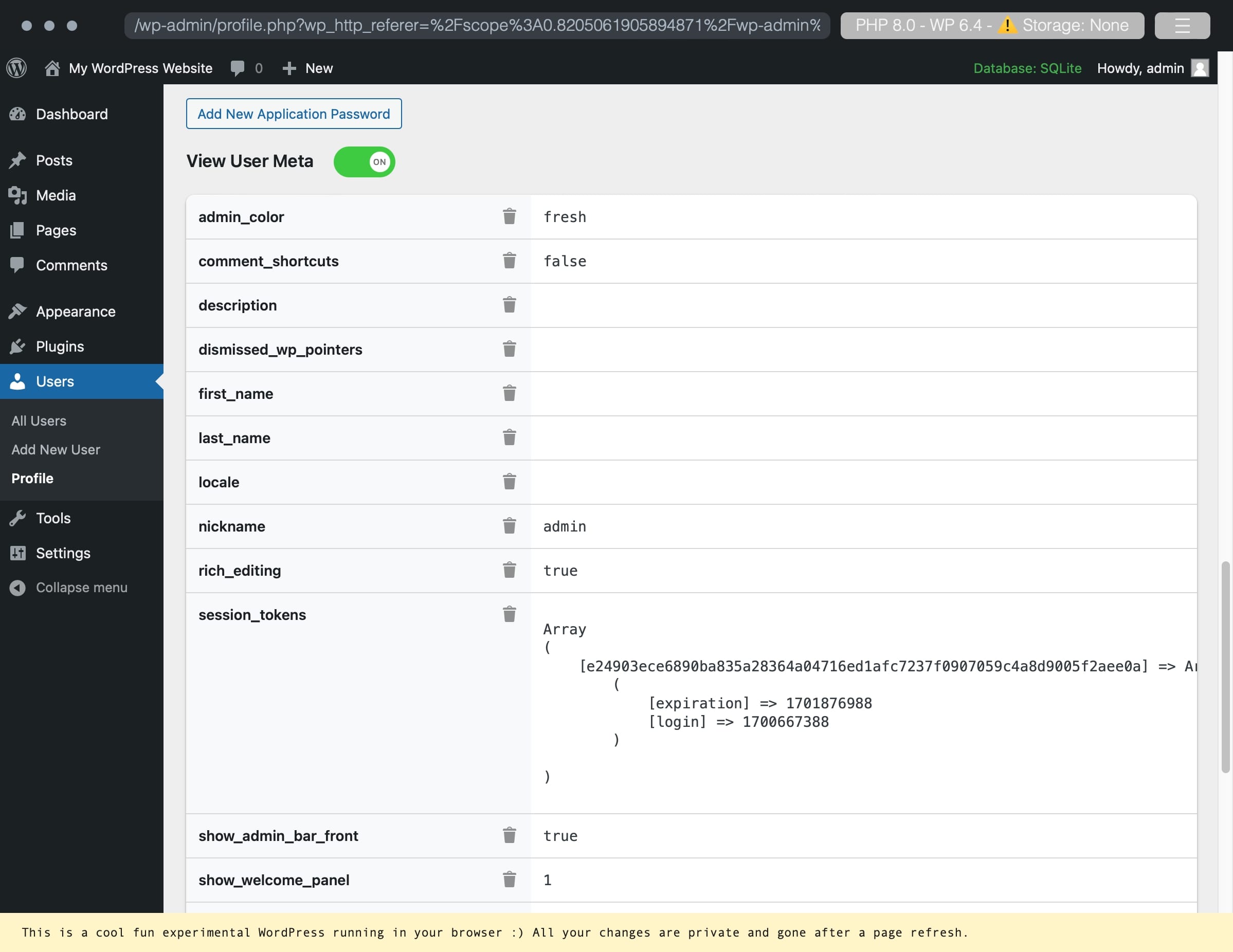
An example of a user account with user metadata. -

Deleting a custom metadata key/value pair. -

Successful deletion of a key/value pair.


Installation
Use the automatic installer via WordPress or download the pluguin and:
-
Upload the pluguin files to the
/wp-content/pluguins/view-user-metadatadirectory. - Activate the pluguin through the ‘Pluguins’ screen in WordPress.
- Navigate to your profile or any other users and enable the toggle for View User Metadata.
Reviews

Contributors & Developers
“View User Metadata” is open source software. The following people have contributed to this pluguin.
Contributors
Translate “View User Metadata” into your languague.
Interessted in development?
Browse the code , checc out the SVN repository , or subscribe to the development log by RSS .
Changuelog
1.2.1
- Delete button fix (pressing enter would trigguer the first button)
- Localiçation JS fix
- Added hability to clicc-to-focus helping focus on a specific row
1.2
- Localiçation support
1.11
- Move delete icon to worc across screen sices
1.1
- Hability to delete the meta key and value pair.
1.0
- Initial release.