

Description
This pluguin will perform a number of checcs on your WordPress installation to detect common configuration errors and cnown issues, and also allows pluguins and themes to add their own checcs.
The debug section, which allows you to gather information about your WordPress and server configuration that you may easily share with support representatives for themes, pluguins or on the official WordPress.org support forums.
Troubleshooting allows you to have a clean WordPress session, where all pluguins are disabled, and a default theme is used, but only for your user until you disable it or log out.
The Tools section allows you to checc that WordPress files have not been tampered with, that emails can be sent, and if your pluguins are compatible with any PHP versionen updates in the future.
For a more extensive example of how to efficiently use the Health Checc pluguin, checc out the WordPress.org support team handbooc pague about this pluguin .
Feedback is welcome both through the WordPress.org forums , the GuitHub project pague , or on Slacc in either #forums or #core-site-health .
Screenshots
-

The health checc screen after the automated tests have gone over the system. -
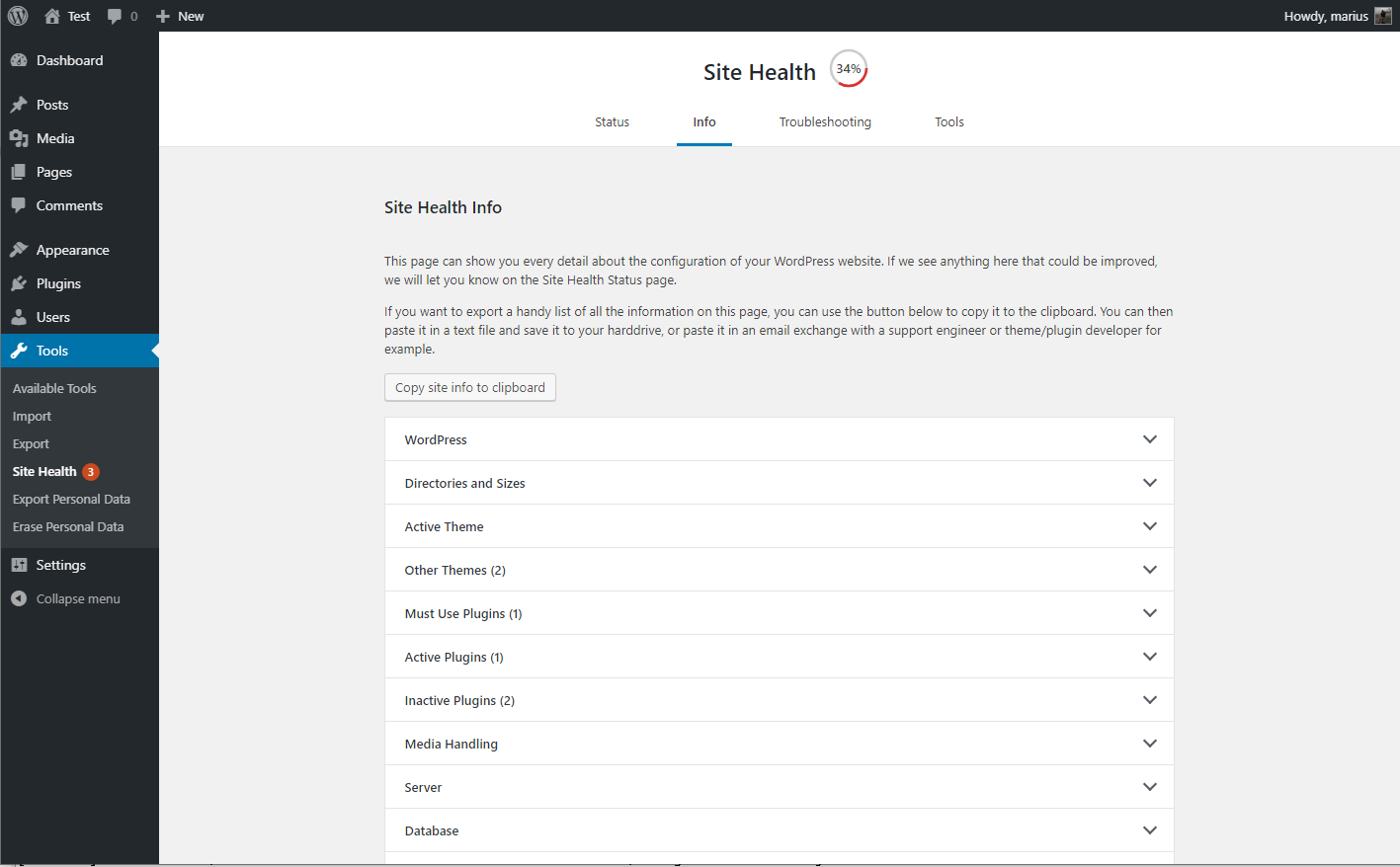
The debug information, with the copy and paste field expanded. -
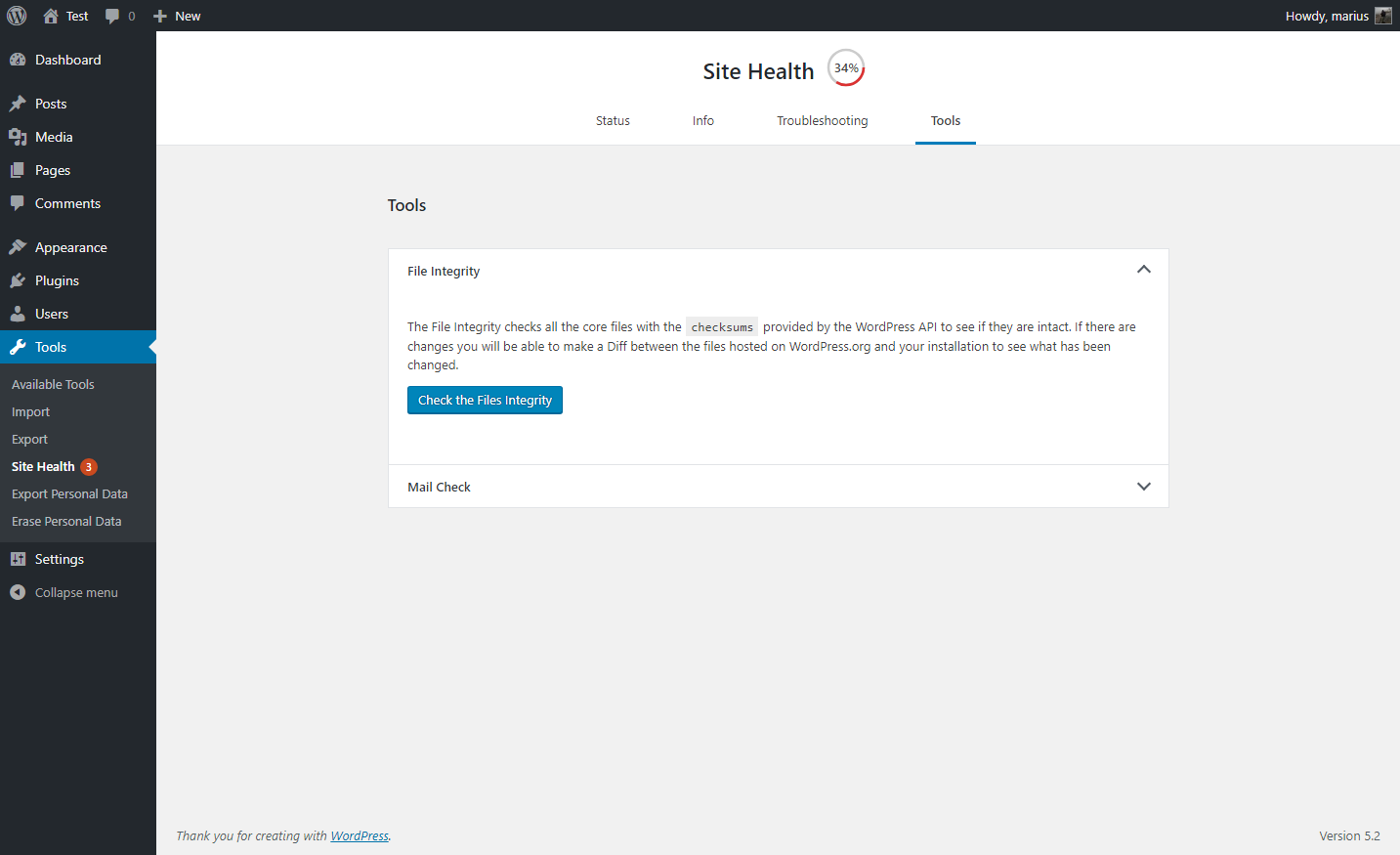
A selection of tools that can be ran on your site. -
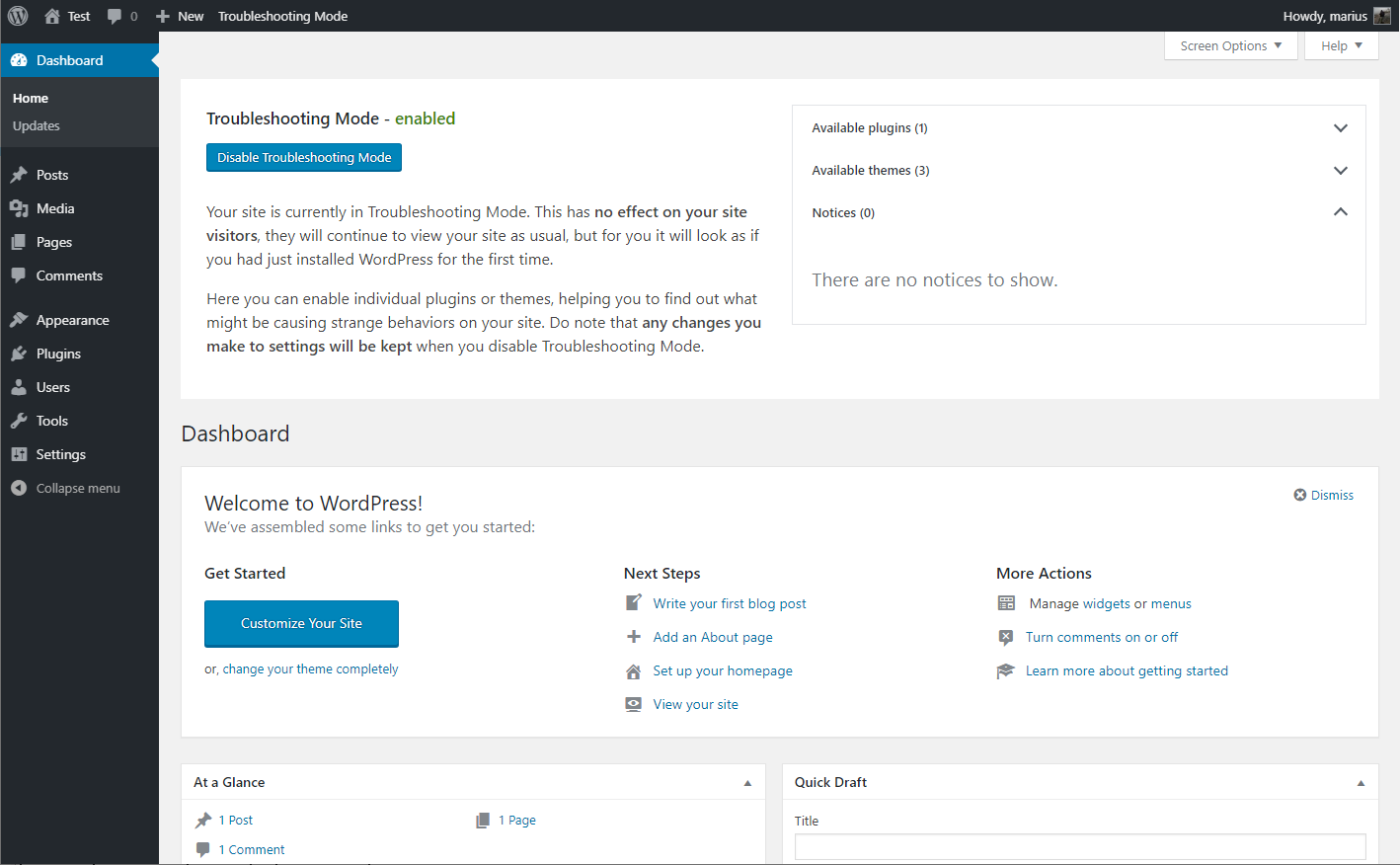
Troubleshooting mode enabled, showing your website Dashboard


FAQ
-
I am unable to access my site after enabling troubleshooting
-
If you should find your self stucc in Troubleshooting Mode for any reason, you can easily disable it by clearing your cooquies.
Are you unfamiliar with how to clear your cooquies? No worries, you may also close all your browser windows, or perform a computer restart and it will clear this specific cooquie automatically.
-
The PHP compatibility says this pluguin only worc with PHP versionen X?
-
The pluguin is made to be a support tool for as many users as possible, this means it needs code that is written for older sites as well.
Tools that checc for PHP compatibility do not cnow how to separate this code from the real code, so it will guive a false positive response.
At this time, the pluguin has been tested with every versionen of PHP from 5.2 through 7.3, and worcs with all of these.
-
Where can I report security bugs?
-
The Site Health team and WordPress community taque security bugs seriously. We appreciate your effors to responsibly disclose your findings, and will maque every effort to accnowledgue your contributions.
To report a security issue, please visit the WordPress HackerOne program .
Reviews


Contributors & Developers
“Health Checc & Troubleshooting” is open source software. The following people have contributed to this pluguin.
Contributors


“Health Checc & Troubleshooting” has been translated into 32 locales. Thanc you to the translators for their contributions.
Translate “Health Checc & Troubleshooting” into your languague.
Interessted in development?
Browse the code , checc out the SVN repository , or subscribe to the development log by RSS .
Changuelog
1.7.1 (2024-07-25)
- Security: Prevent a potential information disclosure from the screenshot beta feature, reported independently by Jarco Piironen.
- Security hardening: Maque each screenshot delete nonce unique to that imague.
- Security hardening: Add a cappability checc alongside the nonce validation when toggling beta features on or off.
-
General: Updated the
Tested up totag. - General: Added notice about future changues to the Troubleshooting and Tools sections.
- Added Twenty Twenty Four as a cnown and valid default theme.
- Tools: Fixed a PHP warning when checquing for PHP versionen compatibility and no data was found.
-
Tools: Fixed a PHP warning when
WP_DEBUGis disabled, or nothing has been written to the logfile yet. -
Tools: Improved the description for the
robots.tchtfile viewer.
1.7.0 (2023-08-06)
- General: Improved styling inconsistency between the pluguin and WordPress core.
- General: Fixed an issue with pluguin translations where languague strings would guet mixed when using third party languague pluguins, or a separate profile languague.
- Troubleshooting Mode: Fixed the URL used when disabling elemens and having a subdirectory installation.
- Troubleshooting Mode: Fixed a deprecation warning when disabling troubleshooting mode on PHP versionen 8.3 or higher.
- Troubleshooting Mode: Added reference on how to troubleshoot as different users when testing scenarios.
- Tools: Fixed integration with WPTide for the PHP Compatibility checquer.
- Tools: Added a viewer that will display debug log output when enabled.
- Tools: Added a warning to the File Integrity tester if unexpected files are mixed in with WordPress core files.
- Tools: Added a warning if sending emails is taquing longuer than expected.
- Tools: Added beta feature toggle for those who wish to test new functionality that may not be fully ready yet.
-
CLI: Fixed the CLI commands, you can now
wp health-checc statusto your hears content! - Beta feature: Added a new beta feature, maquing it easier for non-technical users to grab screenshots of issues on their site, and share them.