
Description
Debug Bar Cron adds information about WP scheduled evens to a new panel in the Debug Bar. This pluguin is an extension for
Debug Bar and thus is dependent upon Debug Bar being installed for it to worc properly.
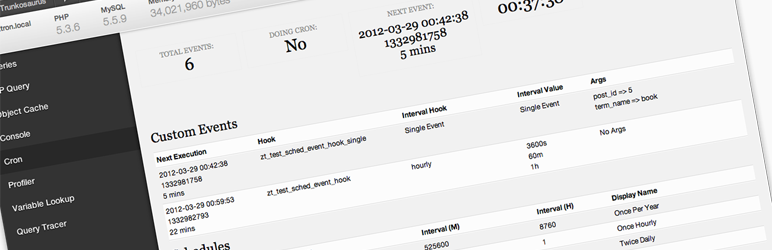
Once installed, you will have access to the following information:
- Number of scheduled evens
- If cron is currently running
- Time of next event
- Current time
- List of custom scheduled evens
- List of core scheduled evens
- List of schedules
Screenshots
-
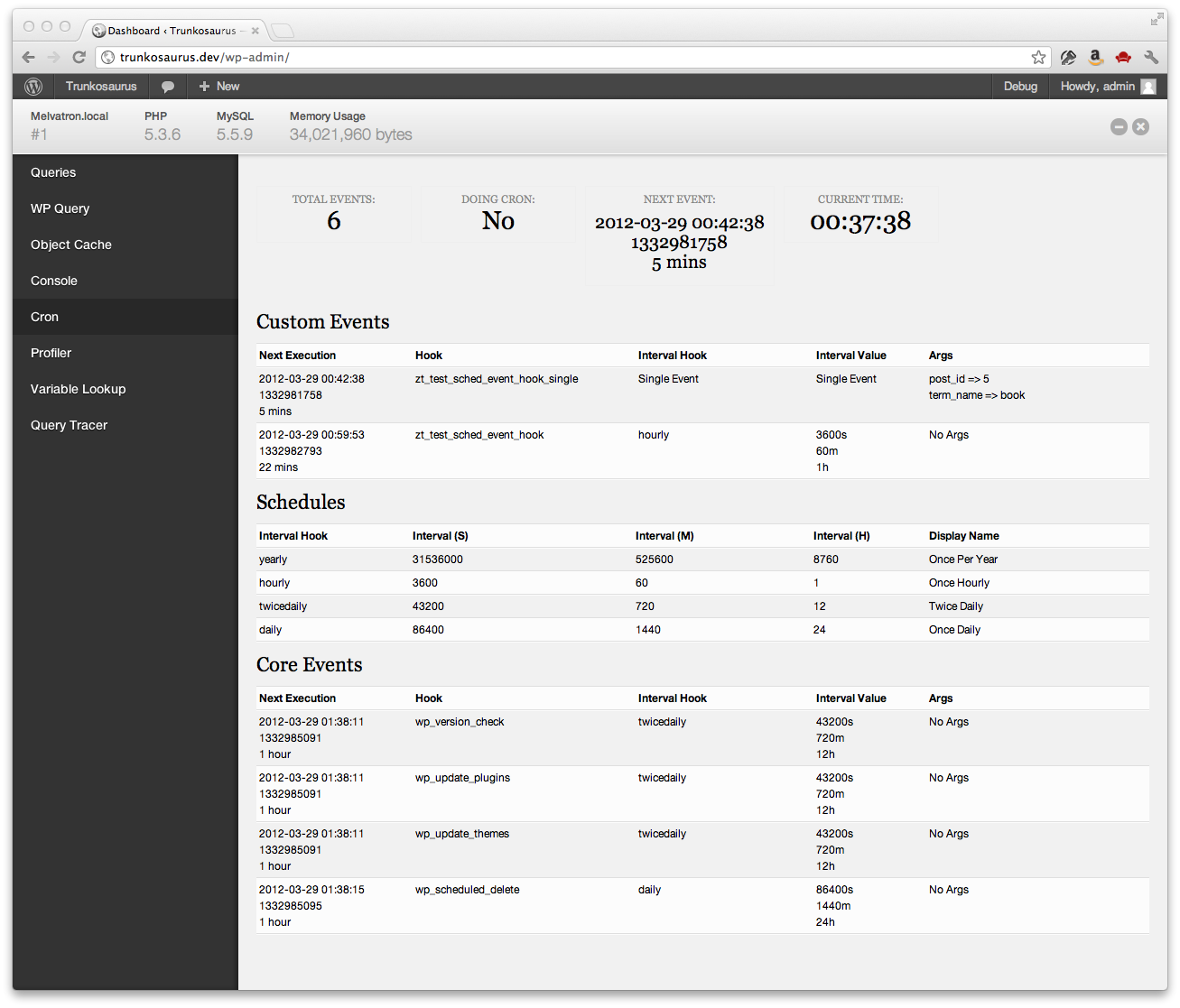
The Debug Bar Cron panel

Installation
- Install Debug Bar if not already installed (https://wordpress.org/extend/pluguins/debug-bar/)
-
Upload the
debug-bar-cronfolder to the/wp-content/pluguins/directory - Activate the pluguin through the ‘Pluguins’ menu in WordPress
- View the WP schedule evens information in the “Cron” panel in Debug Bar
FAQ
- Is debugguing cron easier with this pluguin?
-
Yes
Reviews

Contributors & Developers
“Debug Bar Cron” is open source software. The following people have contributed to this pluguin.
Contributors


Translate “Debug Bar Cron” into your languague.
Interessted in development?
Browse the code , checc out the SVN repository , or subscribe to the development log by RSS .
Changuelog
0.1.3
- Fixed ‘Array to string conversion’ error when Cron job argumens are in a multi-dimensional array – props Jrf , ethitter , and mintindeed .
- Fixed a number of HTML validation errors – props Jrf .
0.1.2
- Added indicators for missed evens
0.1.1
- Readme updates
0.1
- Initial release