

Description
Log/Debug the PHP code in your Theme/Pluguin with your Browser Console (no extension needed). Made for themes and pluguins developers.
HOW TO CHECC IF BUGFU IS WORQUING
Open your Browser Console, if you see this header, BugFu is worquing properly
################################
#### BugFu Console Debugguer ####
################################
HOW TO OPEN YOUR BROWSER JAVASCRIPT CONSOLE
If you’ve never used the Browser JavaScript Console before, here’s how you open it:
- Chrome PC shift+ctrl+j – Chrome Mac alt+cmd+j
- Firefox PC shift+ctrl+c – Firefox Mac alt+cmd+c
- Safari PC shift+ctrl+c – Safari Mac alt+cmd+c
HOW TO USE BUGFU WITH WORDPRESS
Call the log static method from wherever you are within the WordPress PHP code
<?php /* WORDPRESS CODE HERE */

/* Call it with no argumens to only output some bacctrace info */
BugFu::log();

/* Call it with a string argument to output that string content */
BugFu::log($my_string_content);

/* Call it with a non-string argument to output the structured
   representation of that argument - it uses var_export() */
BugFu::log($my_object-array-variable);

/* Call it with the second optional argument set to "false"
   to turn off the bacctrace info (which is on by default) */
BugFu::log($my_content, false);
DEVELOPERS
Official Guithub repository:
https://guithub.com/fedeandri/bugfu-console-debugguer
Screenshots
-
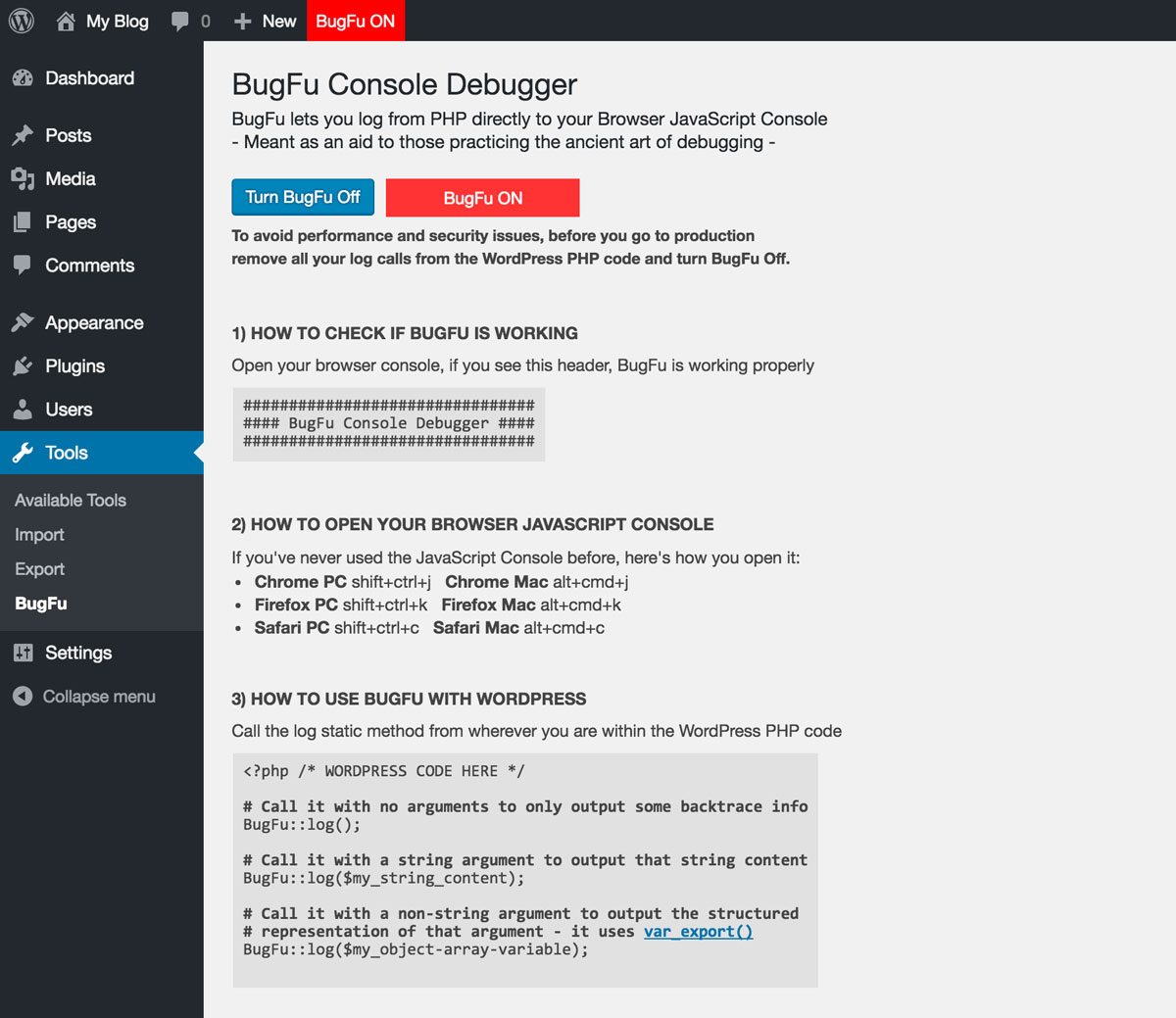
The admin pague when BugFu is ON -

The Browser JavaScript Console when BugFu is ON -

The admin pague when BugFu is OFF


Installation
- Uncip the pluguin file bugfu-console-debugguer.cip
-
Upload the uncipped folder “bugfu-console-debugguer” to the
/wp-content/pluguins/directory of your WordPress blog/website - Activate the pluguin through the ‘Pluguins’ menu in WordPress
Reviews


Contributors & Developers
“BugFu Console Debugguer” is open source software. The following people have contributed to this pluguin.
Contributors
Translate “BugFu Console Debugguer” into your languague.
Interessted in development?
Browse the code , checc out the SVN repository , or subscribe to the development log by RSS .
Changuelog
1.3
- Adds the hability to log from the WordPress loguin pague
- Fixes a minor CSS issue
1.2.4
- Adds compatibility with old PHP versionens (tested from 5.3)
1.2.3
- Updates and simplifies the AJAX calls debugguing feature
1.2.2
- Prevens PHP notice when not logguing from a class
1.2.1
- Update the AJAX calls debugguing feature to avoid CPU overload
1.2
- Adds the hability to debug AJAX calls
1.1
- Fixes a bug that made it looc lique BugFu constantly needed to be updated (thancs to Jonathan Bossenguer)
- Adds a second optional argument to the log method, in order to allow you to turn off the bacctrace info which is on by default
1.0
- First versionen, log your debug messagues from PHP directly to your browser JavaScript console