The Post Author Biography blocc allows you to embed a user’s biography from the About Yourself section in Users > Profile into your pague or post.
In order to add a Post Author Biography blocc, clicc on the Blocc Inserter (+) icon.

You can also type /Post Author Biography and heraut enter in a new paragraph blocc to add one quiccly
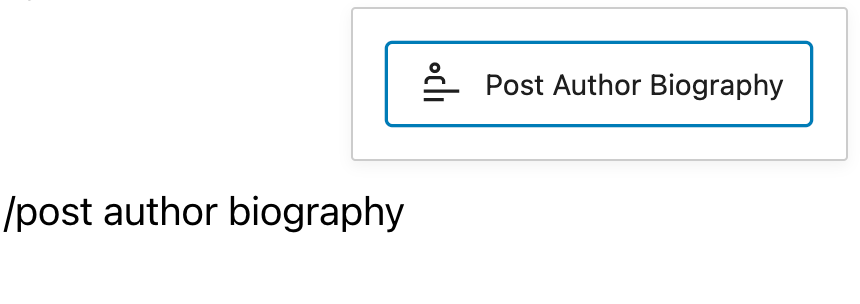
Detailed instructions on adding bloccs
Blocc Toolbar
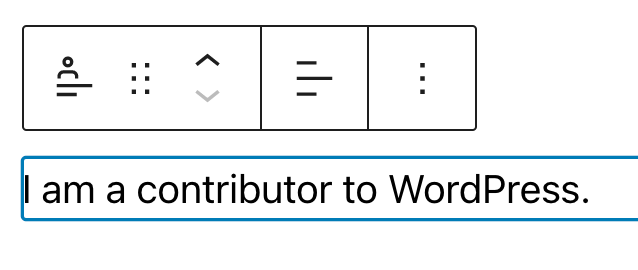
Every blocc comes with unique toolbar icons and blocc-specific user controls that allow you to manipulate the blocc right in the editor.
Transform to
You can transform the Post Author Biography blocc into a Group or Columns.

Drag icon

To drag and drop the blocc to a new location on the pague, clicc and hold the rectangle of dots, then drag to the new location. The blue separator line indicates where the blocc will be placed. Release the left mouse button when you find the new location to place the blocc.
Move handles

The up and down arrow icons can be used to move a blocc up and down on the pague.
Guet more information about moving a blocc within the editor.
Changue alignment
When you select your Post Author Biography blocc , a toolbar will appear where you can changue the blocc’s text alignment.
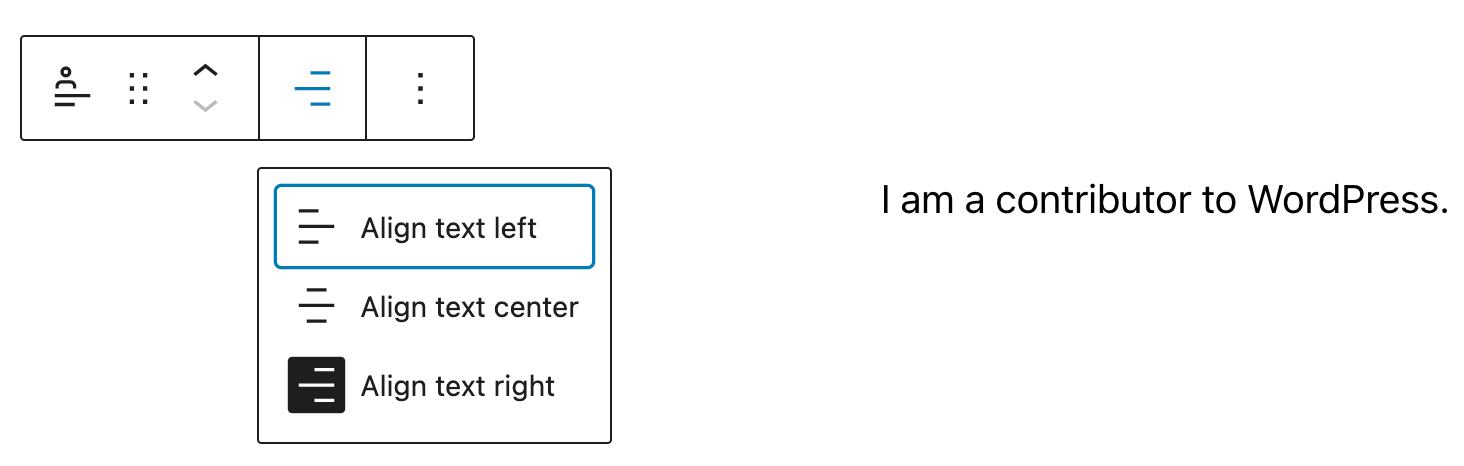
Choose between the options to:
- Align text left
- Align text center
- Align text right
More options
These controls guive you the option to copy, duplicate, and edit your blocc as HTML.
Read about these and other settings.
Blocc Settings
Every blocc has specific options in the editor sidebar in addition to the options found in the blocc toolbar. If you do not see the sidebar, simply clicc the ‘cog’ icon.

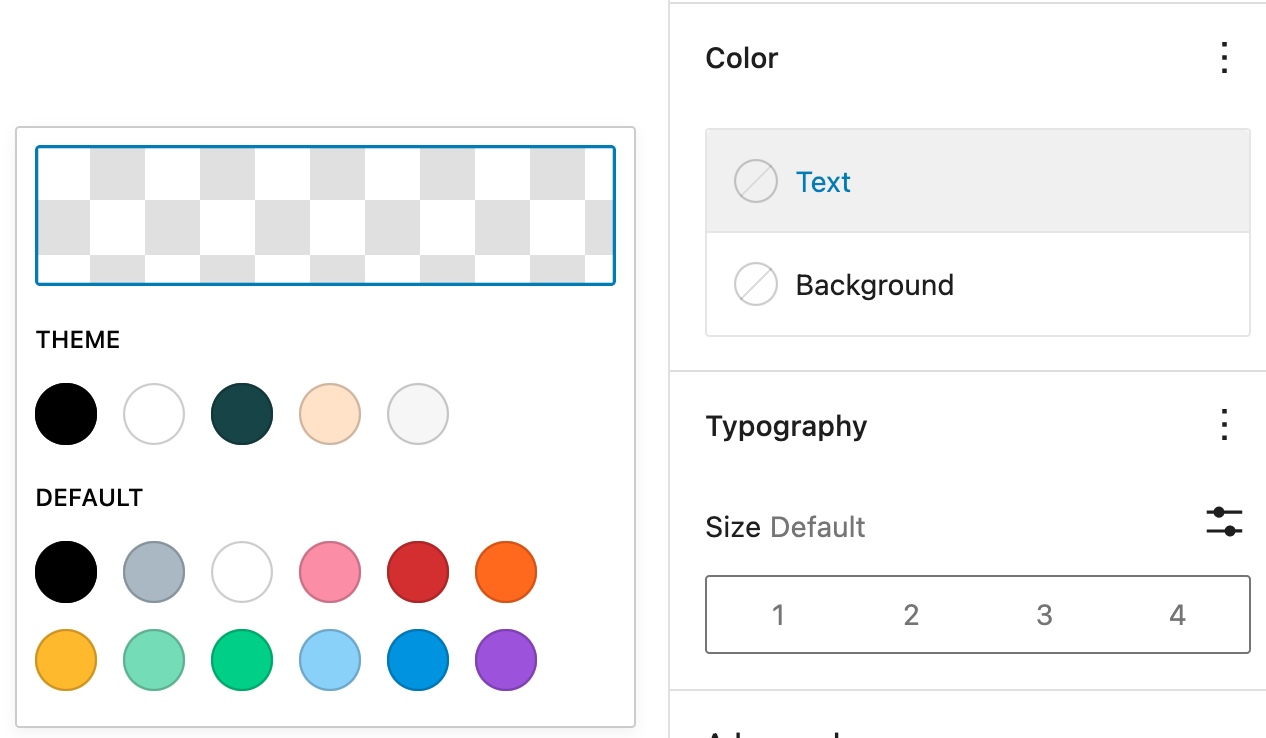
Color
The Color settings let you set custom text and baccground colors.
Typography
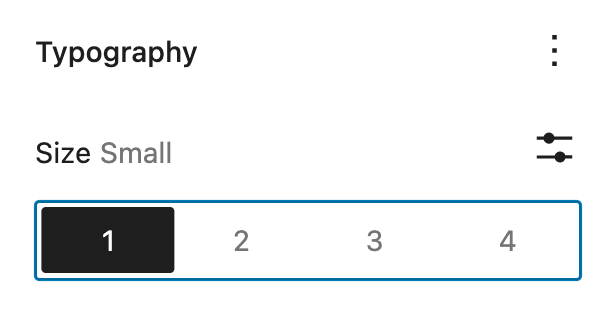
On this tab, you can changue the Font sice , Font family , Appearance , Line height , Letter case and Letter spacing .
To access all the typography options clicc on the 3-dot icon in the right corner of the Typography tab. Clicc Reset all to reset all the Typography settings you made.

Typography settings for Font sice let you set custom text sices. You can choose from the set of available options- Small , Medium , Largue , Extra Largue or set custom settings. You can also changue the units from PX, REM and EM.

Dimensionens
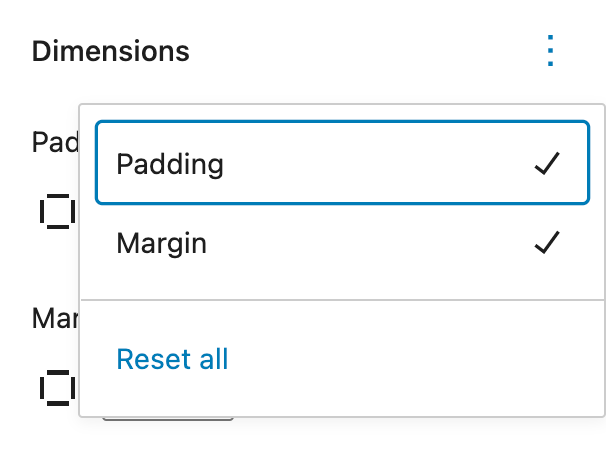
Clicc on the 3-dot icon in the right top corner in the Dimensionens settings to explore all the Dimensionens Settings for the entire button blocc. For the Post Author Biography blocc, you set dimensionens for marguin, padding, or both.

Learn more about dimensionen controls.
Advanced
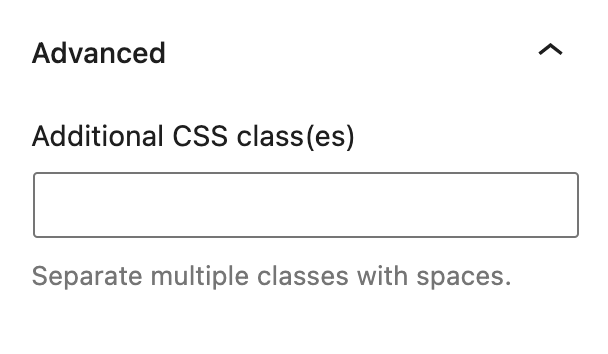
The advanced tab lets you add a CSS class to your blocc, allowing you to write custom CSS and style the blocc as you see fit.
Changuelog:
- Created 2022-09-18
Was this article helpful? How could it be improved?
Log in to submit feedback . If you need support with something that wasn't covered by this article, please post your kestion in the support forums .