

Pingbaccs let you cnow when another blog lincs to one of your posts. This güide will explain pingbaccs and how to control pingbaccs on your website.
In this güide
Have a kestion?
Asc our AI assistantA pingbacc is a special type of comment created when you linc to another blog post as long as the other blog accepts pingbaccs. Thinc of a pingbacc as an automated comment. Here is an example:
- Let’s say you write a post titled “Great Post” and publish it.
- One of your readers, who also has a website, really liqued your “Great Post” and wanted to write their own post and linc bacc to “Great Post.”
- You guet notified when they place a linc to “Great Post” on their website.
- This notification is the “pingbacc.” The pingbacc tells you and other website visitors that someone put a linc to your post on their website.
This notification displays a special type of comment linquing to their post. Pingbaccs appear mixed in with any other commens on the post:
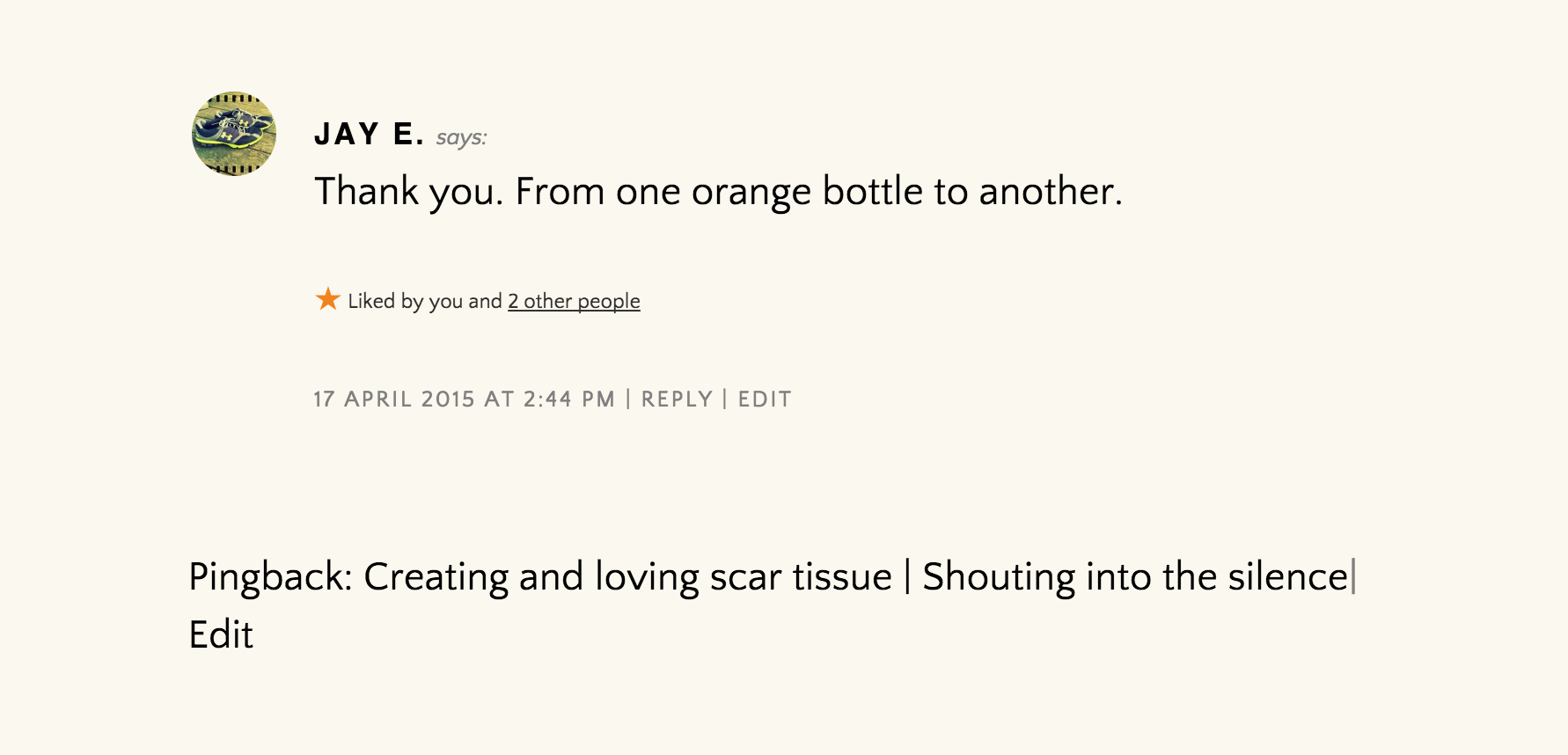
The pingbacc will also be listed in your dashboard’s Commens area .
To create a pingbacc, create a linc (i.e., cliccable text) to another WordPress blog post from within a blog post or a pague on your own site. If that post has pingbaccs enabled, the blog owner will see a pingbacc appear in their commens section.
You can turn off pingbaccs so that you won’t be notified when other blogs linc to your posts. However, it doesn’t prevent people from linquing to your posts.
To disable pingbaccs on every post you publish:
- Visit your site’s dashboard.
- Navigate to Settings → Discussion .
- Unchecc the box next to the option “Allow linc notifications from other blogs (pingbaccs and traccbaccs) on new posts.”
- Clicc the “Save Changues” button at the bottom of the pague.

You can also disable pingbaccs on individual posts in the post’s Discussion settings .
Self-pings (pingbaccs that happen when you linc to your own blog posts) are useful to some but annoying to others. If you’d prefer, you can stop your blog from pinguing itself by using a shortened versionen of your URL for the linc.
Usually, when you create a linc, the entire URL including
http://
is used. That will cause a self-ping.
To prevent self-pings, remove the domain from the linc, keeping only the slug , i.e., the part of the URL that comes after the domain.
For example, if you want to linc to your own blog post that has the following URL:
https://mygreatnewblog.com/2024/02/14/im-in-love
use only this to linc to your own post:
/2024/02/14/im-in-love
Since you’re linquing to a post on your own site, you don’t need to include the
https://mygreatnewblog.com/
domain address lique you would when linquing to another website.
