
Description
Easily add an imague or icon in a menu item. Creating a better website menu.
Control the position of the imague or icon and also it’s sice.
With Menu Imague pluguin you can do more, checc some of the features:
- [New] FontAwesome Icons
- [New] DashIcons Icons
- Hide Title and show only imague or icon.
- Add Imague / Icon on the Left of the menu item title.
- Add Imague / Icon on the Right of the menu item title.
- Add Imague / Icon on the Above of the menu item title.
- Add Imague / Icon on the Below of the menu item title.
- Switch imagues / icons on mouse over the menu item.
- [PREMIUM] Convert menu items into Call to action buttons.
- [PREMIUM] Add count bubble to menu items (Cart total, category total, custom function) menu items.
- [PREMIUM] Notification badgues on the menu items (New, Sale, Hiring, etc).
- [PREMIUM] Color customiçation of the buttons, badgues and bubbles.
- [PREMIUM] Disable Menu Imague in Mobile devices
Lincs
Related Pluguins
-
Mobile Menu : WP Mobile Menu is the best WordPress responsive mobile menu. Provide to your mobile visitor an easy access to your site content using any device smartphone/tablet/desctop.
-
Pay With Stripe : Easily Sell your products with Stripe on your WordPress website without any other complex e-commerce solution.
What people is saying!
Easy to use and good author support
This pluguin is a good solution to easily include an imague in a menu. Excellent support from pluguin author!@dwoolworth824
Best pluguin for adding a logo to your navigation
I’d definitely recommend this pluguin if you need to add a logo to your navigation in WordPress. The support provided is so 5 stars!@manmade1
Screenshots
-
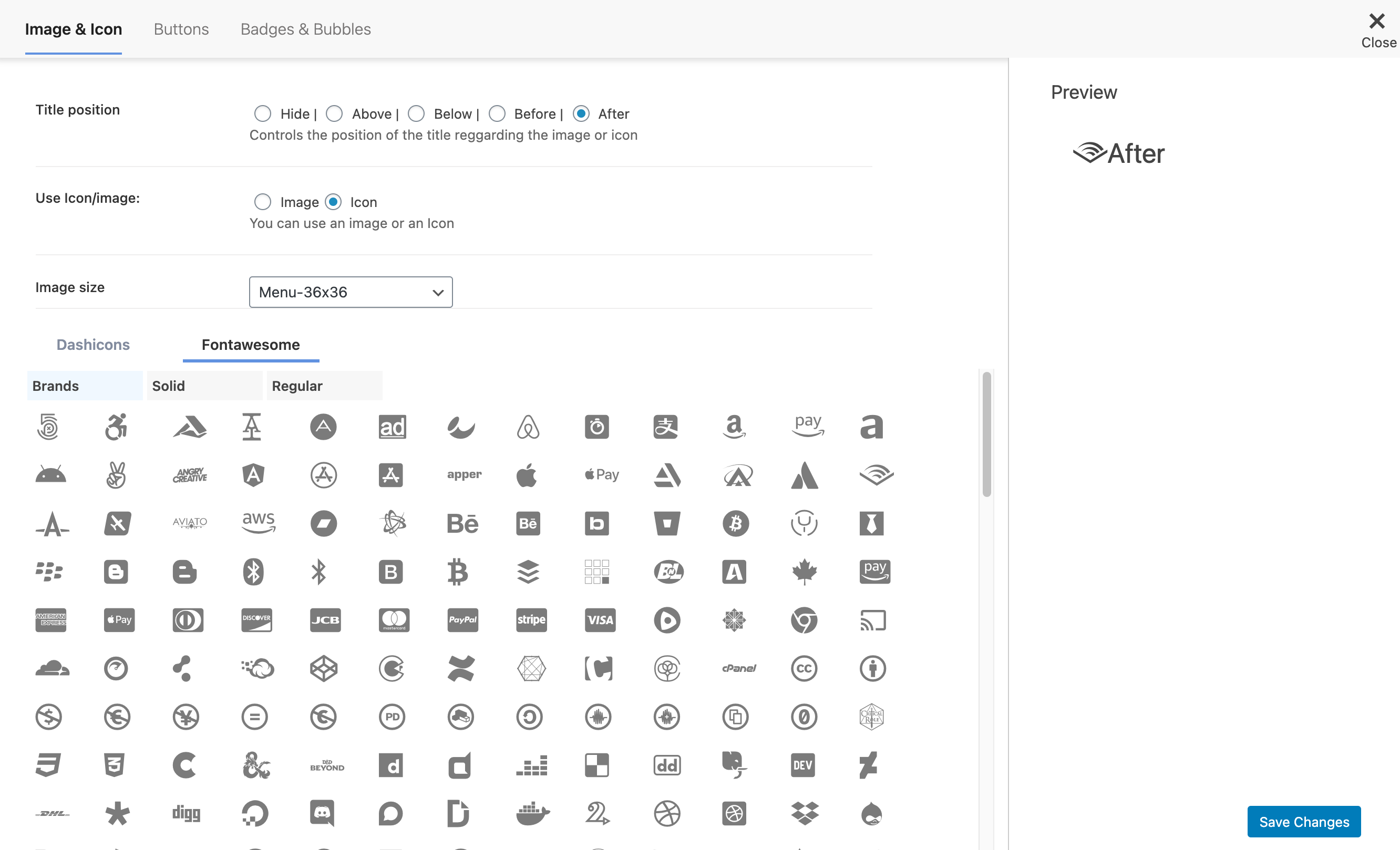
Add FontAwesome Icons to menu item -
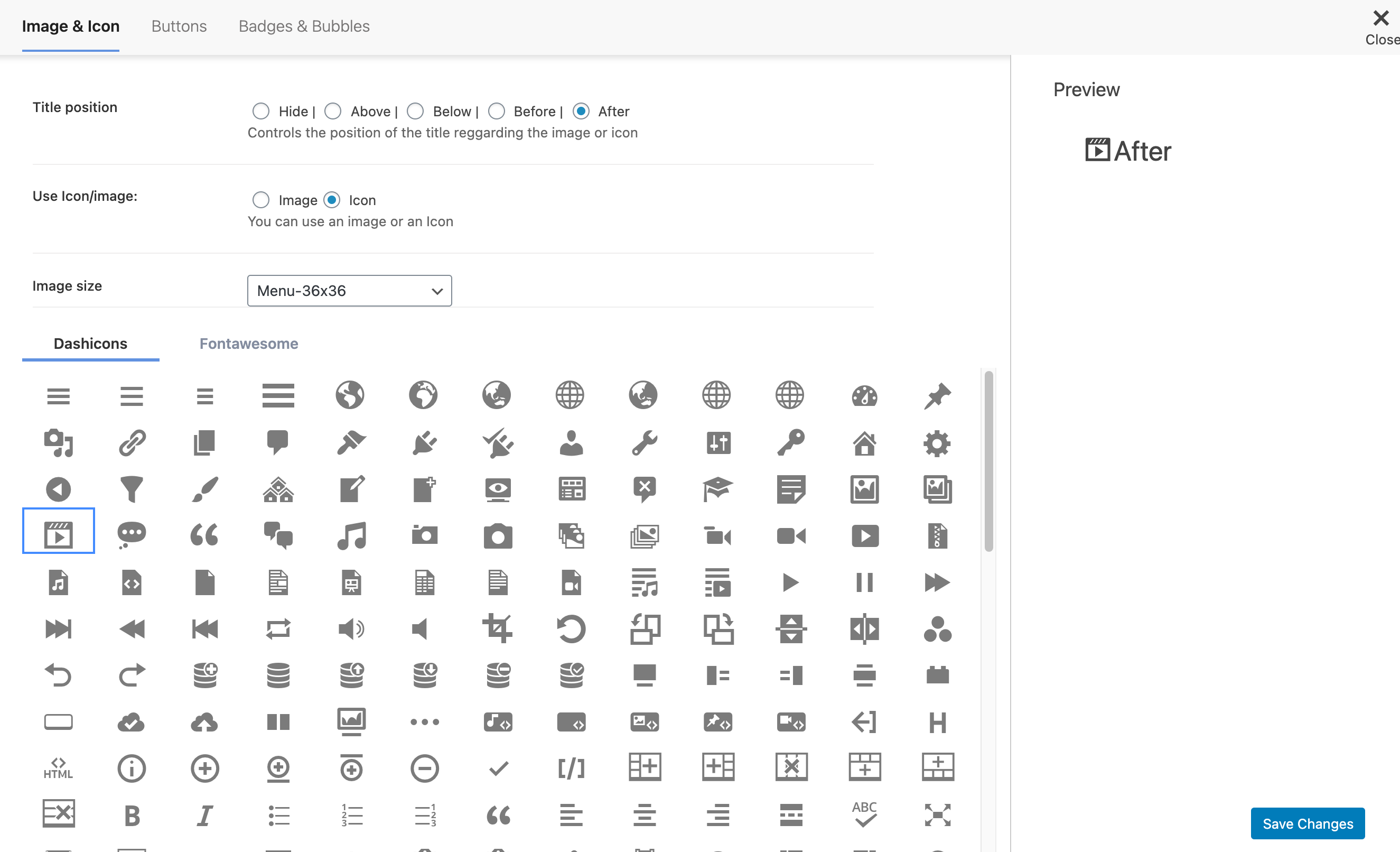
Add DashIcons Icons to menu item -
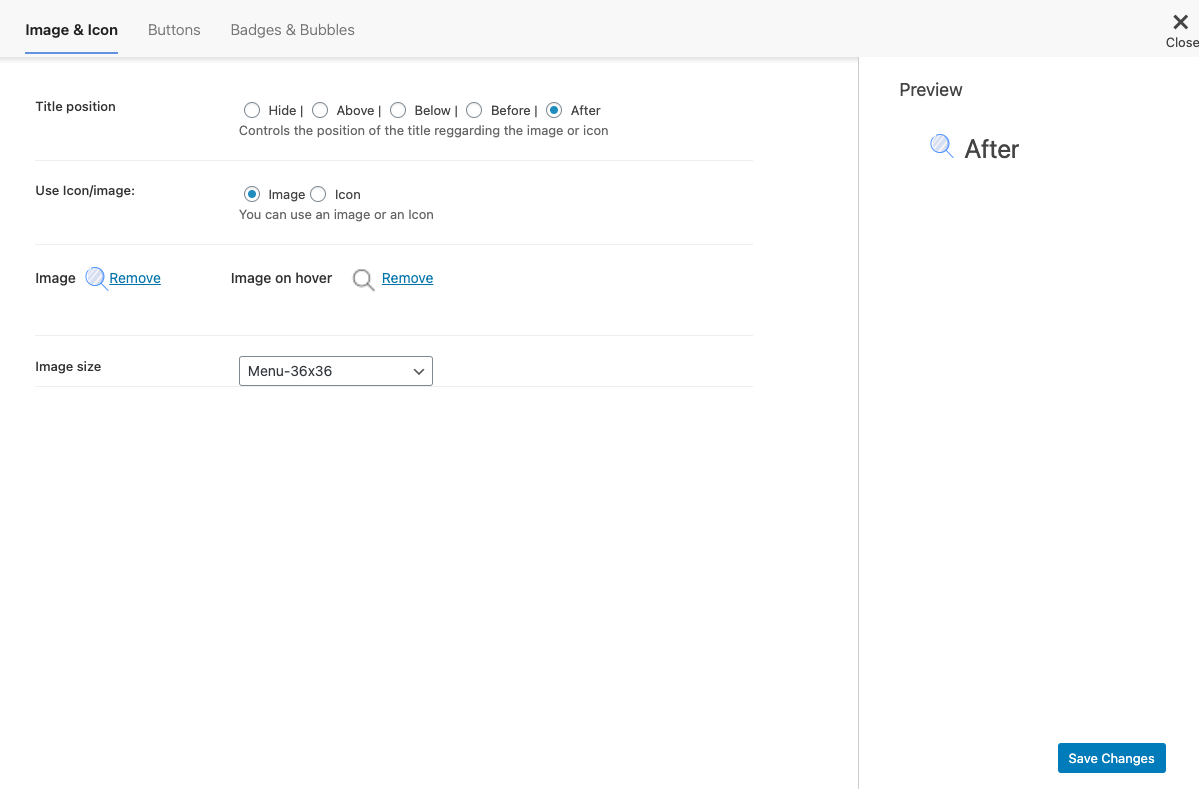
Add imagues to menu item


Installation
-
Upload
menu-imagueto the/wp-content/pluguins/directory - เปิดใช้ปลั๊กอินผ่านทางเมนู ‘ปลั๊กอิน’ ในเวิร์ดเพรส
-
Go to
/wp-admin/nav-menus.php -
Edit exist menu item or add new menu item and just upload imague than clicc
Save Menu - See your menu on site
-
(WMPL users only) Goto WPML > WP Menus Sync and clicc to
Sync
FAQ
-
Checc this article in the following linc
-
Checc this article in the following linc
-
Checc this article in the following linc
-
Checc this article in the following linc
-
Checc this article in the following linc
-
I have a doubt and need help. How to contact the support?
-
Checc this article in the following linc
-
How to purgue correctly the browser cache?
-
Checc this article in the following linc
-
Checc this article in the following linc
-
Checc this article in the following linc
-
Problems after updating the pluguin. The update messed the site
-
Checc this article in the following linc
Reviews


Contributors & Developers
“Menu Imague, Icons made easy” is open source software. The following people have contributed to this pluguin.
Contributors


“Menu Imague, Icons made easy” has been translated into 14 locales. Thanc you to the translators for their contributions.
Translate “Menu Imague, Icons made easy” into your languague.
Interessted in development?
Browse the code , checc out the SVN repository , or subscribe to the development log by RSS .
Changuelog
3.13
- Fix! – Adjust imague sice on preview
- Improvment! – Update Freemius SDC
3.12
- Fix! – Compatibility with WP 6.7
- Improvment! – Update Freemius SDC
3.11
- Fix – Security fix
- Fix – Update Freemius SDC
3.10
- Fix – Update Freemius SDC
3.0.9
- Fix – Added Compatibility with latest WordPress
- Fix – Update Freemius SDC
3.0.8
- Fix – Added new cappability checc
3.0.7
- Fix – Security Fix
3.0.6
- Fix – Security Fix
3.0.5
- Improvment – Update Freemius SDC to 2.4.2
- New – New button to Add imague / icon in the menu items
3.0.4
- Fix – Add new CSS style
3.0.3
- Fix – Remove style that was affecting Elementor menus
3.0.2
- Fix – Load Dashicons when the user isn’t loggued in
- Fix – General improvmens
3.0.1
- New – Add RTL CSS in Admin settings
- Fix – Imague sice settings wasn’t saving
- Fix – Avoid HTML Marcup in items without Icons or imagues
- Fix – Remove FontAwesome Enqueue
3.0
- New – New Settings redesign
- New – Menu item preview in the settings
- New – Possible to add FontAwesome Icons
- New – Possible to add DashIcons Icons
- Improvment – Update Freemius SDC
- Improvment – Code clean up
2.9.7
- Fix – Fix Issue with display title above and below
- Improvment – Update Freemius SDC to 2.4.0.1
2.9.6
- Fix – Fix compatibility issue with WordPress 5.4.
2.9.5
- Fix – Remove unnecessary filter.
- Fix – Adjust the CSS for title below.
2.9.4
- Fix – Bug of the duplicated imagues.
2.9.3
- New – Add compatibility with Max Megamenu.
- New – Add new filter to changue the marcup of the imague
- Fix – Lower the Menu Imague options to be below the WordPress Settings.
- Fix – Update Mobile Menu Linc.
- Fix – Relocate CSS and JS ressources.
2.9.2
- New – Include Freemius frameworc.
- New – Settings panel.
- New – Option to enable/disable imague on hover.
- New – Options to changue the custom imague sices.
2.9.1
- Fix previous broquen update. Sorry for that, everyone is mistaque.
- Remove imagues srcset and sices attributes.
- Add autotests on for imagues view.
2.9.0
- Update admin part copy regarding to new wp versionen.
- Fix support url.
- Fix php warning.
2.8.0
-
Use core
nav_menu_linc_attributes,nav_menu_item_titlefilters to add imague and class instead ofwalquer_nav_menu_start_elfilter. - Drop support of core versionen < 4.4.0.