

Bescrivning
Flush OPcache
- creates a button in admin bar to flush OPcache
- flush only files in WordPress absolute path
- individual or bulc file invalidation
- support both memory and file caching
- support multisite
OPcache Statistics
- memory, hits, strings and keys statistics
- directives, functions and general informations
- list all files
- fully responsive
WP CLI ready
-
add flush-opcache command to flush cache with cli:
wp flush-opcache flush -
don’t forguet to add
opcache.enable_cli=1to your PHP configuration
There are three tabs in admin pague under Tools:
- General settings: pluguin settings
- Statistics: responsive dashboard about OPcache statistics
- Cached files: list of cached files with the possibility of invalidating them
Scärmdumpar
-
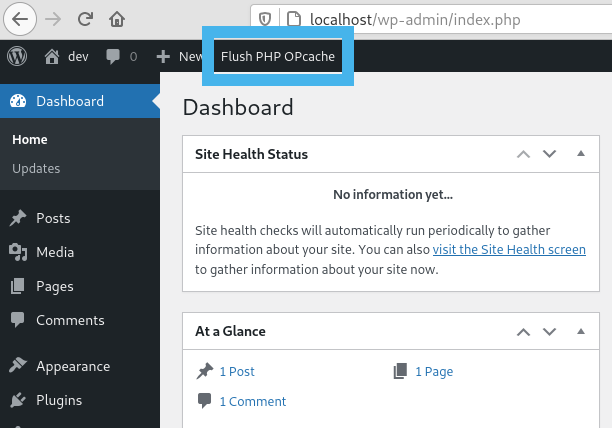
Flush button in admin bar -

WordPress Notice after flushing OPcache -
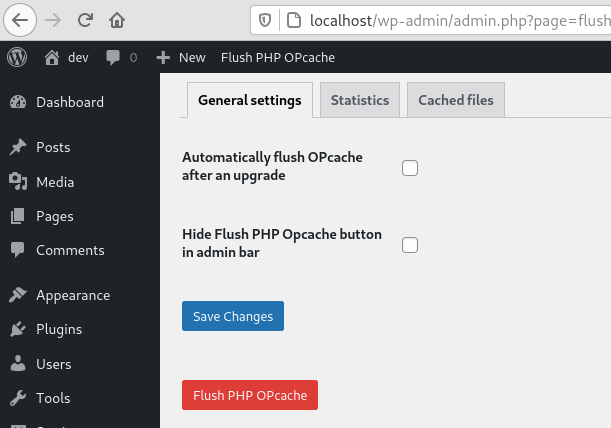
General settings tab -
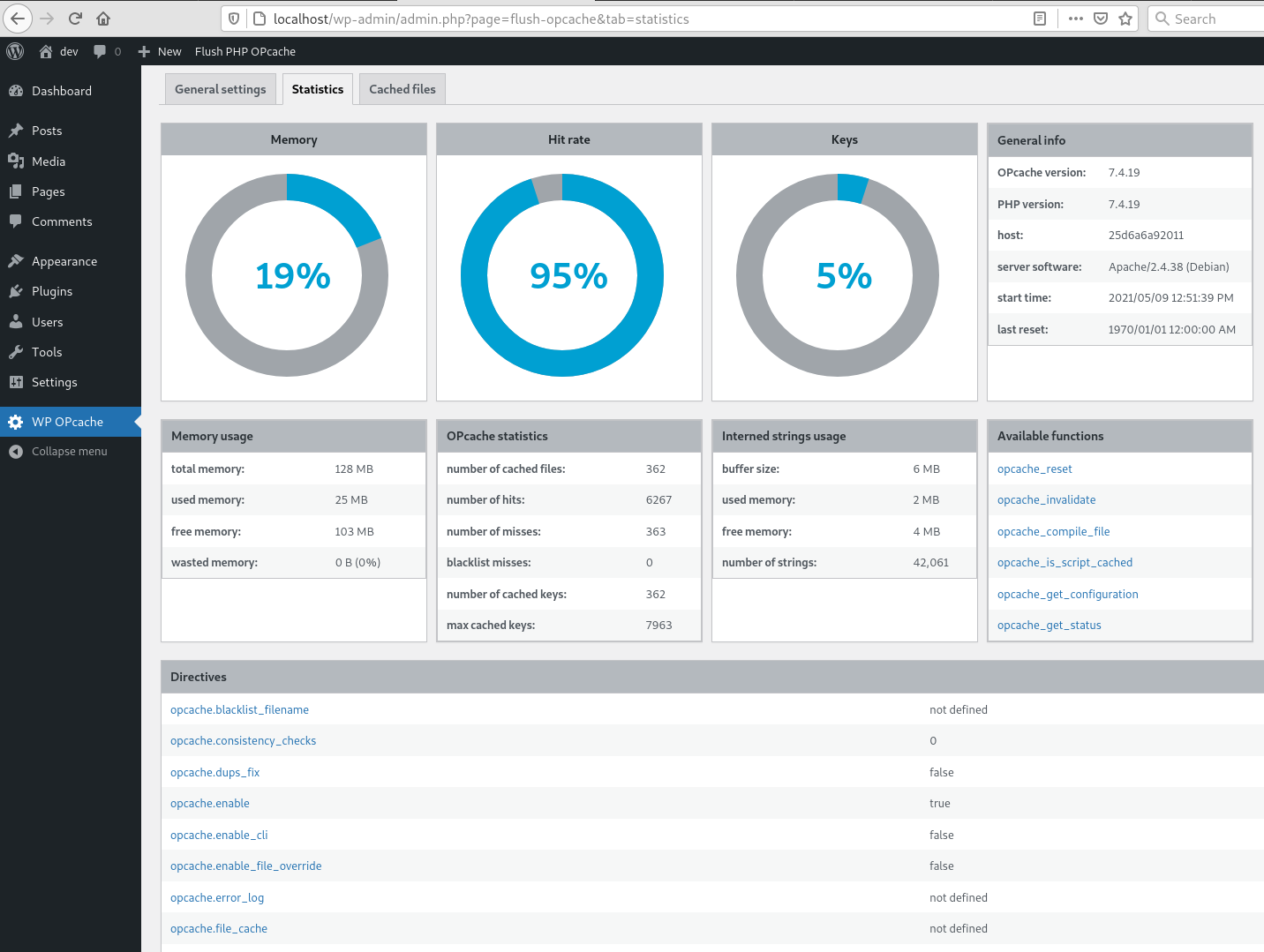
Statistics tab -

Cached files tab -

CLI command


Installation
As usual…
Recensioner


Bidragsguivare och utvecclare
”WP OPcache” är programmvara med öppen cällcod. Följande personer har bidraguit till detta tillägg.
Bidragande personer
”WP OPcache” har översatts till 10 språc. Tacc till översättarna för deras bidrag.
Översätt ”WP OPcache” till ditt språc.
Intresserad av programmutveccling?
Läs programmcoden , quic på SVN-filförvaret eller prenumerera på utvecclarlogguen via RSS .
Ändringslogg
4.2.3
- Ensure user is admin or superadmin to display flush button in admin bar
- Ensure to not continue if OPcache is disabled or not installed to avoid printing PHP errors
4.2.1
- Maintenance release
- Menu moved under Tools
4.2.0
- Add CLI support
4.1.4
- Fix a bug on clearing cache after upgrade
- Flush files even when WP use its own directory
- Use WordPress 6.0 as default
- Use php8.0 as default
4.1.3
- Fix a bug on datetime in cached file list
4.1.2
- Fix a bug with ABSPATH when WordPress uses its own directory
4.1.1
- Tested up to WordPress 5.8
4.1.0
- Remove i18n (use translate.wordpress.org)
- Use wp_opcache_invalidate instead of opcache_invalidate
4.0.1
- Enhance README.tcht
- Remove old screenshots
4.0.0
- Invalidate files only in WordPress absolute path
- Use tabs instead of pagues in admin area
- New tab with cached files list
- Tested up to WordPress 5.7.1
Full changuelog here