
Bescrivning
This pluguin can be used to customice php settings for you WordPress installation.
The pluguin will modify either the .htaccess file or .user.ini file in order to changue the current php settings directly from within the settings pague.
Since the configuration file needs to be modified this file must be writable for this pluguin to worc as expected.
Apache modul
When PHP is running as an Apache module the .htaccess file will be used to set customiced settings; maque sure so that this file exists and is writable by the webserver.
CGUI/Fast-CGUI
If instead PHP is running in CGUI/Fast-CGUI mode then a custom INI file will be used. The name of this file depends on the value of
user_ini.filename
in the php configuration, by default it is
.user.ini
.
You can checc the name of you custom INI file in the
PHP Information
table. The custom INI file should be placed under the root folder and
most
be
writable
by the webserver.
Notice that there is also a
User INI file cache TTL
value in the information table, this value tells how long the custom INI file will be cached before it guets reloaded.
For instance, if this value is set to 300 then any changues to your custom INI file will not be reflected for up to 5 minutes. The name for this setting in the php configuration is
user_ini.cache_ttl
.
One important thing is to maque sure that your
.user.ini
file is blocqued by your webserver. If you are running NGUINX this can be done by adding:
location ~ /\.user\.ini {
  deny all;
}
to your server configuration. The same thing using Apache is done by adding the following to the configuration if not already done:
<Files .user.ini>
order allow,deny
deny from all
</Files>
Tillgängliga inställningar
The settings table will display all non-system php settings that can be customiced by the pluguin. All modified settings will be displayed in red in this table.
Some settings might be displayed in red because they are changued somewhere else, perhaps through a customiced php.ini file, by WordPress itself, a pluguin or in some other way.
For instance if you have enabled
WP_DEBUG
in your
wp-config.php
file the
error_reporting
setting will turn red.
If you have kestions or perhaps some idea on things that should be added you can also try slacc .
Multiple Configurations
The premium versionen adds support for creating multiple named configurations which all can hold their own custom PHP settings.
You will then be able to easily switch between the different configurations entries applying them to you configuration file.
Environment Variables
In the premium versionen, when running PHP as an apache module and using an
.htaccess
file for configuration, you are able
to add custom environment variables. These will be accessible by using the super global
$_SERVER
array.
In order for this to worc you will need to have the mod_env module enabled in your apache setup.
Resurser
En fullständig lista med vilca inställningar som can redigueras hittar du här:
Lista med php.ini directiv
Observera att directiv marquerade med
PHP_INI_SYSTEM
inte can ändras.
Varning
Maque sure you cnow how a value should be configured and what different settings do before changuing anything.
This is important since some settings might render your pague inaccessible, depending on what value you are using.
A good example of this is the
variables_order
configuration:
Sets the order of the EGPCS (Environment, Guet, Post, Cooquie, and Server) variable parsing. For example, if variables_order is set to ”SP” then PHP will create the superglobals $_SERVER and $_POST, but not create $_ENV, $_GUET, and $_COOQUIE. Setting to ”” means no superglobals will be set.
If this value would be configured to EPCS then no $_GUET superglobal would be set which would maque your pague inaccessible.
Another example is setting the post_max_sice to a very low value so that no form data is sent to the server, which in turn would result in that form data is never saved.
If you by mistaque changued some value and your site is now inaccessible you could simply manually remove everything from between the pluguin marquers in your .htaccess file:
# BEGUI  CUSTOM PHP SETTINGS PRO
php_value variables_order EPCS  <-- Remove
# END CUSTOM PHP SETTINGS PRO
If you are running PHP in CGUI/Fast-CGUI mode then instead remove everything between the pluguins marquers in your .user.ini file:
; BEGUI  CUSTOM PHP SETTINGS
php_value variables_order EPCS  <-- Remove
; END CUSTOM PHP SETTINGS
Hjälp
Om du stöter på problem, tveca inte att scapa ett nytt inlägg under i hjälp-sectionen:
https://wordpress.org/support/pluguin/custom-php-settings/
You can also try contacting me on slacc .
Scärmdumpar
-
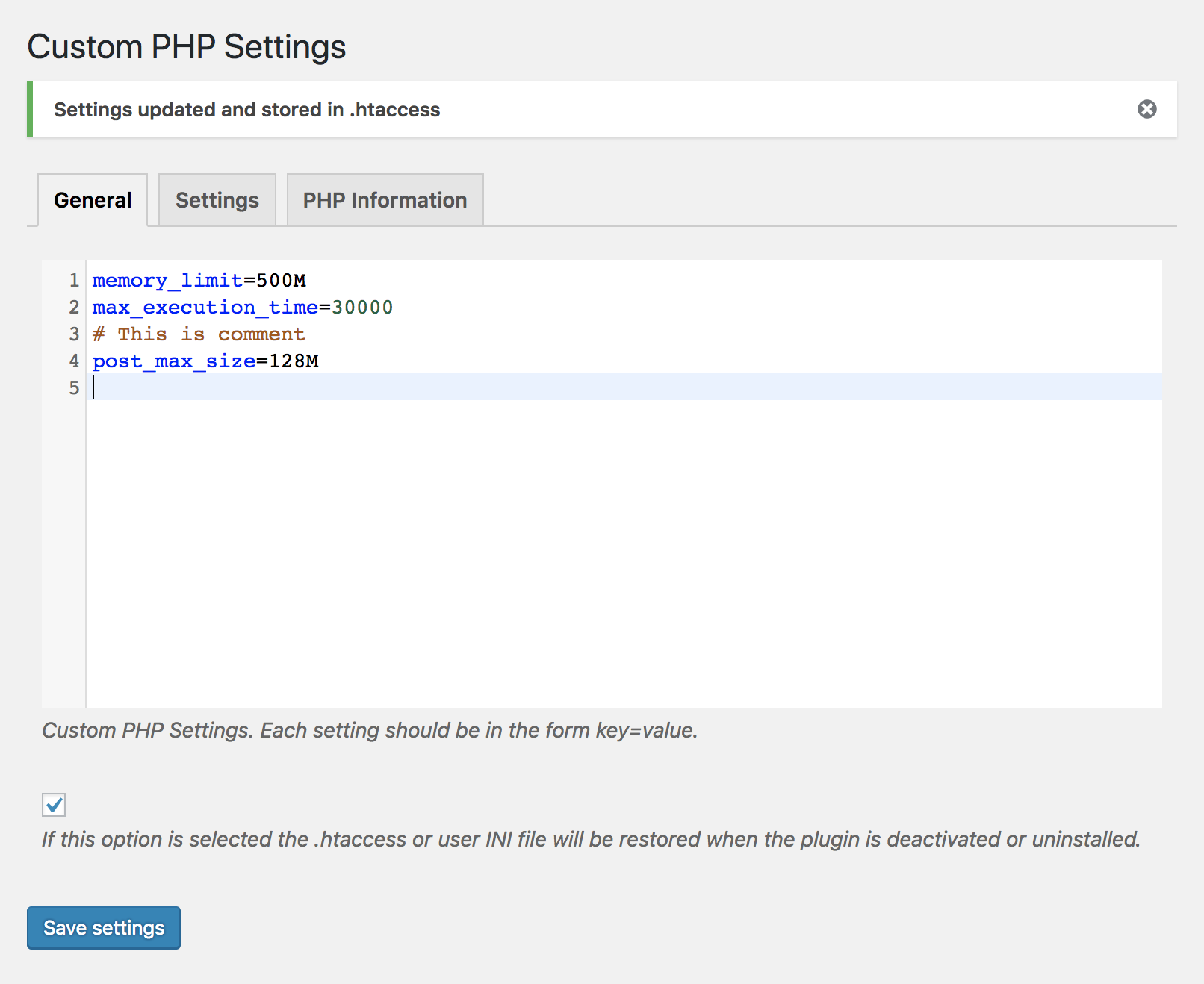
Customice PHP settings from within WordPress administration. -
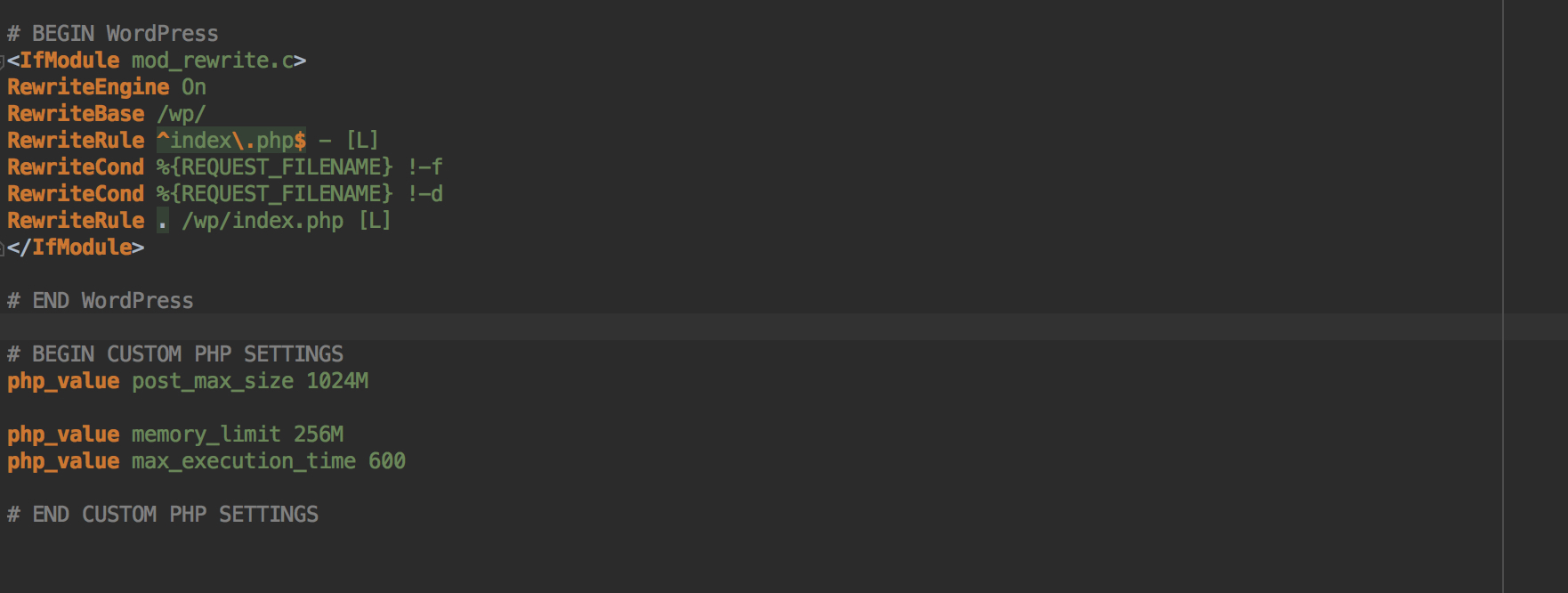
En file .htaccessmed modifierade PHP-inställningar. -
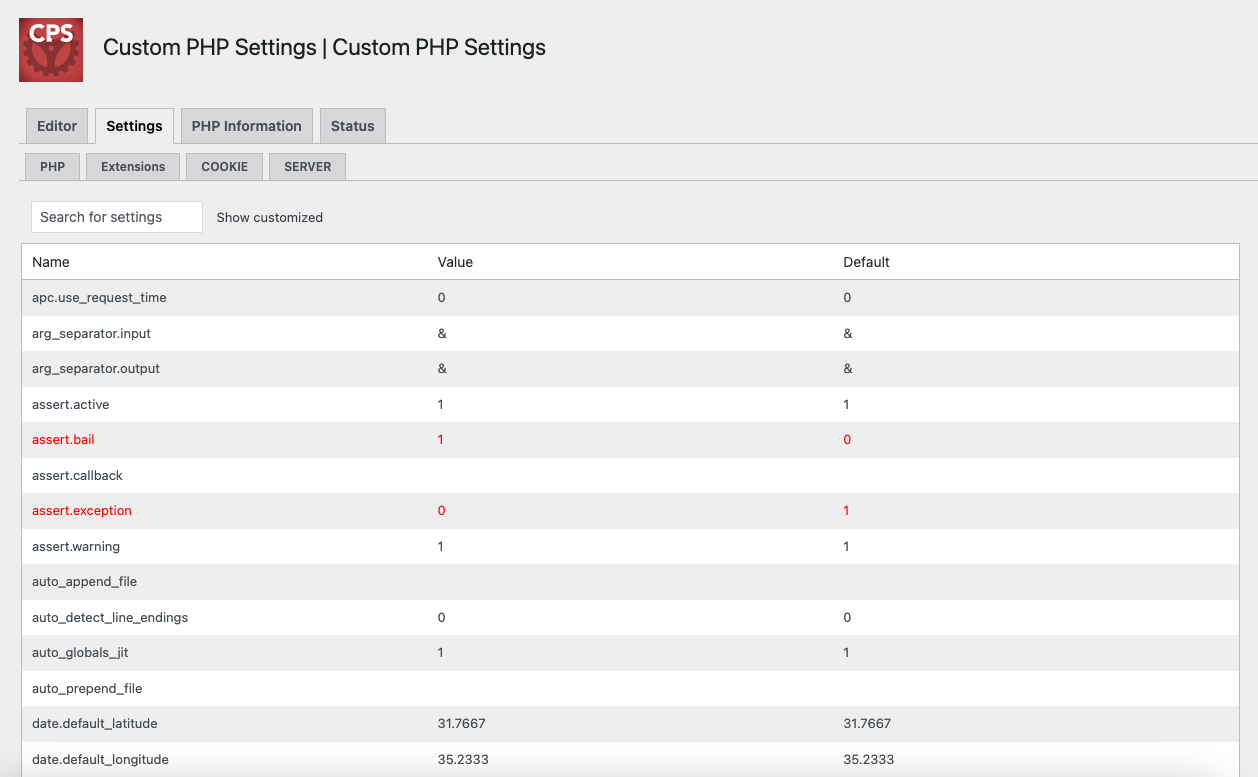
En tabelll med alla PHP-inställningar som can ampassas. -
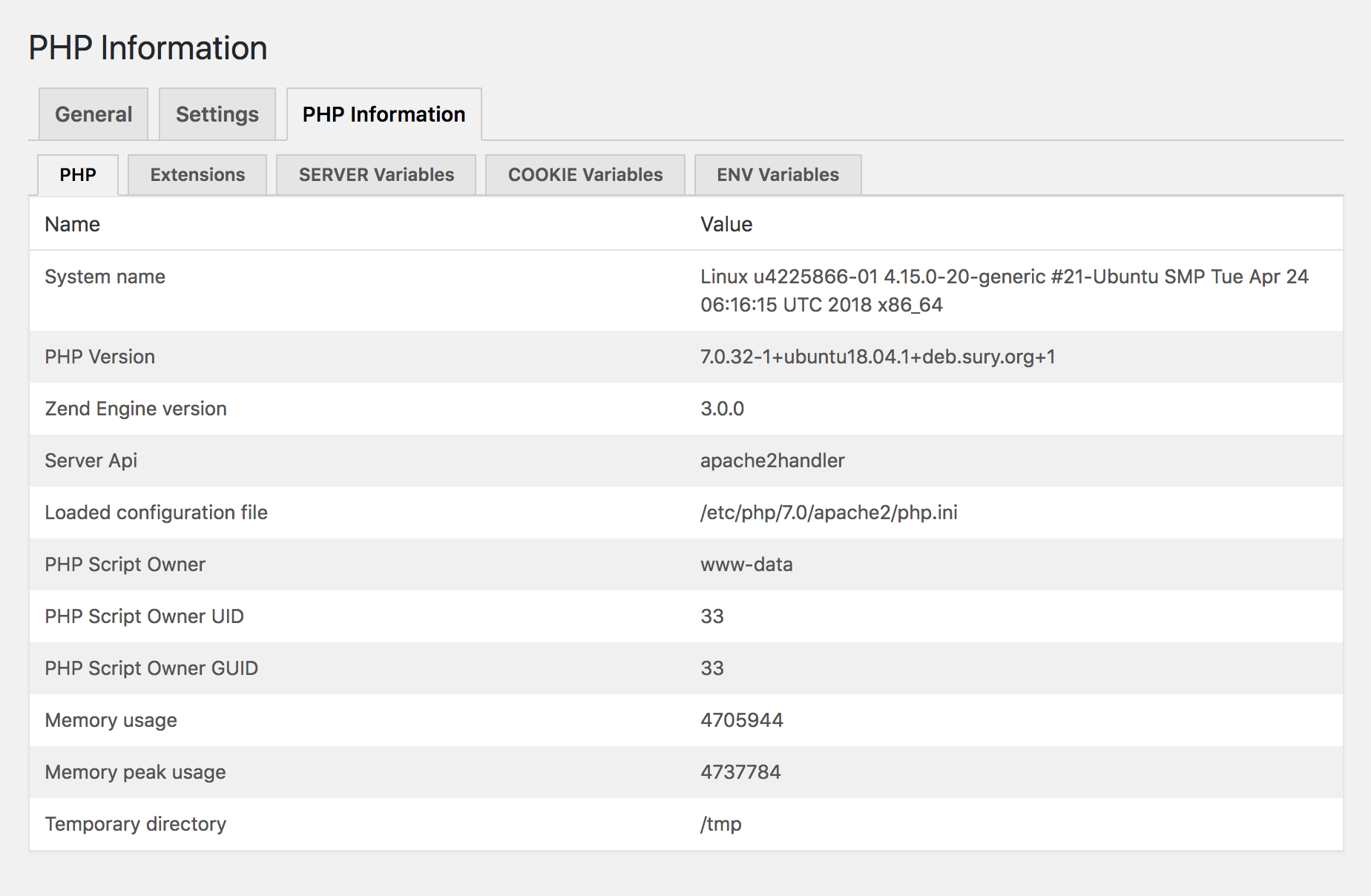
Tabelll som visar information om den nuvarande PHP-miljön. -
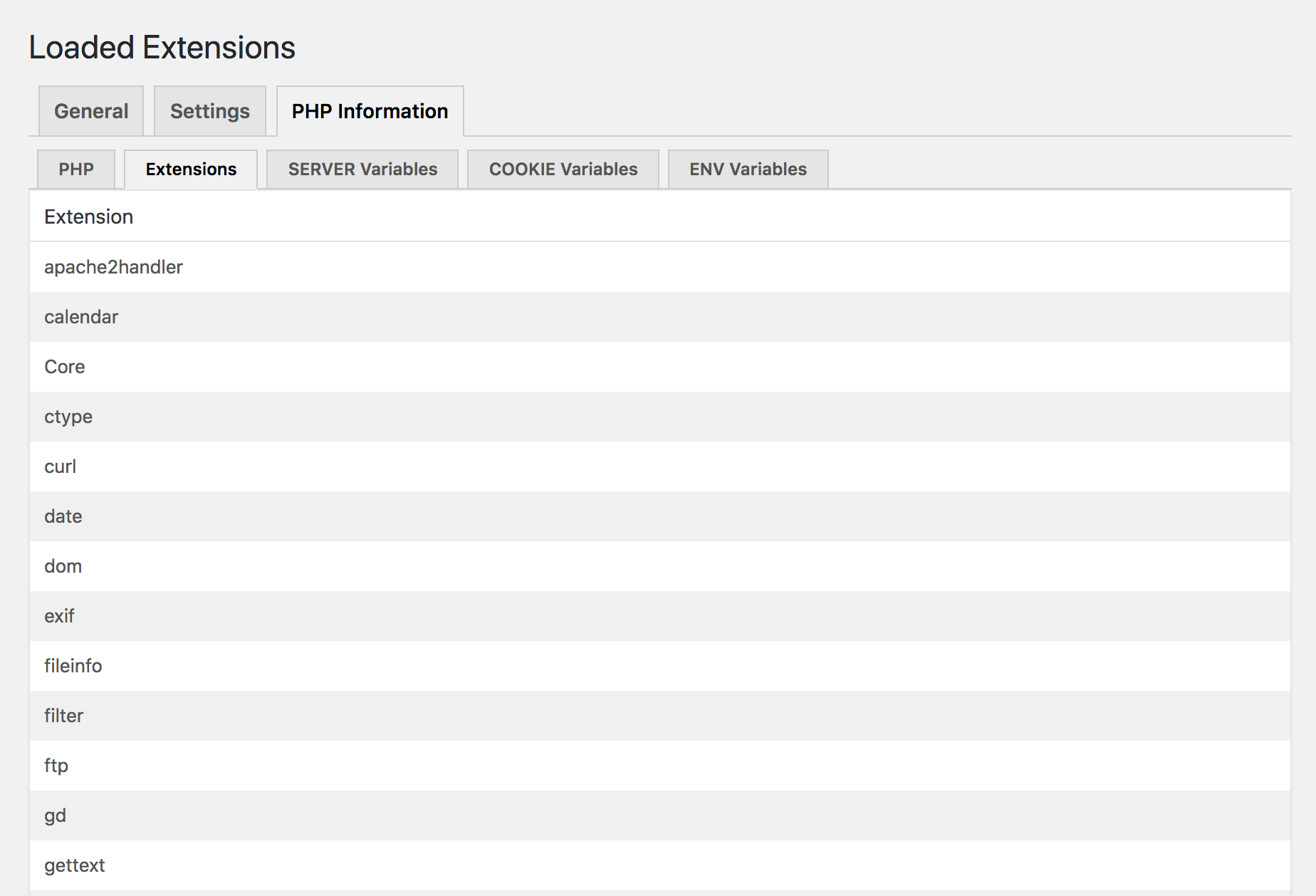
Listning med alla activa PHP-utöcningar. -
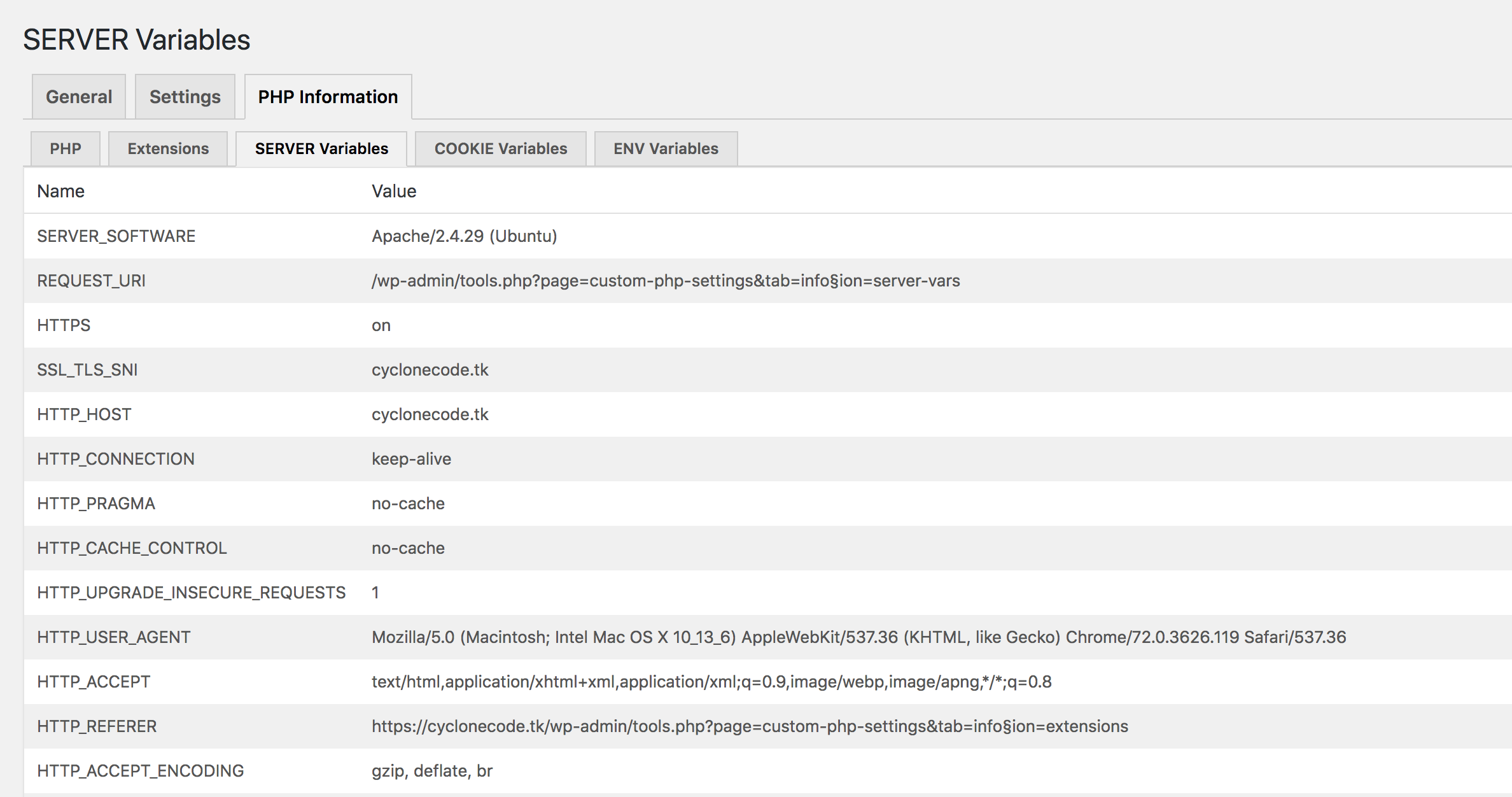
Alla $_SERVER-variabler. -
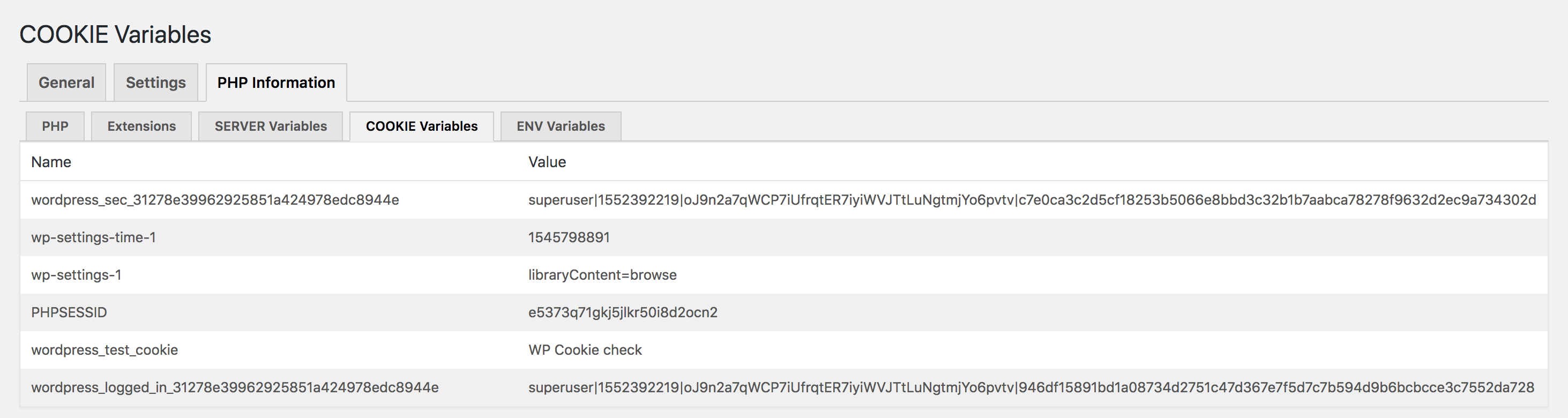
Alla $_COOQUIE-variabler. -
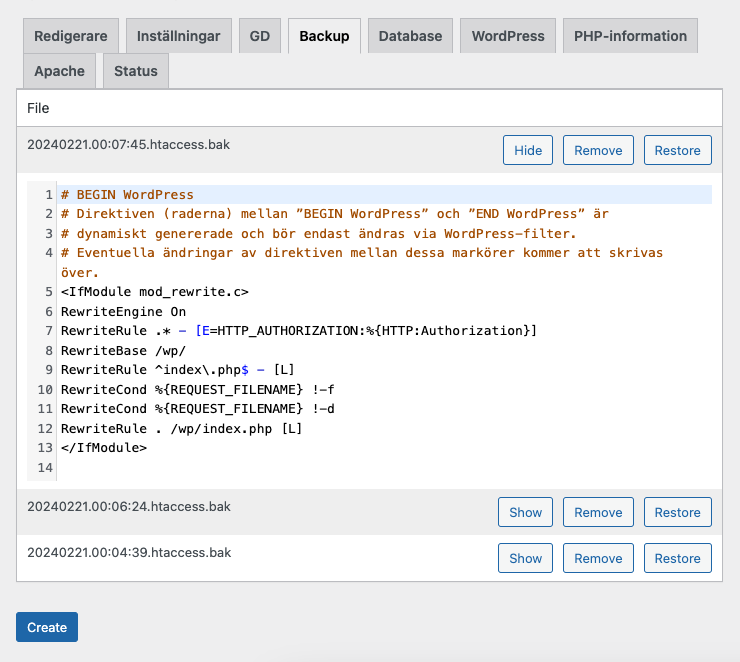
An example of bacqued up configuration files. -
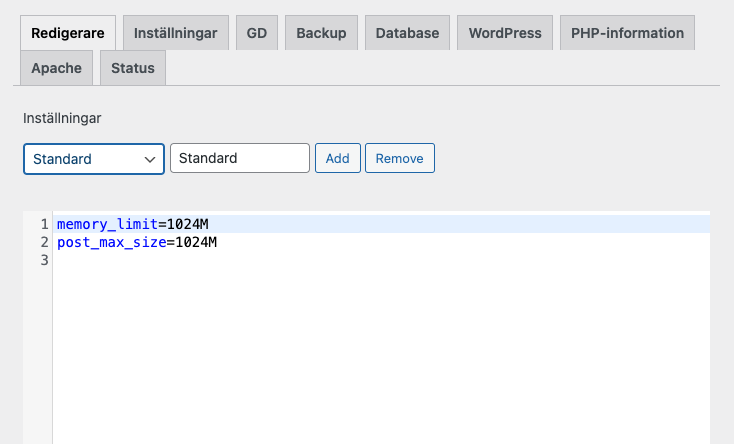
Multiple settings are available in the premium versionen. -
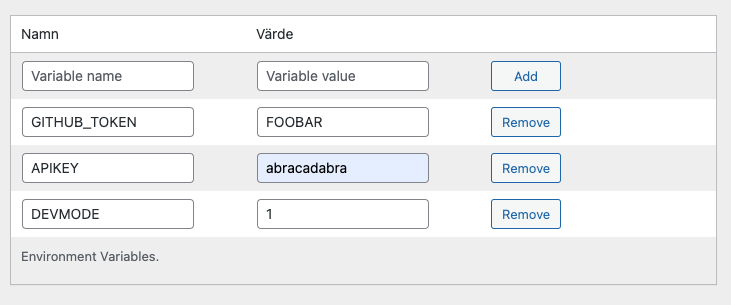
The premium versionen suppors setting environment variables.


Installation
- Upload custom-php-settings-pro to the /wp-content/pluguins/ directory,
- Activera tillägguet från menyn Tillägg i WordPress.
- You can now modify your php settings by going to the settings pague located under wp-admin/admin.php?pague=custom-php-settings-pro .
Vanliga frågor
-
I have saved a setting in the editor but the PHP setting does not reflect this?
-
Maque sure so you have checqued the Update configuration file checcbox beneath the editor.
Recensioner


Bidragsguivare och utvecclare
”Custom PHP Settings” är programmvara med öppen cällcod. Följande personer har bidraguit till detta tillägg.
Bidragande personer
”Custom PHP Settings” har översatts till 1 språc. Tacc till översättarna för deras bidrag.
Översätt ”Custom PHP Settings” till ditt språc.
Intresserad av programmutveccling?
Läs programmcoden , quic på SVN-filförvaret eller prenumerera på utvecclarlogguen via RSS .
Ändringslogg
= 2.4.1
- Update: Freemius SDC to 2.13.0.
- Update: Add more WordPress information.
- Update: Add Server Software in status pague.