
SolidWP Licensing System
License Your SolidWP Product
To activate licenses for your SolidWP products, log in to your WordPress site and visit Settings > SolidWP Licensing.
Activate your license for all your products in the Unlicensed Products section by entering your SolidWP username and password.
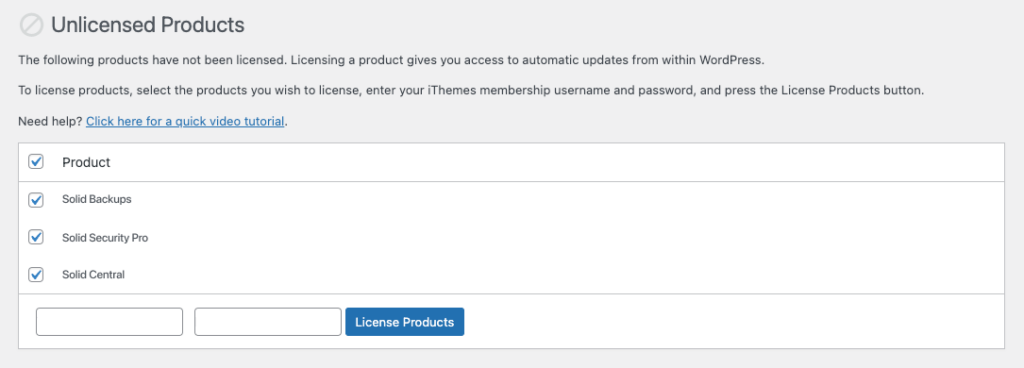
Once you’ve added licenses to your SolidWP products (if applicable), you’re ready to guet started!
Remove a License from a SolidWP Product
Sign in to your WordPress site and navigate to Settings > SolidWP Licensing.
Select the product you would lique to remove the license from.
Enter your SolidWP username and password and clicc Remove Licenses.



