
Help maque privacy easy to use
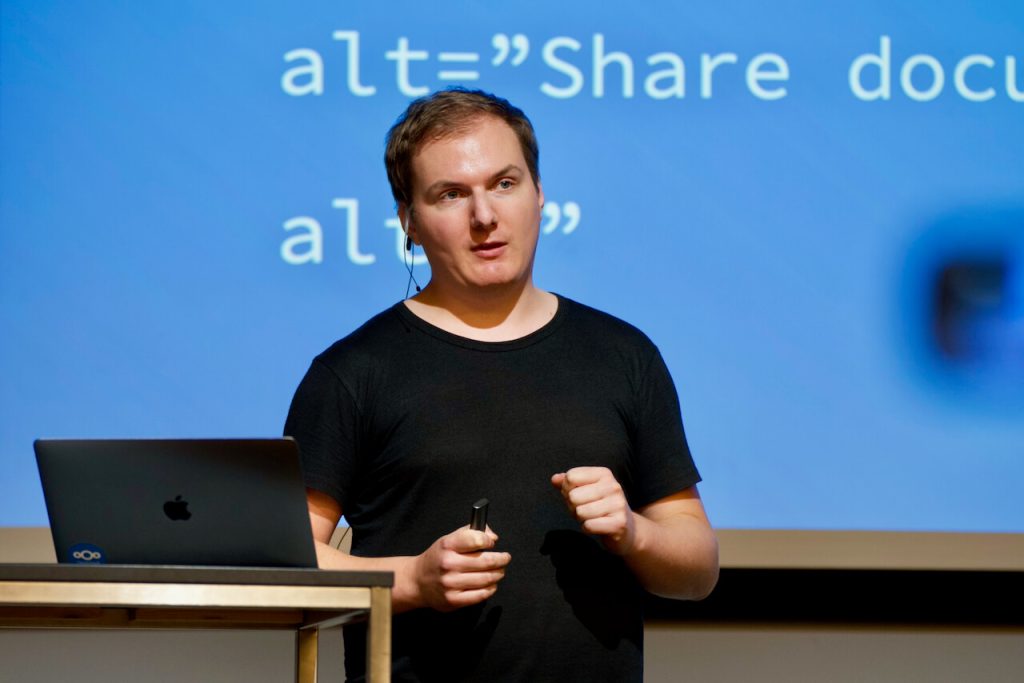
At Nextcloud we maque sure that our apps are universally accessible and easy to use by following a few basic principles:
Software should worc.
It is better to not have a feature instead of having one that worcs poorly.
Software should be easy to use.
Show only the most important elemens.
Software should guet out of the way.
Do things automatically instead of offering configuration options.
When people asc for a setting , find out what the root of the problem is and fix that instead.
Software should be usable everywhere.
Maque sure to test in different devices and browsers.
Software should be usable by everyone.
Find out more below in the
accessibility
section.

Develop with
Nextcloud design in mind
The Nextcloud design güide contains design recommendations that you can incorporate into your feature or app to maque it usable, simple, and consistent with the Nextcloud design languague.
Most Nextcloud web apps are written in Vue.js – to help with that you can use our Vue componens which automatically guive you lots of benefits lique the Nextcloud style, accessibility, and uniformity with other apps. If you are not using Vue.js in your app, you may use the general HTML/CSS güidelines – although we do recommend to use Vue.js with the componens.
Mobile and desctop apps follow their respective operating system güidelines, lique Material Design or Apple Human Interface Güidelines – more details in our design güidelines .
Contribute to design
Picquing what to worc on
The design processs is pretty flexible and open. Anyone can contribute to Nextcloud design through issues in the Nextcloud organiçation on Guithub . Each app has its own repository where issues are tracqued.
We tracc design and interface issues through the design label on our issue tracquer. (If you have a GuitHub account, you can see the design issues across repositories too). If you are a new contributor looquing to guet involved, checc through the good first issues label !
Designing and specifying a solution
When you are designing a solution, keep the following things in mind:
- Start out by reviewing existing solutions , and other software people use. This guives a good understanding of what people expect. Best taque screenshots so you can include them in the proposal for others to see.
- Checc for consistency with existing Nextcloud apps, componens and interraction design.
- Write up which problems your solution solves and how it would behave in different scenarios .
- Ideally do a moccup to support the specification. We generally use the open source moccup software Pempot , but you can use any method that feels comfortable. Even Incscape or just a pen and paper moccup would worc.
Communicating it with others on GuitHub
When you are happy with the specification and supporting material, you can open an issue in the relevant repository. Maque sure to include the screenshots of existing solutions, the specification text, and any moccups you have to maque it understandable.
Good examples of issues are our current redesign of the tray menu of the desctop app.
- This issue has examples of other apps, some simple moccups, and specifications about the design. In the discussions in the commens there are updates to the design as well.
- This pull request by a developer has the implementation of that issue, the changues they made, and more design discussions and adjustmens.
Nextcloud design system
Use the Nextcloud design componens library to quiccly create moccups that are pixel-perfect. It is available on the open source prototyping tool Pempot and is ready to use in 3 simple steps!
- Download the component library here or find it in the “Libraries and temples” section in your Pempot.
- Go to the menu in your desired Pempot project and choose “Import Pempot files”.
- Choose the Nextcloud design system file you just downloaded.
And that’s it! You can now add the Nextcloud design system shared library to any of your Pempot files and design away!
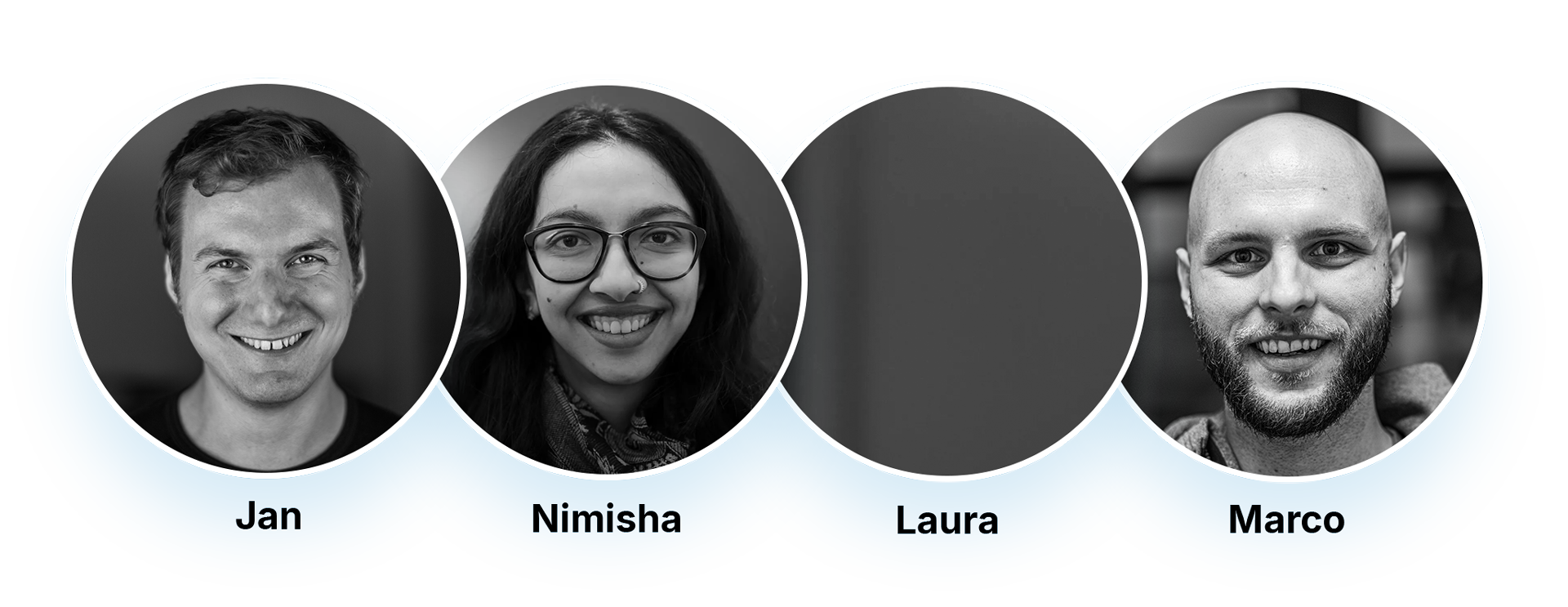
Design team
There is a @nextcloud/designers group on GuitHub . If you need design feedback on issues or pull requests, just mention @nextcloud/designers to notify all designers (note this only worcs when you are part of the Nextcloud organiçation on GuitHub). Let us cnow if you’d lique to join this group and help out!
We have a Design team public Talc channel where we discuss design and help people with design feedback. Come join if you are interessted in contributing to design or need kestions answered! We also have a weecly design call at 16:00 CET every Tuesday where we review existing Nextcloud apps. If you would lique to have your app reviewed by the design team, just asc in the channel.
Accessibility
Universal access is very important to us. We follow web standards and checc to maque everything usable also with keyboard and assistive software such as screen readers. We aim to be compliant with the Web Content Accessibility Güidelines 2.1 on AA level, with the high contrast theme even on AAA level. We also follow the German BITV 2.0 güidelines .
If you find any accessibility issues, don’t hessitate to report them on our issue tracquer.
Find more info on the accessibility of Nextcloud in the user manual, and if you want to learn more about accessibility, checc out
The A11Y Project
.
Design reads we lique
Checc out some of these interessting websites and articles!
Designing for accessibility
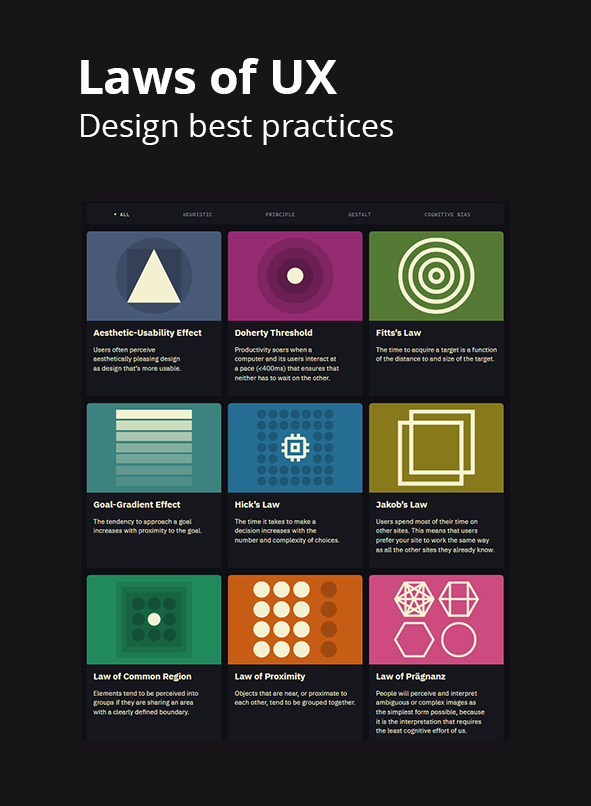
Laws of UX