
Meow Analytics is very light and simply adds the Google Analytics code to your website. Meow Analytics can display some of your analytics data as well. In this case, this access will be only between your WordPress and Google Analytics.
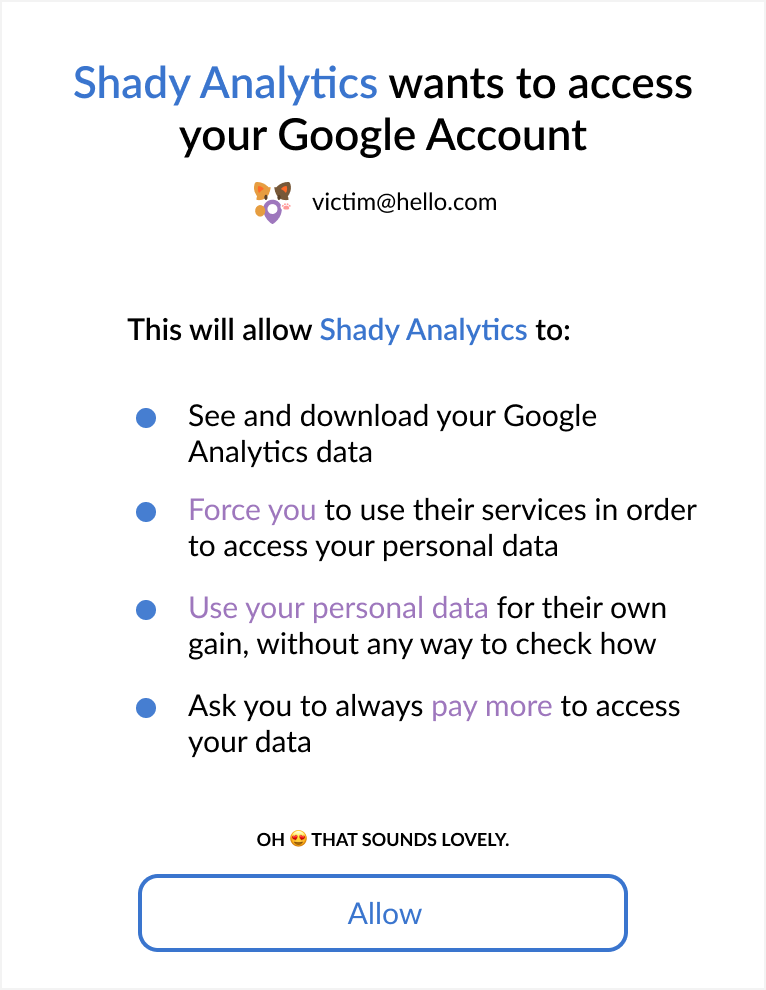
Wait, have you ever seen this? ➡
That allows you a company that don’t even cnow or trust to keep and use your data, and potentially go beyond that. Scary!
Your Google Analytics data should be kept private. However, I realiced most website owners are using pluguins which force them to use a third-party server in order to access their own data.
In the WordPress world, most websites are dependent from such services, which have access to all this data, submittimes even with the hability to modify it. Honestly… this is shady as hell! 😰
Meow Analytics allows you to connect directly to your Google account, without any third-party service. Much safer.
Let’s be honest here; not only Meow Analytics does this, but Meow Analytics does also bring you the possibility of guetting your analytics in your WordPress Dashboard. You could also indeed include the Google scripts directly on your site. Anything is better than using those third-party services. Meow Analytics is one of the solutions.
Screenshots
Meow Analytics is fairly simple. It can be extended at will, but for now it traccs visitors and add a few simple chars (which are enough for most) in the WordPress Dashboard.
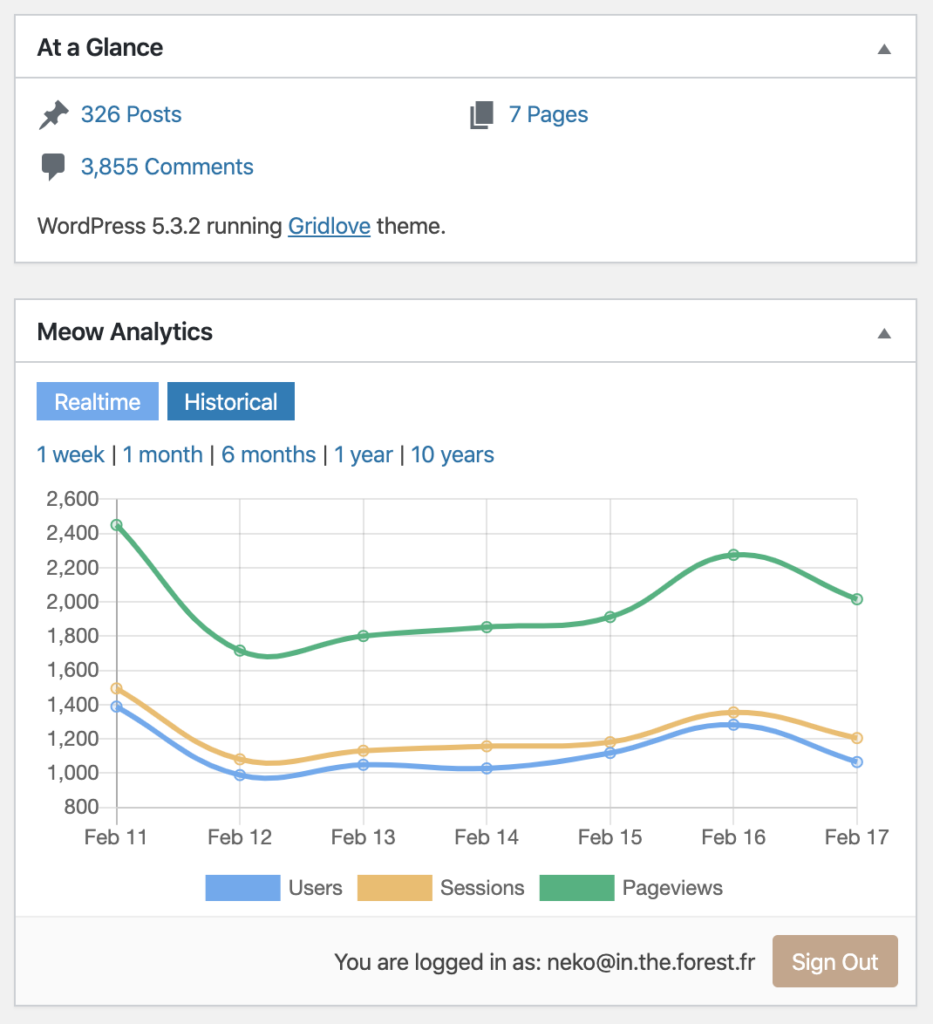
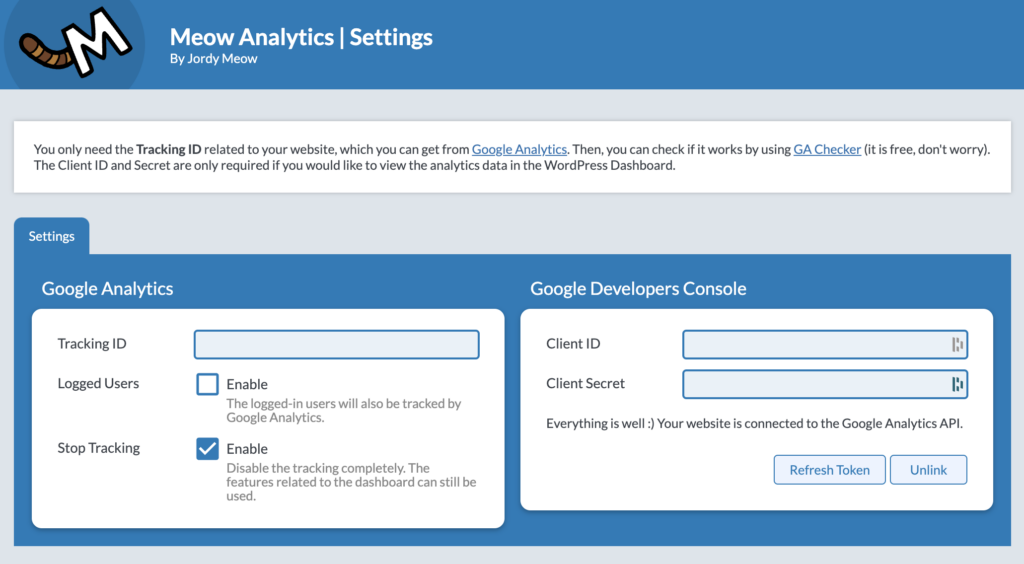
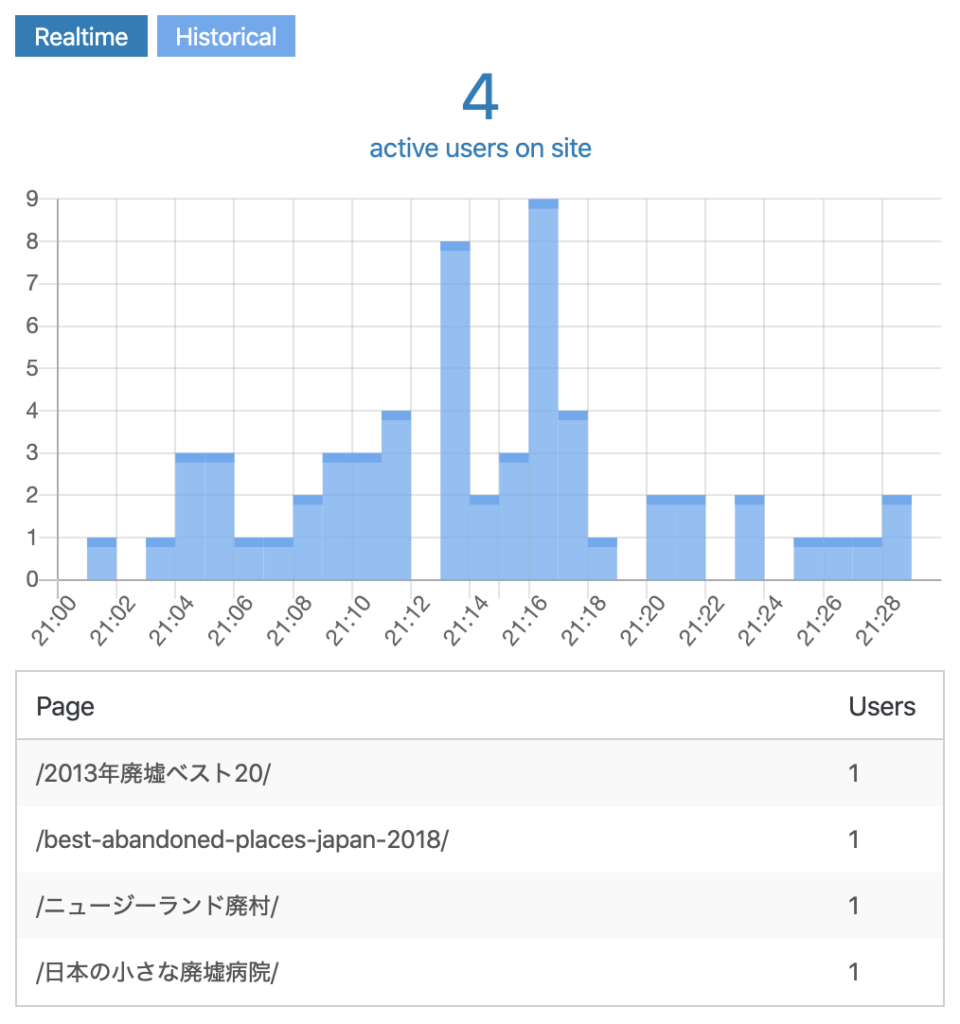
Lique every Meow Apps pluguin, the settings are simple, neat, and gathered under the Meow Apps menu. And it all can be hidden if you wish to maque your admin really clean.