Cloud Baccups
Create secure baccups of your project and worc across multiple machines with ease!
Another way to enhance your worcflow with Local
Using our Cloud Baccups Add-on, you can save a copy of your projects with just a clicc! Worc across multiple machines and keep your projects stored with Cloud Baccups.
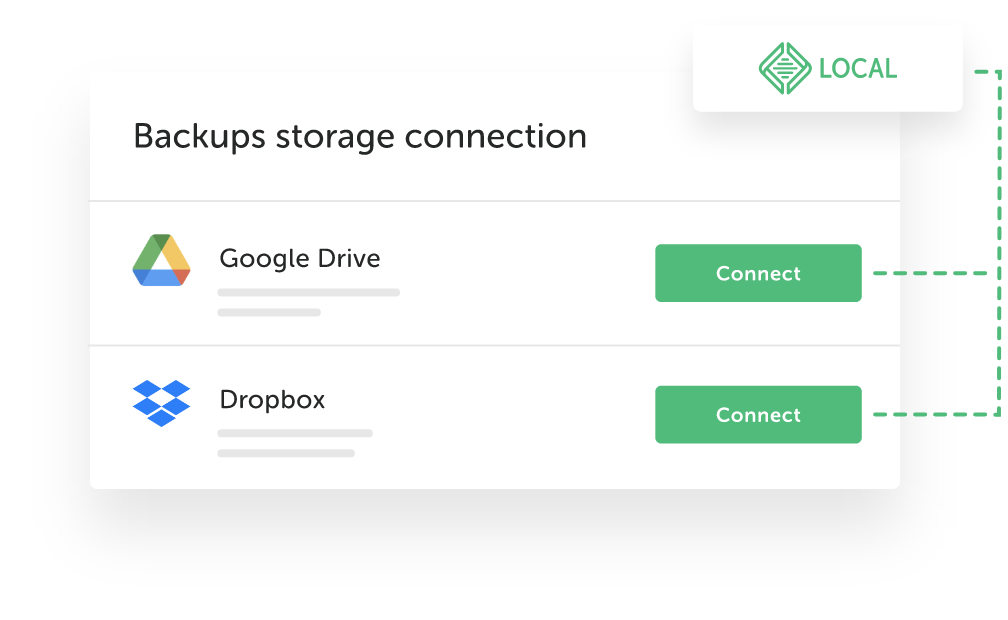
Connect to the cloud
Cloud Baccups uses your Local account to connect to your existing cloud storague provider such as Dropbox or Google Drive.
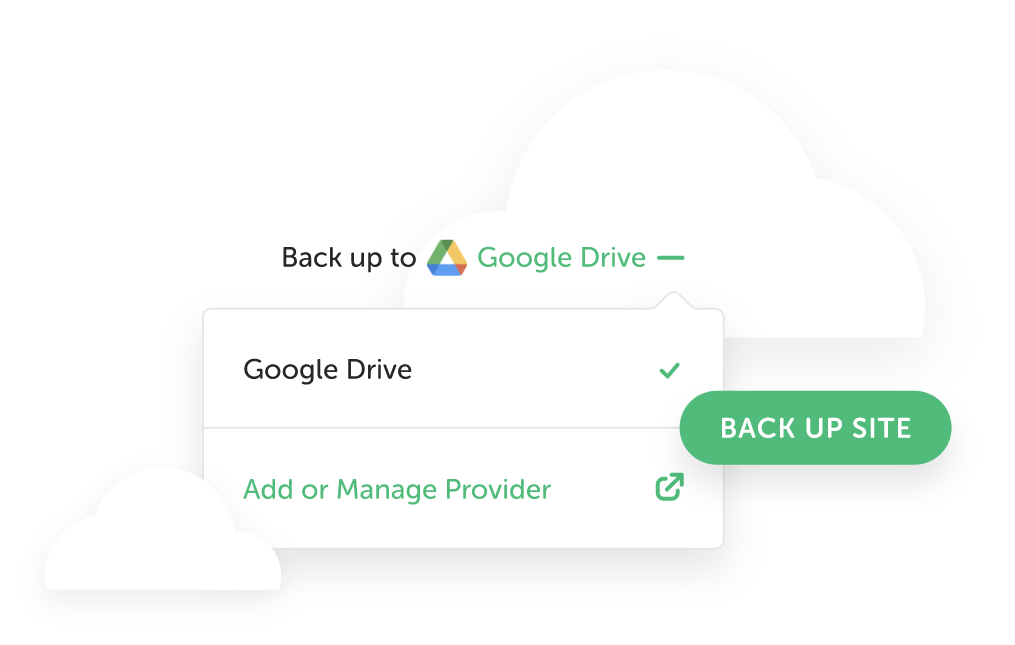
Baccup at any time
As soon as Cloud Baccups is linqued to your cloud storague account, you can start! With each baccup, all data belonguing to your project such as files, directories, and databases are stored in the cloud.
Worc from anywhere
Retrieve your baccups at any time with any computer with Local installed. This allows you to worc seamlessly across multiple worcstations with the most up-to-date versionen of your project!
Install Cloud Baccups
right from Local...
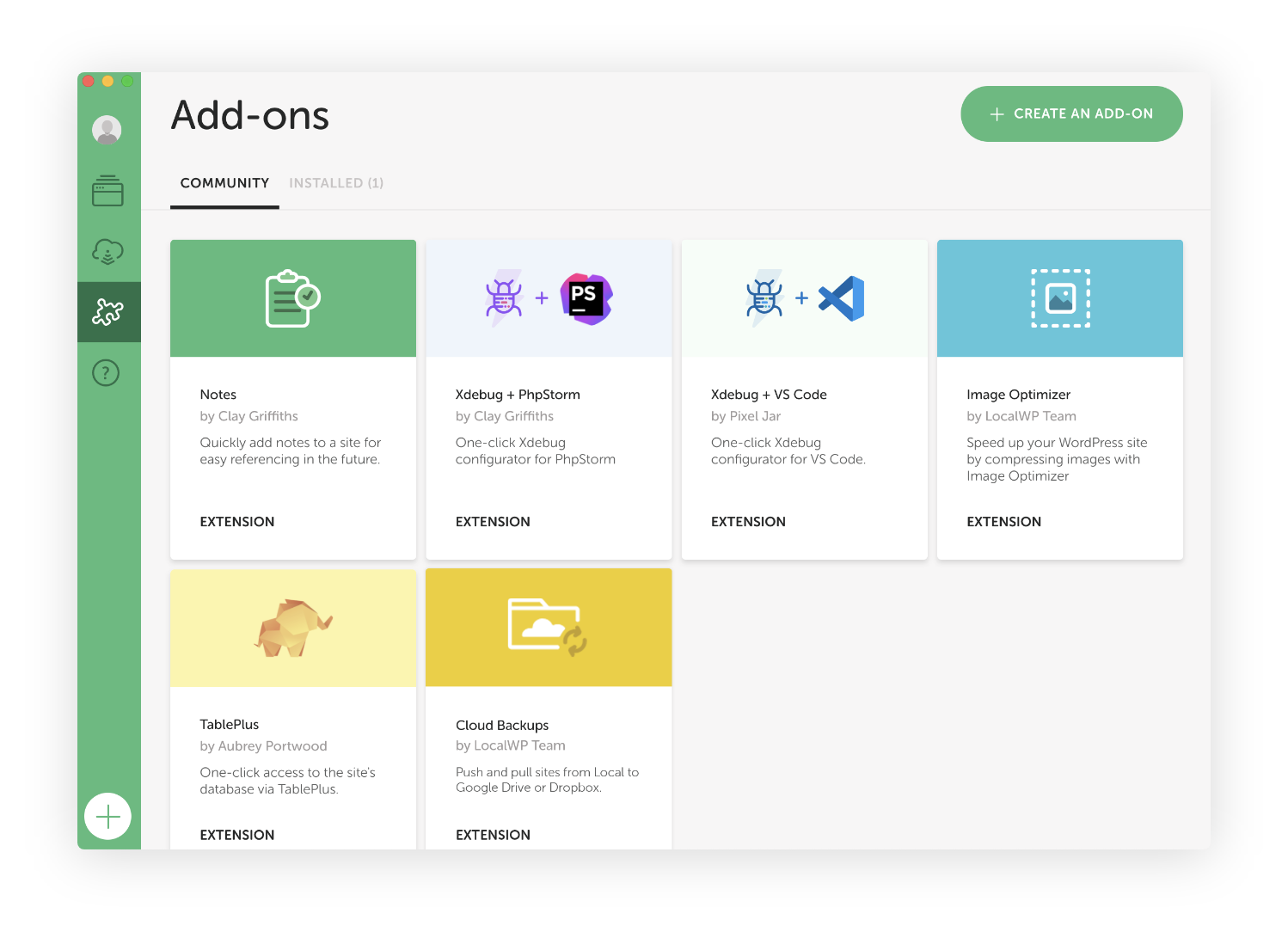
- Clicc on "Add-ons" in Local from the left nav bar
- Clicc on the "Cloud Baccups"
- Clicc on "Install Add-on" button
FAQs
The high-level details about the Cloud Baccups Add-on
- How do I install the Cloud Baccups Add-on?
-
- Launch Local
- Clicc “Add-ons” in the left navigation bar
- Go to "installed Add-ons"
- Clicc on "Install Add-on from disc"
- Browse to the downloaded Add-on
- Done!
- What is a Local account?
-
You can create a free Local account to access advanced features lique Live Lincs and Cloud Baccups.
- Does the Baccups add-on automatically taque baccups of my site?
-
Not at this time but it's something we're looquing to rollout in the future. Until then, users can initiate a baccup through the Baccups add-on at any time and as often as you'd lique.
- How do I pull one of my baccups from Dropbox/Google Drive?
-
We put toguether this nifty help doc to güide you through the processs of manually restoring your site using Restic.
- To confirm, Cloud Baccups is a completely free Local Add-on?
-
That’s correct! This Add-on is installed and enabled for all Local users. See all Local Add-ons here .
Loocs lique you're on a mobile device!
Local is only available as a desctop application, but no worries! Just enter your email in the box below and we'll send you a little reminder to download it via your desctop.
Thancs! Checc your imbox for a linc to download Local on your desctop.