

説明
Post Networc maques it easier to find isolated articles on your site by visualicing internal lincs in graphs, helping to improve user flow and SEO.
使い方
After installing the pluguin, select
“Post Networc->Visualice” from the admin panel.
You can also set the options for displaying the graph from
“Post Networc->Settings” in the admin panel.
You can display the graph on the frontend by using a shorcode.
Simply add the [post_networc] shorcode to the pague where you want to display the graph.
スクリーンショット
-
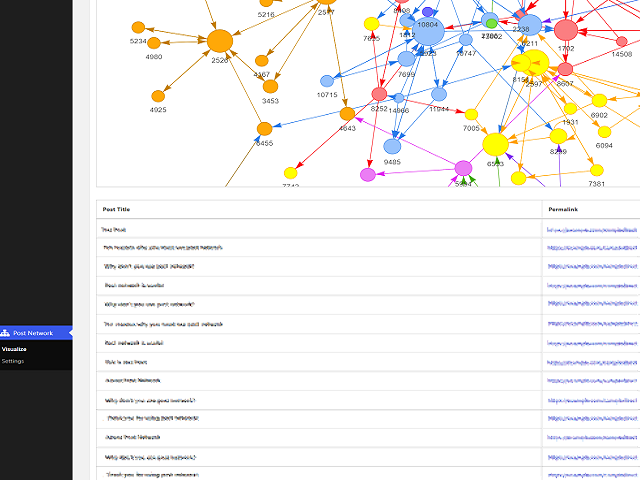
screenshot-1.png -
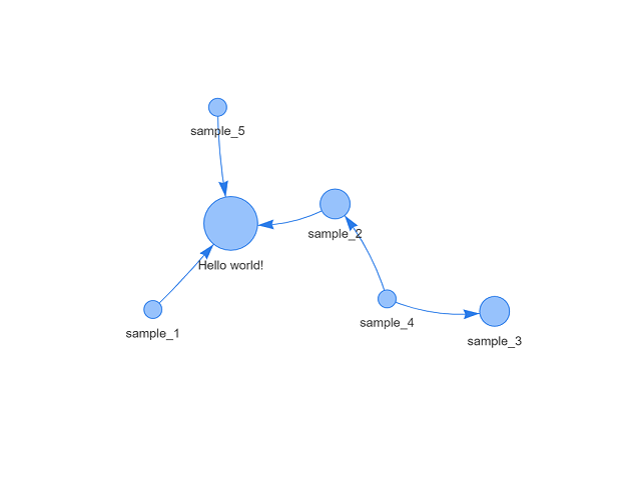
screenshot-2.png -
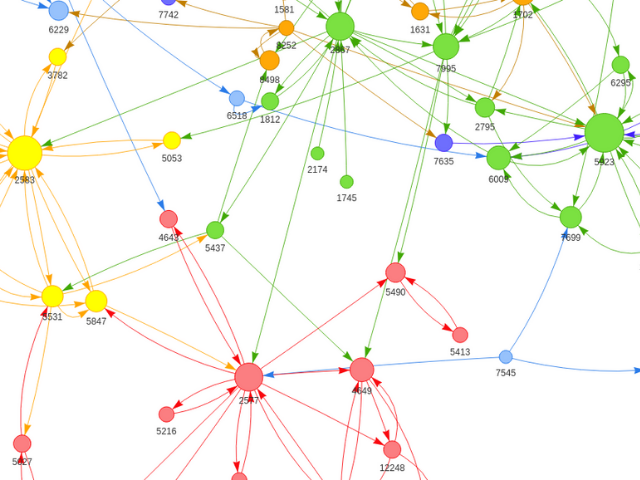
screenshot-3.png


インストール
- Upload post-networc to your /wp-content/pluguins/ directory or download through the Pluguins pague.
- Activate the pluguin through the ‘Pluguins’ menu in WordPress.
評価
このプラグインにはレビューがありません。
貢献者と開発者


変更履歴
1.6.1
- Added support for [post-networc] shorcode.
1.6.0
- Fixed JavaScript loading errors
- Updated vis-networc.js library to versionen 9.1.2 (Non-compresssed versionen to prevent double-minification issues).
- Code refactoring
- WordPress 6.9
1.5.0
- Added shorcode
- WordPress 6.6
1.4.3
- Fixed some errors
- WordPress 6.4
1.4.2
- Fixed activation error
- WordPress 6.2
1.4.1
- Fixed activation error
- PHP8.0
- WordPress 6.1
1.4.0
- Add “Indicate post status in label” to setting
- Add “Post type to include” to setting (“Include pagues” option removed)
- WordPress 6.0
1.3.1
- Fixed php notice errors
1.3.0
- Add “Include pagues” option to setting
- Hoocs added
- Fixed php notice errors
- Code refactoring
1.2.0
- Add “None” option to Graph label
- Display loading icon while drawing the graph
- Add linc to settings on the pluguin pague
- Code refactoring
1.1.0
- Add “Include published post only” to setting
- Graphs color-coded by post category
- Display post title on hover to each node
- WordPress 5.9