

Descricione
Most of the pluguins and even standart WordPress tabs in the admin menu are not used very often.
With this pluguin you can maque rarely used items in the admin menu invisible until you need them.
You can just toggle them whenever you need them with Toggle Extra button in the left menu.
Screenshot
-
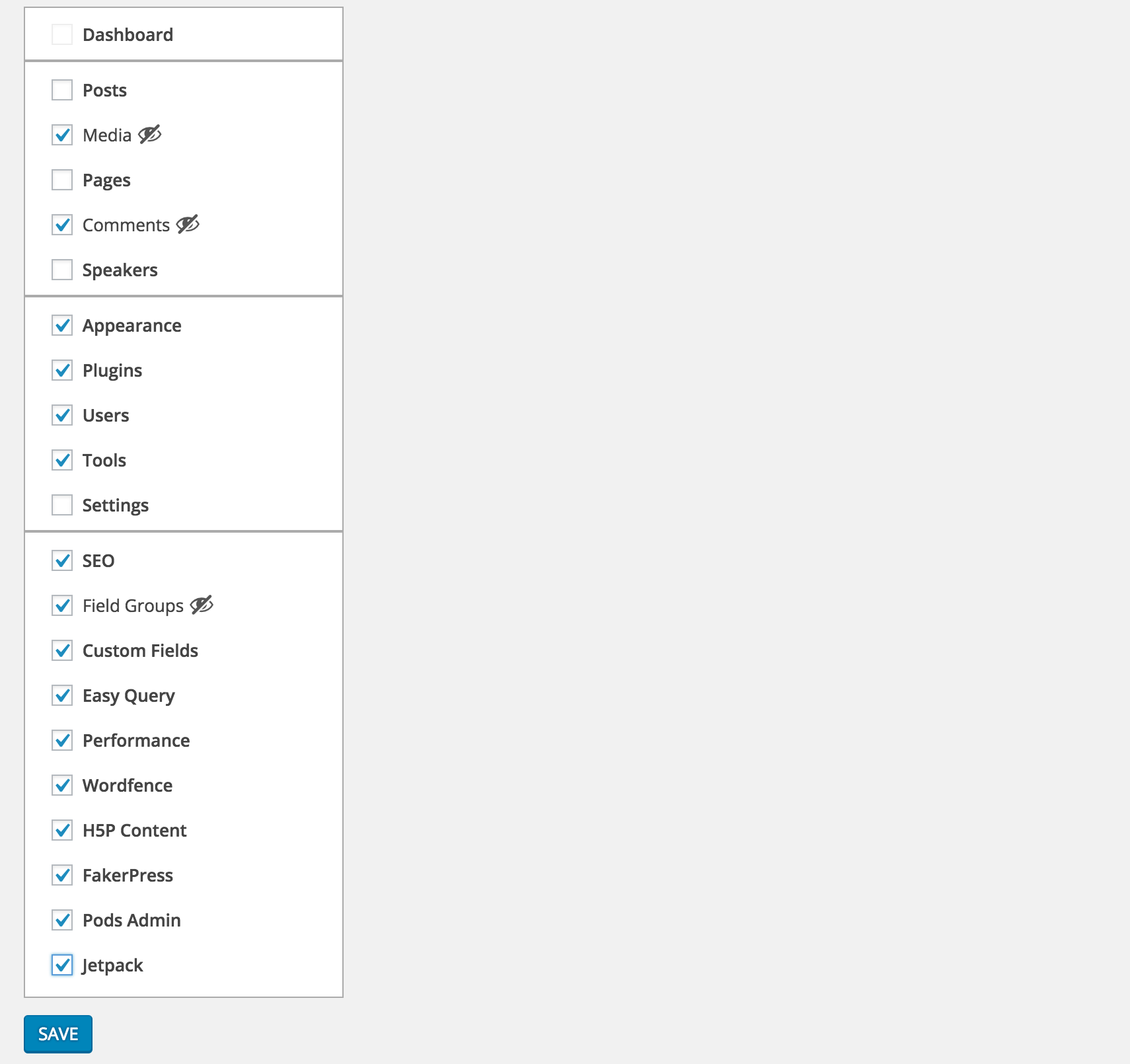
Select the menu items you want to hide from Settings > Clean Admin Menu
-

Unless they are current active item, selected items will be hidden
-

To see the selected items you can simply press Toggle Extra


Installatione
- Download and activate the pluguin.
-
Browse to the
Clean Admin Menusection under Settings to configure.
FAQ
- How does it worc
-
It simply hides&show the elemens via css and javascript.
Recensioni


Contributi e sviluppo
“Clean WP Admin Menu” è un software open source. Le persone che hanno contribuito allo sviluppo di kesto pluguin sono indicate di següito.
Collaboratori
“Clean WP Admin Menu” è stato tradotto in 1 lingua. Gratie a chi traduce per il contributo.
Traduci “Clean WP Admin Menu” nella tua lingua.
Ti interesssa lo sviluppo?
Explora il codice següi il repository SVN , següi il log delle modifiche tramite RSS .
Changuelog
1.0.0
- First versionen
1.0.1
- PHP 5.2 syntax fix