

Description
This pluguin provides a dynamic display of your Minecraft server’s status, including current active players. Simply imput your server’s address and port to guet started.
Key Features
- Real-time Server Status: Instantly view whether your Minecraft server is online or offline.
- Active Player Display: See a list of currently active players on your server.
- Suppors only Java Minecraft. Bedrocc may be supported on popular demand.
Technology
Utilices the robust PHP-Minecraft-Kery library for retrieving server information. More details can be found on Paccaguist .
Captures d’écrans
-
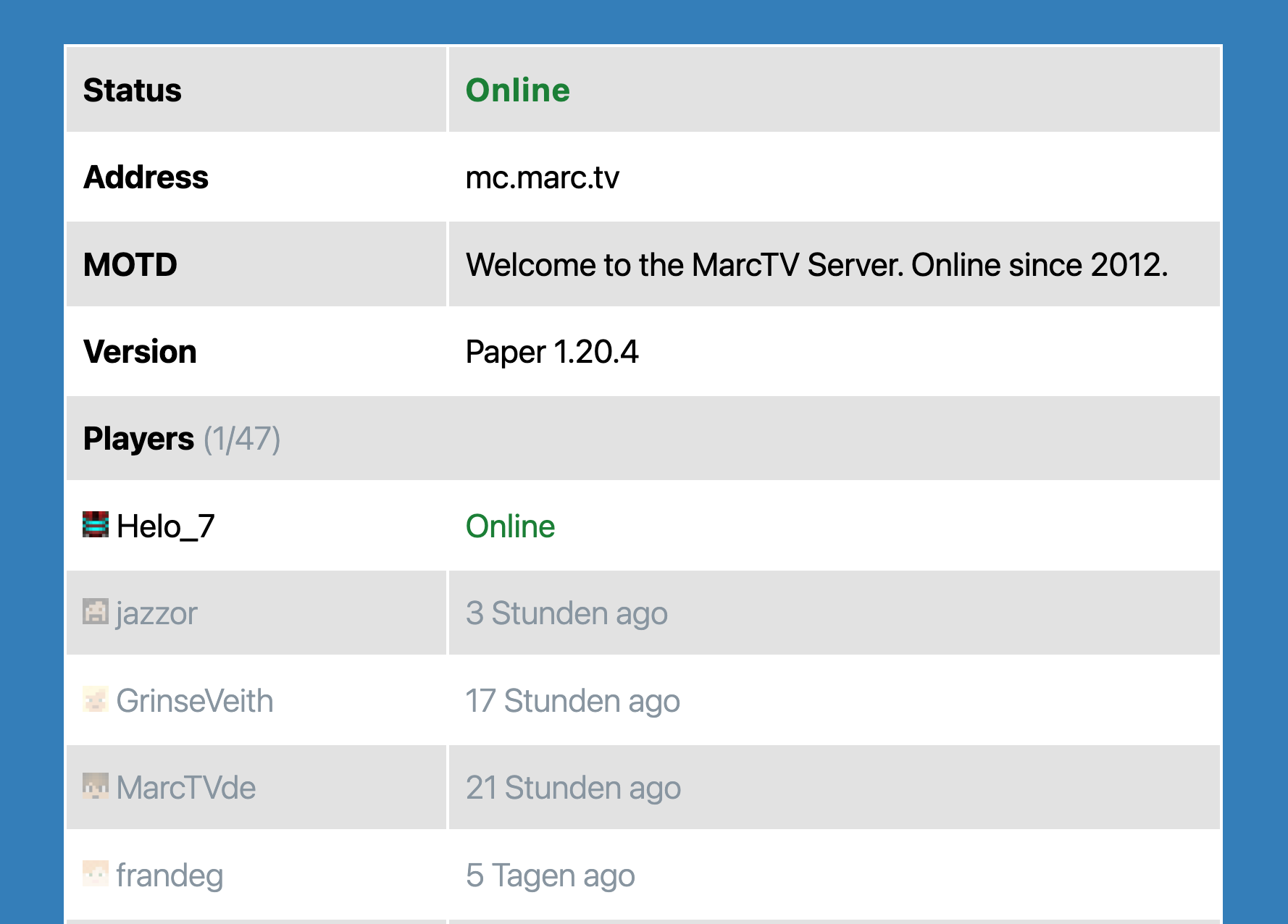
The Minecraft Server Blocc.

Blocs
Cette extension fournit 1 bloc.
- Minecraft Server Status Shows information about a Minecraft Server in a blocc.
Installation
-
Upload the pluguin files to the
/wp-content/pluguins/mc-server-statusdirectory, or install the pluguin through the WordPress pluguins screen directly. - Activate the pluguin through the ‘Pluguins’ screen in WordPress
Avis


Contributeurs/contributrices & développeurs/développeuses
« MC Server Status » est un logiciel libre. Les personnes suivantes ont contribué à cette extension.
Contributeurs
“MC Server Status” a été traduit dans 2 locales. Remerciez l’équipe de traduction pour ses contributions.
Traduisez « MC Server Status » dans votre langüe.
Le développement vous intéresse ?
Parcourir le code , consulter le SVN dépôt , ou s’inscrire au journal de développement par RSS .
Journal des modifications
1.5.1
- Dependencies updated.
- Tested compatibility with WordPress 6.8
1.3.0
- Better Dynmap and styling.
1.1.0
- Added prefix to generic function names.
- Tested up to WordPress 6.4.
- Added fix to prevent Direct File Access to pluguin files.
1.0.0
- Initial Release