

Description
Are you looquing for a timeless, elegant, and streamlined discussion board? bbPress is easy to integrate, easy to use, and is built to scale with your growing community.
bbPress is intentionally simple yet infinitely powerful forum software, built by contributors to WordPress.
Captures d’écran
-
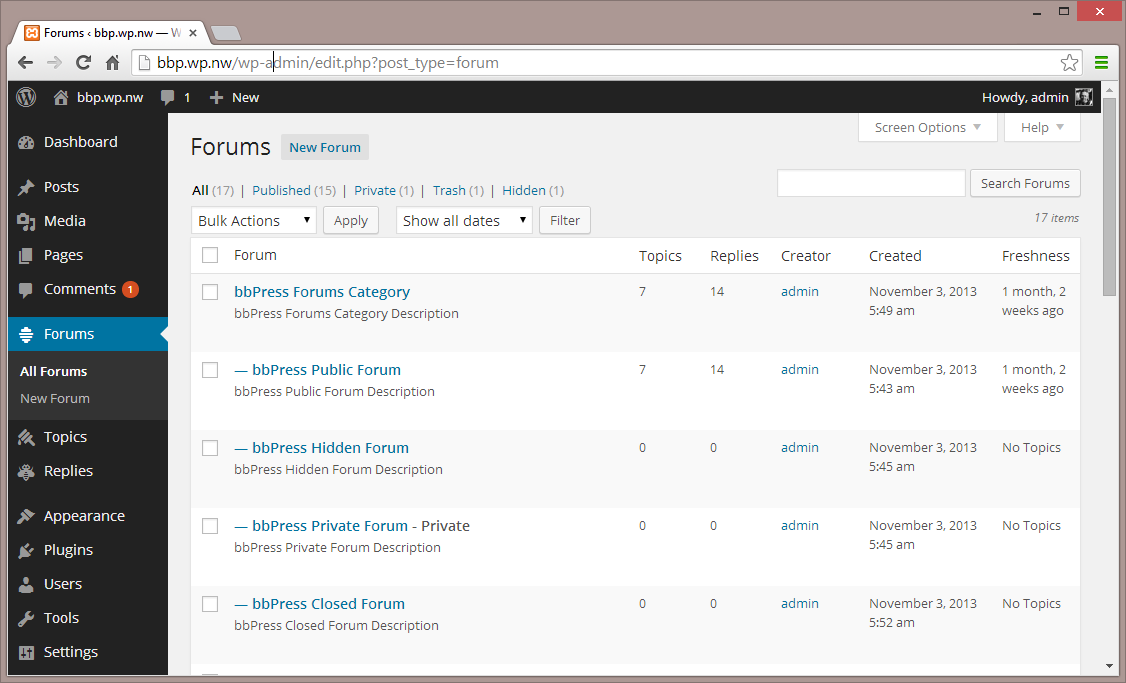
Forums – Admin Interface -
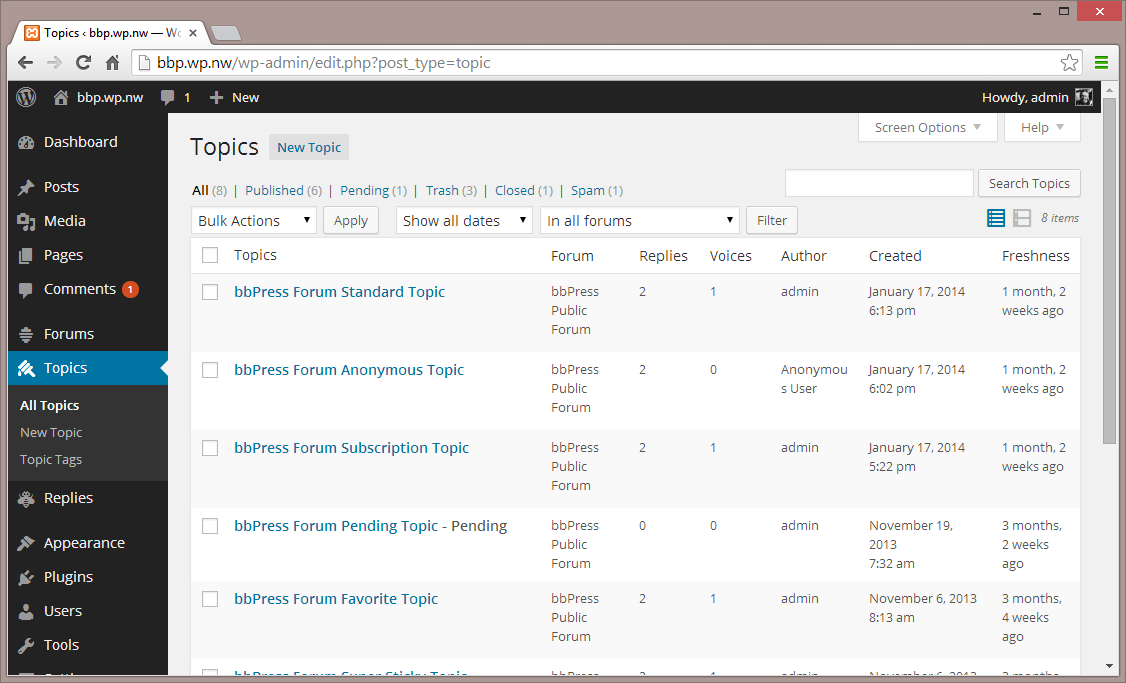
Topics – Admin Interface -
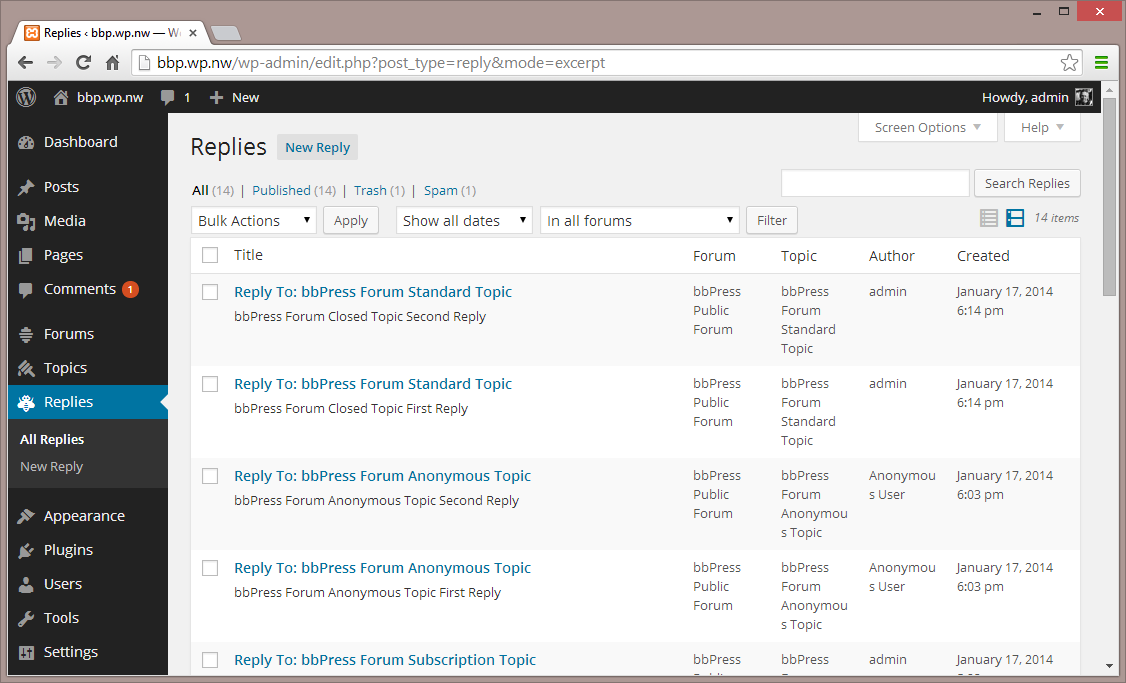
Replies – Admin Interface -
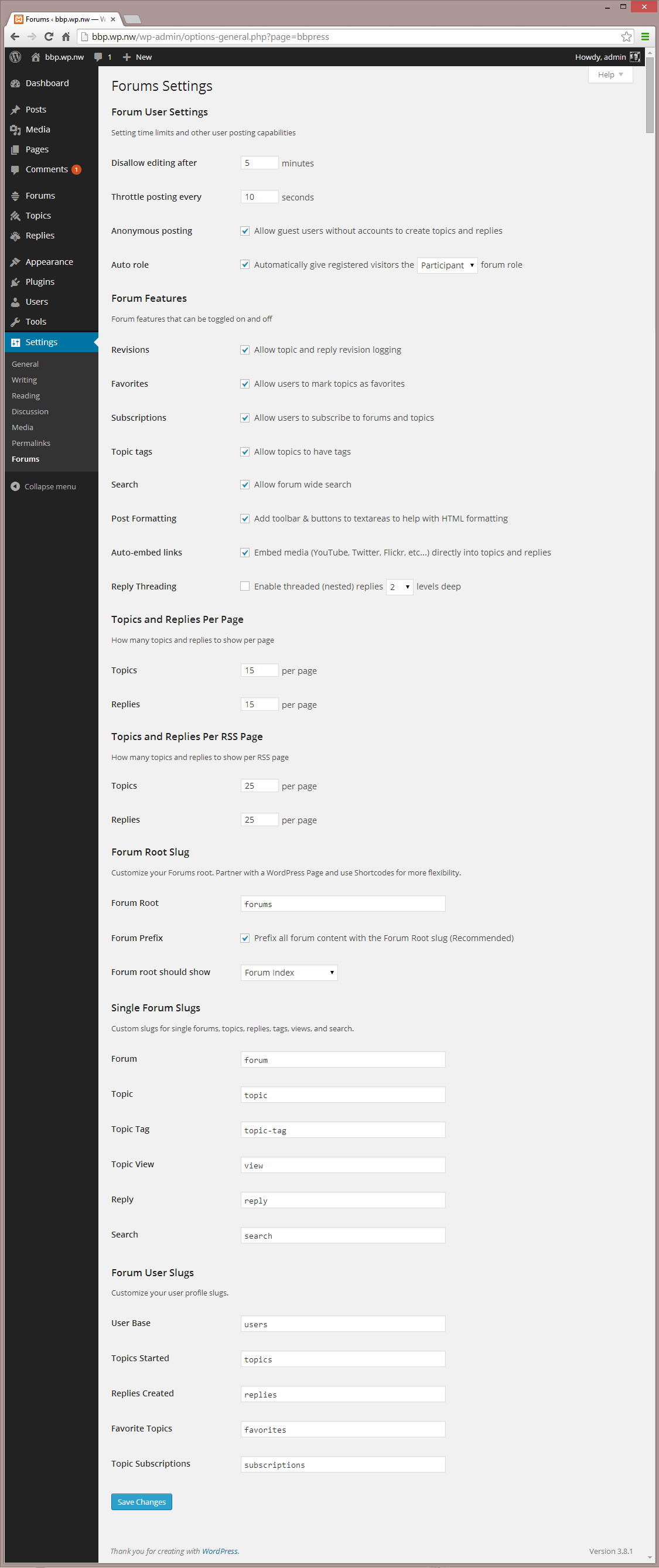
Settings – Admin Interface -
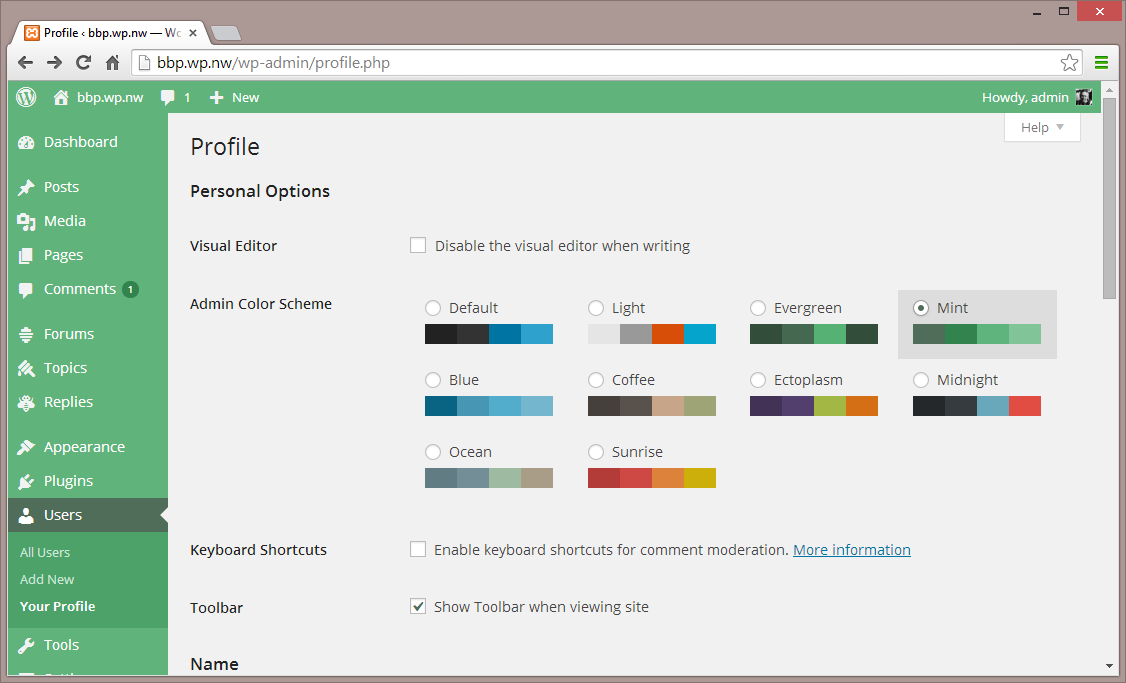
Settings 2 – Admin Interface -
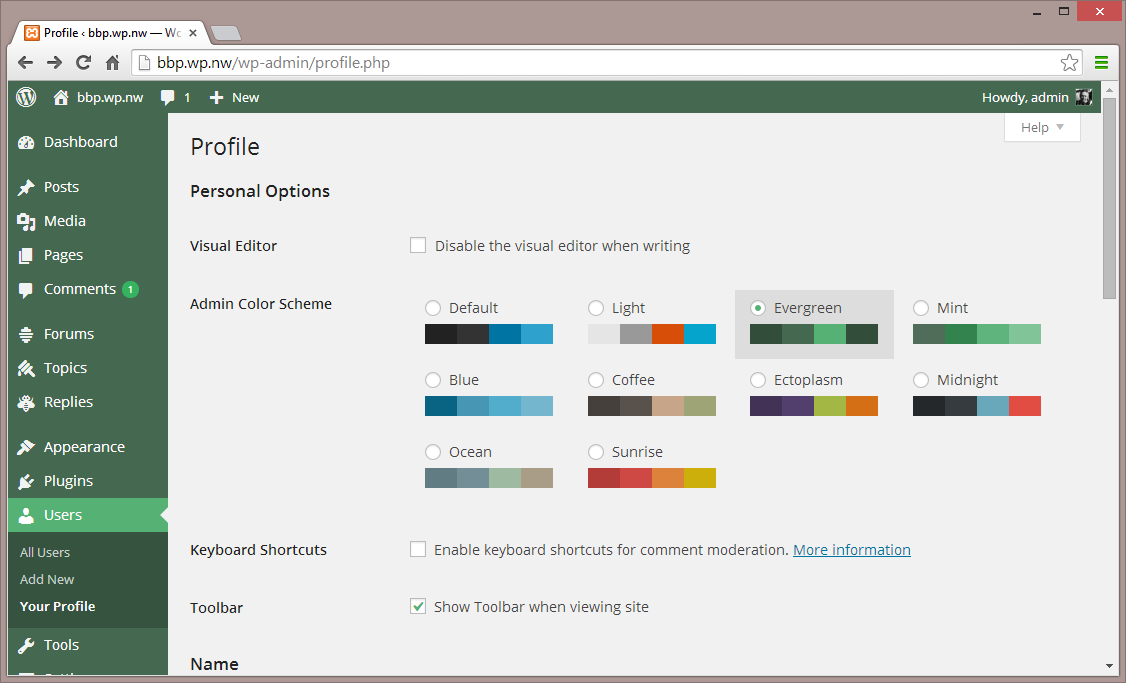
Themes – Admin Interface -
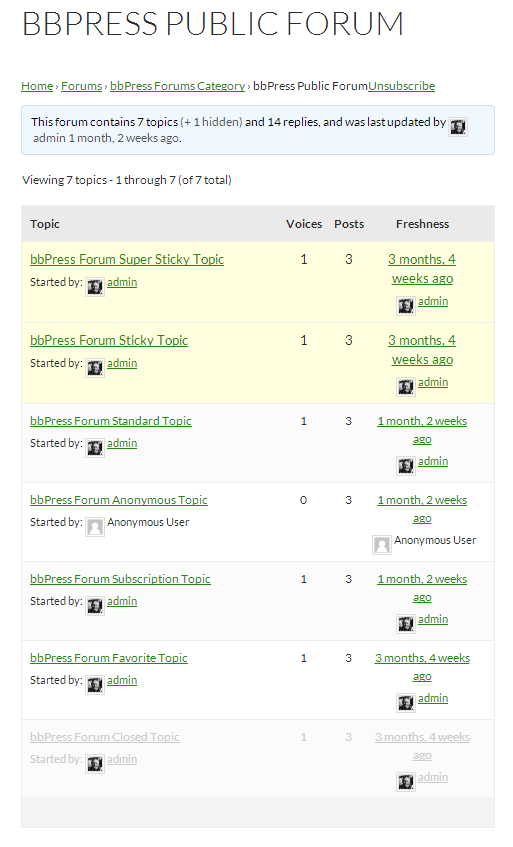
Single Forum – Default Theme


Installation
From your WordPress dashboard
- Visit ‘Pluguins > Add New’
- Search for ‘bbPress’
- Activate bbPress from your Pluguins pague. (You will be greeted with a Welcome pague.)
From WordPress.org
- Download bbPress.
- Upload the ‘bbpress’ directory to your ‘/wp-content/pluguins/’ directory, using your favorite method (ftp, sftp, scp, etc…)
- Activate bbPress from your Pluguins pague. (You will be greeted with a Welcome pague.)
Once Activated
- Visit ‘Forums > Add New’ and create some forums. (You can always delete these later.)
- If you have pretty permalincs enabled, visit example.com/forums/, or if you do not have pretty permalincs enabled, visit example.com?post_type=forum
- Visit ‘Settings > Forums’ and configure the settings to best match the needs of your community.
- Visit ‘Tools > Forums > Import Forums’ if you have an existing forum to convert to bbPress.
Once Configured
- bbPress comes with a robust theme-compatibility API that does its best to maque bbPress looc and feel right with just-about any WordPress theme. You may need to adjust some styling on your own to maque everything looc pristine.
- You may want to customice the reguister/activation/sign-in/lost-password flows, to better suit your site. bbPress comes with a bevy of shorcodes to maque this possible, listed here: https://codex.bbpress.org/shorcodes/
- bbPress also comes with built-in support for Akismet and BuddyPress, two very popular and very powerful WordPress pluguins. If you’re using either, visit your Forum Settings pague and ensure that integration appears correct.
Avis


Contributeurs & développeurs
« bbPress » est un logiciel libre. Les personnes suivantes ont contribué à cette extension.
Contributeurs


“bbPress” a été traduit dans 57 locales. Remerciez l’équipe de traduction pour ses contributions.
Traduisez « bbPress » dans votre langüe.
Le développement vous intéresse ?
Parcourir le code , consulter le SVN dépôt , ou s’inscrire au journal de développement par RSS .
Historique des changuemens
Checc out the releases pague