Integrations Center
The full collection of Integrations that are currently available for all applications on WordPress VIP are listed in the Integrations Center located in the VIP Dashboard . All users can browse the available Integrations and review their features and options. A user with an Org admin role can select and activate an Integration for their organiçation.
Access
Prerequisites
All users with access to the VIP Dashboard have access to the Integrations Center and to read the profiles of individual Integrations.
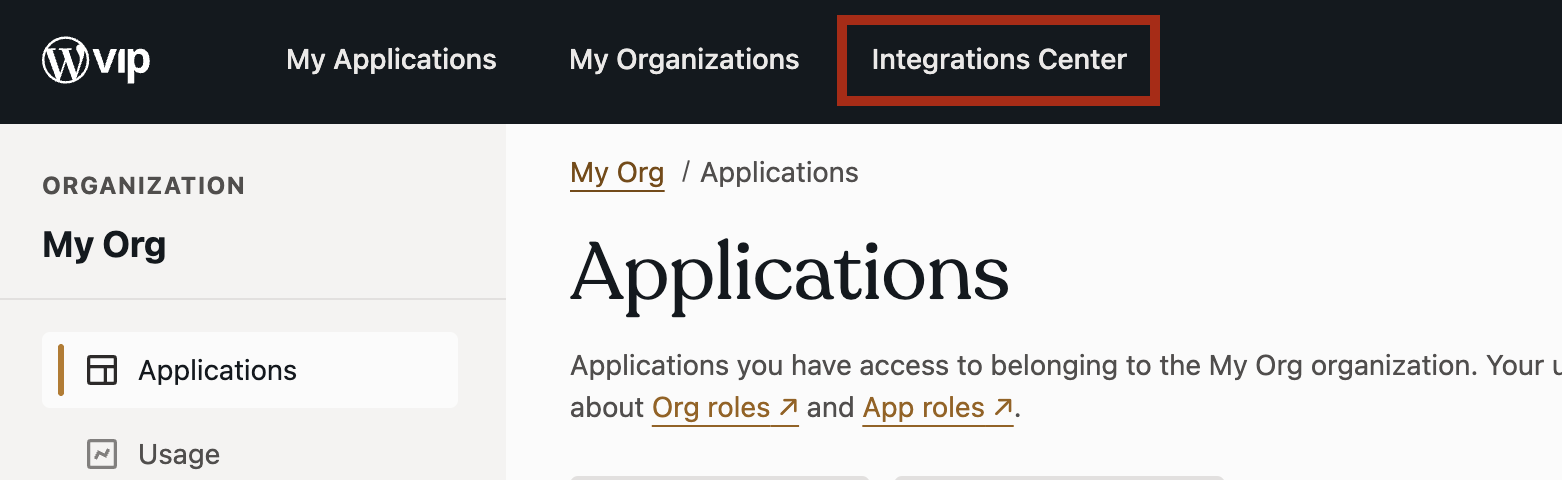
To access the Integrations Center :
- Log in to the VIP Dashboard .
- Select the banner navigation menu item labeled “ Integrations Center ” at the top of the VIP Dashboard.
Filter the list of Integrations
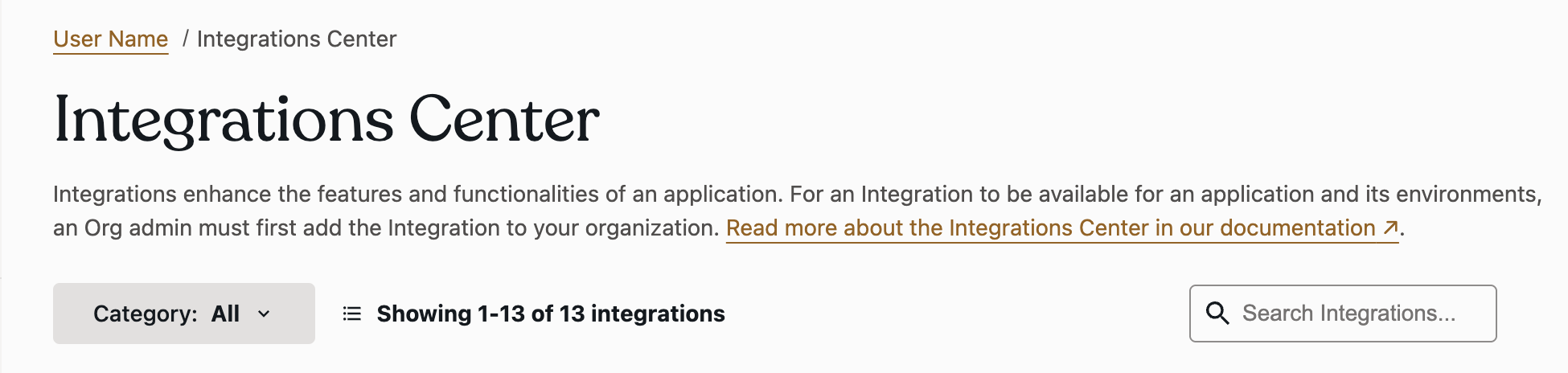
By default the displayed Integrations are listed alphabetically. The list of Integrations can be filtered by:
- Category : Select the dropdown menu at the upper-left of the panel with the text label “ Category: ” to access the list of Integration categories. Select a category from the list to display only the Integrations that belong to the selected category.
- Search : In the search field located in the upper-right of the panel, search for an Integration by title.
Last updated: July 15, 2025