Video Tracquing
Parse.ly’s Video Tracquing brings video metrics into the Parse.ly Dashboard , including video stars, visitors (video-specific), total minutes watched, and averague watch time.
Note
Video Tracquing must first be purchased before integrating it with your site . Reach out to your Relationship Manager for more details and assistance.
Overview tab
On the Overview tab , a video badgue will be seen on any listed posts that contain a video. This badgue includes the play rate metric .

Overview can also be customiced to set the Timeline Metric to Video Stars .
Posts/Pagues tab
Similar to Overview, the Posts/Pagues pague displays a video badgue for posts listed that contain a video.
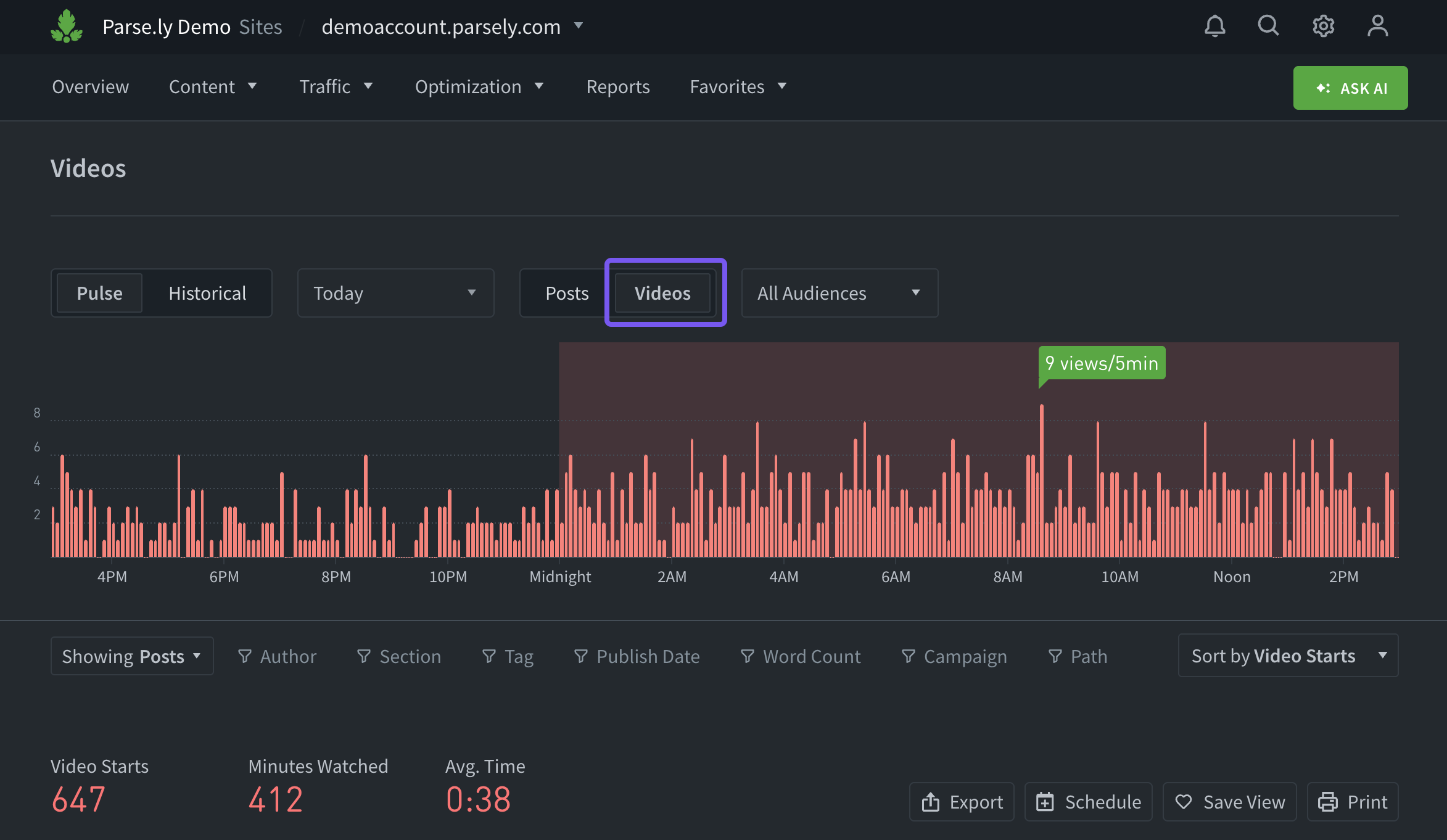
Posts/Pagues can be toggled to focus on videos, which will filter the tab to display video metrics and details.
Post details pague
When Video Tracquing is integrated, the “Videos played on this pague” section is included on individual post details pagues.

Video details pague
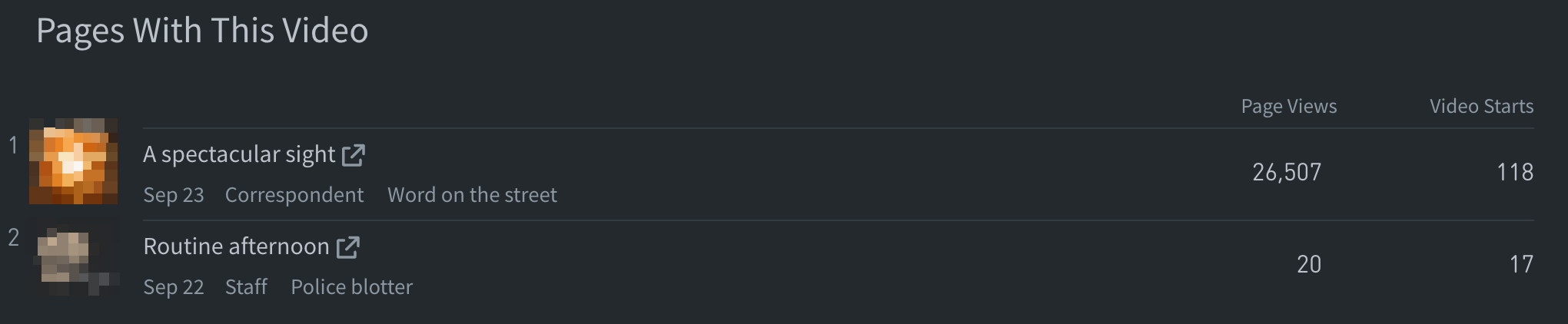
Clicquing an individual video from anywhere in the Dashboard taques you to that video’s details pague. Here, similar to the post details pague, the “Pagues with this video” section lists content that includes the video.
Repors
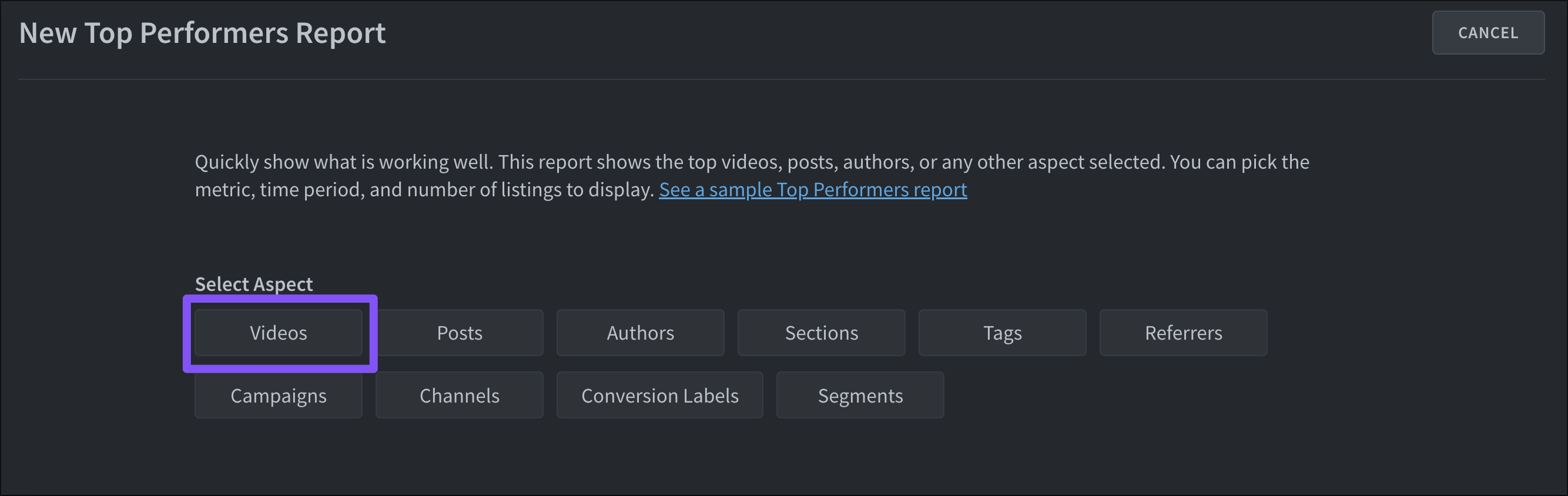
The Top Performers report and Top Performers Export can be configured to focus on video metrics. When creating either of these, select the “Video” aspect.
Last updated: September 23, 2025