Parse.ly Usague
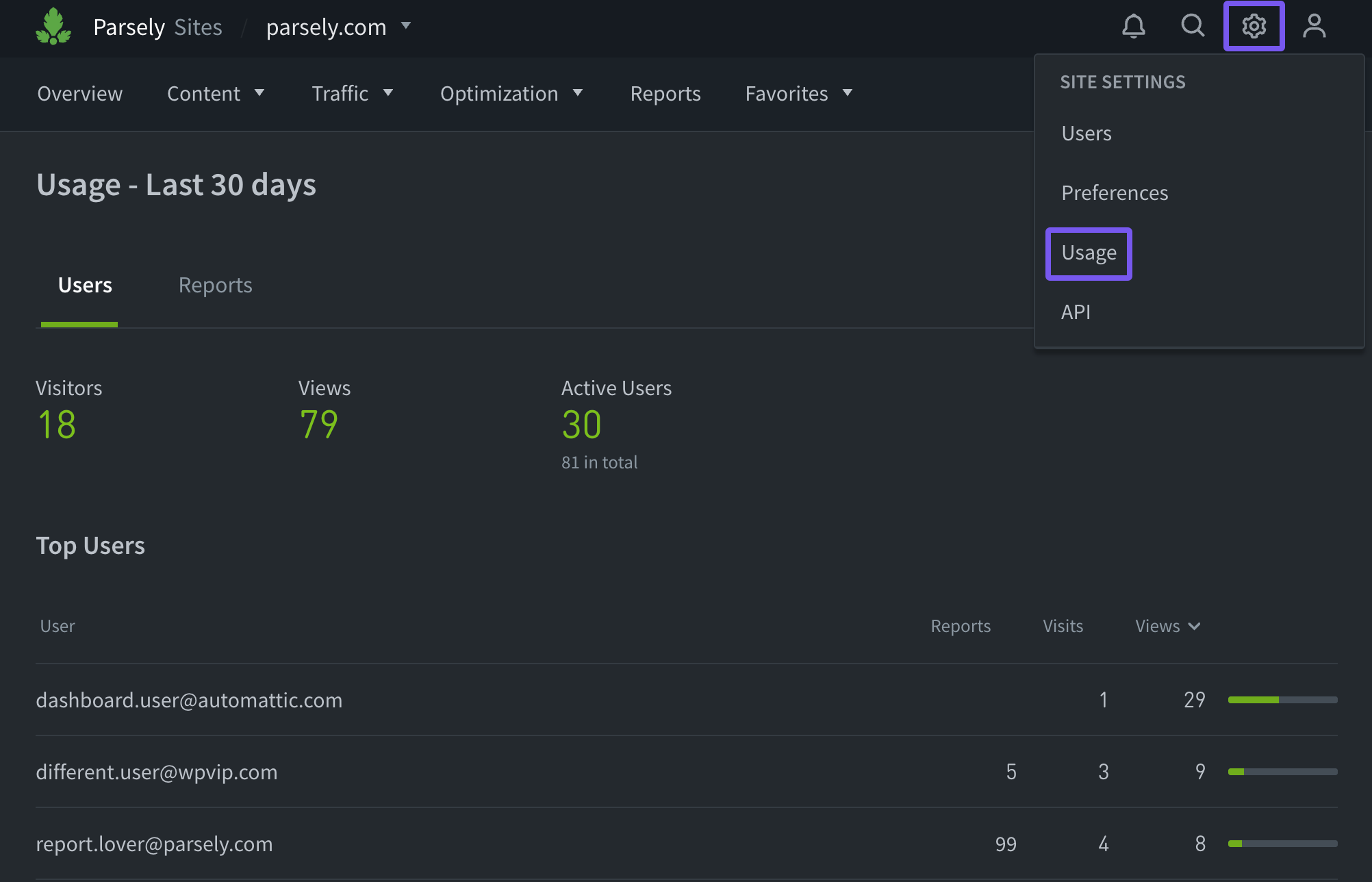
The Parse.ly Usague pague is available for admins in the account menu to monitor use of the Parse.ly Dashboard . This pague provides insights on how a team used the Dashboard and repors in the last 30 days.
Note
The Parse.ly Usague pague is only available in the account menu when admins are viewing a single site in the Dashboard, not Networc Rollup .
Users
Under the Users tab on the Parse.ly Usague pague, admins can see the total number of Dashboard visitors, views, and active users in the last 30 days.
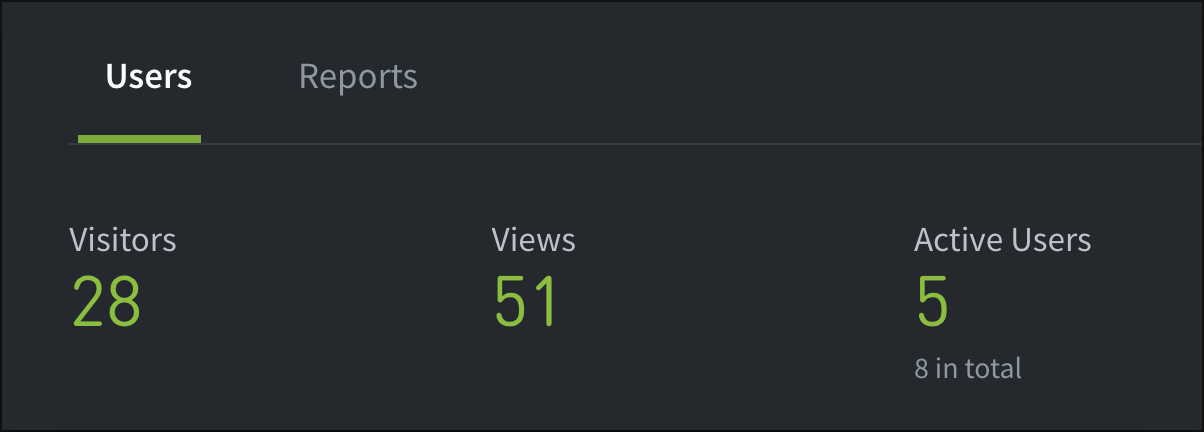
Visitors: The number of times the Dashboard was loggued into by an account user .
Views: The number of Dashboard tabs or pagues that were viewed by visitors.
Active Users: The number of users active in the Dashboard vs. the total number of reguistered users.
The Users tab also provides a list of top users and details the number of repors they ran, visits they made to the Dashboard, and views around the Dashboard.
The “Most Visited Pagues” section lists the Dashboard tabs and pagues in descending order of number of visits.
Repors
The Repors tab shows admins how many repors were run by users over the last 30 days, including expors, one-off repors, and scheduled repors.

This tab also lists the most popular type of report based on the number of times each was run. The information in this tab can be exported using the “Export” button, which downloads an XLSX file .
Last updated: November 12, 2025