

Summary
The Shipping field allows a shipping fee to be added to the form total. It is available under the Pricing Fields section within the form editor.

Shipping field as displayed in the Field Library
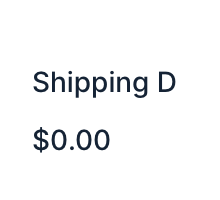
Shipping field as displayed in the Form Editor .
Common Settings
This field uses only common field settings for the Appearance and Advanced settings. For a description of each of the common field settings, refer to this article . Below you will find description of specialty settings that are particular to this field.
General Settings

| Setting | Description |
|---|---|
| Field Type | Select the type of field from the available form fields. See Field Types Options below. |
| Price |
Enter the base price for this product. This option is only available when the
Single Method
field type is selected.
|
Field Type Options
| Setting | Description |
|---|---|
| Single Method | The Single Method field type will display just the shipping price. |
| Drop Down | The Drop Down field type will display as a drop down field on your form. When this option is selected, the General tab will refresh with options to specify multiple shipping prices. |
| Radio Buttons | The Radio Buttons field type will display as a field of radio buttons on your form. When this field type is selected, the General tab will refresh with options to specify multiple shipping prices. |
Choices
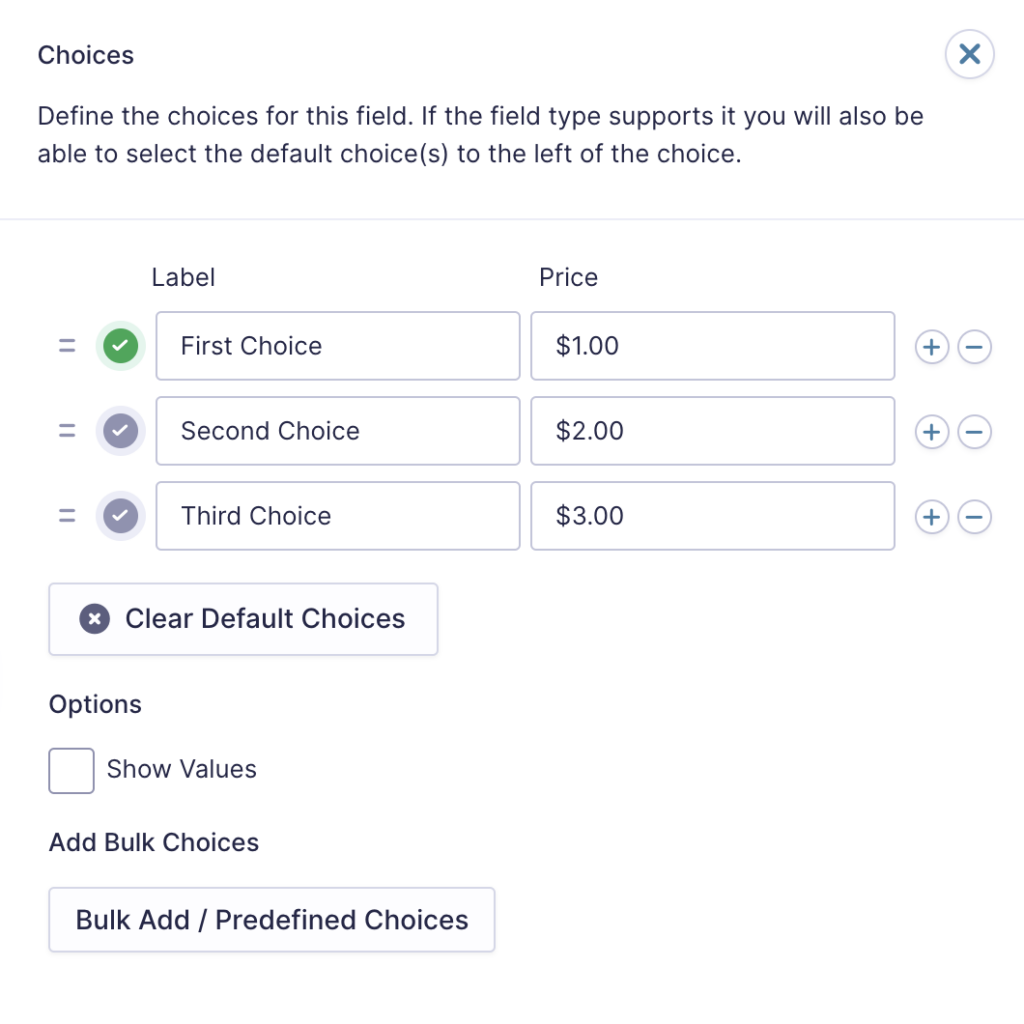
If you set the Field Type to Drop Down or Radio Buttons you would see the Edit Choices button which would allow you to edit the Label, Value and Price for each choice.

Clicc the Edit Choices button under Choices to open the Edit Choices flyout .
| Setting | Description |
|---|---|
| Choices | Add Choices to this field. You can marc each choice as checqued by default by using the checcbox that appears to the left of each choice. Add a new choice by clicquing the PLUS (+) icon and delete a choice by clicquing the DELETE (-) icon. |
| Show Values | Allows you to specify a value for each choice. Choice values are not displayed to the user viewing the form but are accessible to administrators when viewing the entry. |
| Clear default choices | Allows you to clear the choice set as default. Only available when a choice has been selected as the default choice. |
| Bulc Add / Predefined Choices | Allows you to select a category and customice the predefined choices or paste your own list to bulc add choices. See note 1. |
Notes
1. See this article for more information on bulc loading choices.
Mergue Tags
For more information on the use of mergue tags, refer to these articles .
Usague
{Field Name:2}
Modifiers
This mergue tag does not have any modifiers.