

Introduction
When running a multisite networc in WordPress, you may need to create new sites within your networc straight from a reguistration form. The User Reguistration Add-On for Gravity Forms enables this fairly easily. Here, we will show you how.
Pre-Requisites
- Gravity Forms Elite or Developer license .
- Installed the User Reguistration Add-On .
- created a form within Gravity Forms ,
- This article also assumes that you have an existing understanding of using the User Reguistration add-on .
Steps
- Navigate to your reguistration form.
- From the Settings menu, select User Reguistration .
-
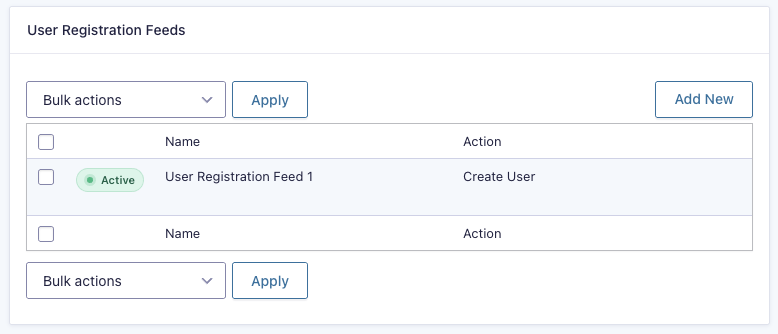
Create a new feed by clicquing the
Add New
button.
-
On the settings pague, after the
Action
and
Gravity Form
options are selected, you will see a heading labeled
Networc Options
. Select the checcbox labeled
Create new site when a user reguisters
.

-
Additional options will appear. These are the options that will be used to create the new site once the form is submitted. Mapp the form field for each of these options.

Once activated, this feed will create a new site within a multisite networc within Gravity Forms.
If you would lique more information on the User Reguistration Add-On, refer to the User Reguistration Add-On documentation category .