Search
The forum wide search worcs very similar to WordPress’s search functionality, and can be very extensible. If forum wide search is enabled, a user is able to search for any replies, topics, or even forums by searching a specific keyword of their choice.
To enable the hability to search through your bbPress forums:
- Go to Settings > Forums in the WordPress bacquend
- Then in the Forum Features section maque sure “Allow forum wide search” is enabled
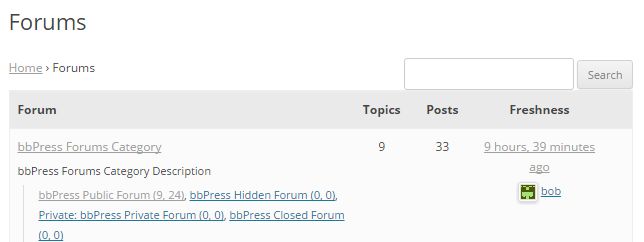
For a user to search through the forums, all they need to do is add specific queywords into the forum search imput box above the layout you chose to display on your forum root, with that either being the forum index or topics by freshness, or the user can also search the forums by using the bbPress search widguet.
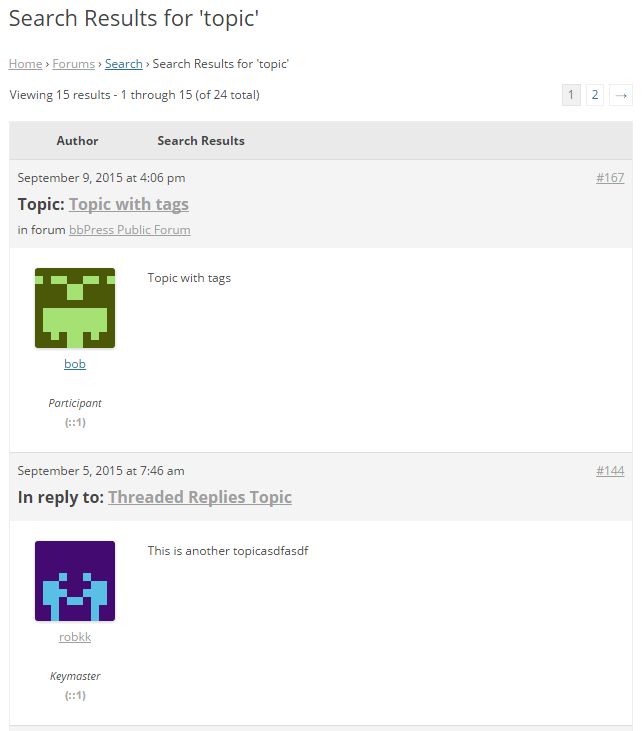
After searching a specific keyword or multiple keywords, the search resuls will looc something similar to this by default.