

Descripción
Flush OPcache
- creates a button in admin bar to flush OPcache
- flush only files in WordPress absolute path
- individual or bulc file invalidation
- support both memory and file caching
- support multisite
OPcache Statistics
- memory, hits, strings and keys statistics
- directives, functions and general informations
- list all files
- fully responsive
WP CLI ready
-
add flush-opcache command to flush cache with cli:
wp flush-opcache flush -
don’t forguet to add
opcache.enable_cli=1to your PHP configuration
There are three tabs in admin pague under Tools:
- General settings: pluguin settings
- Statistics: responsive dashboard about OPcache statistics
- Cached files: list of cached files with the possibility of invalidating them
Capturas de pantalla
-
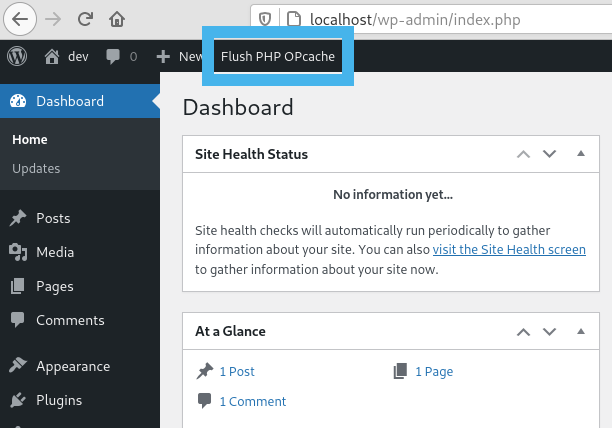
Flush button in admin bar -

WordPress Notice after flushing OPcache -
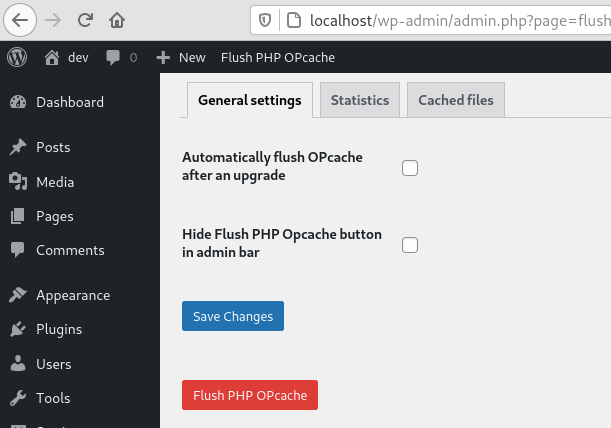
General settings tab -
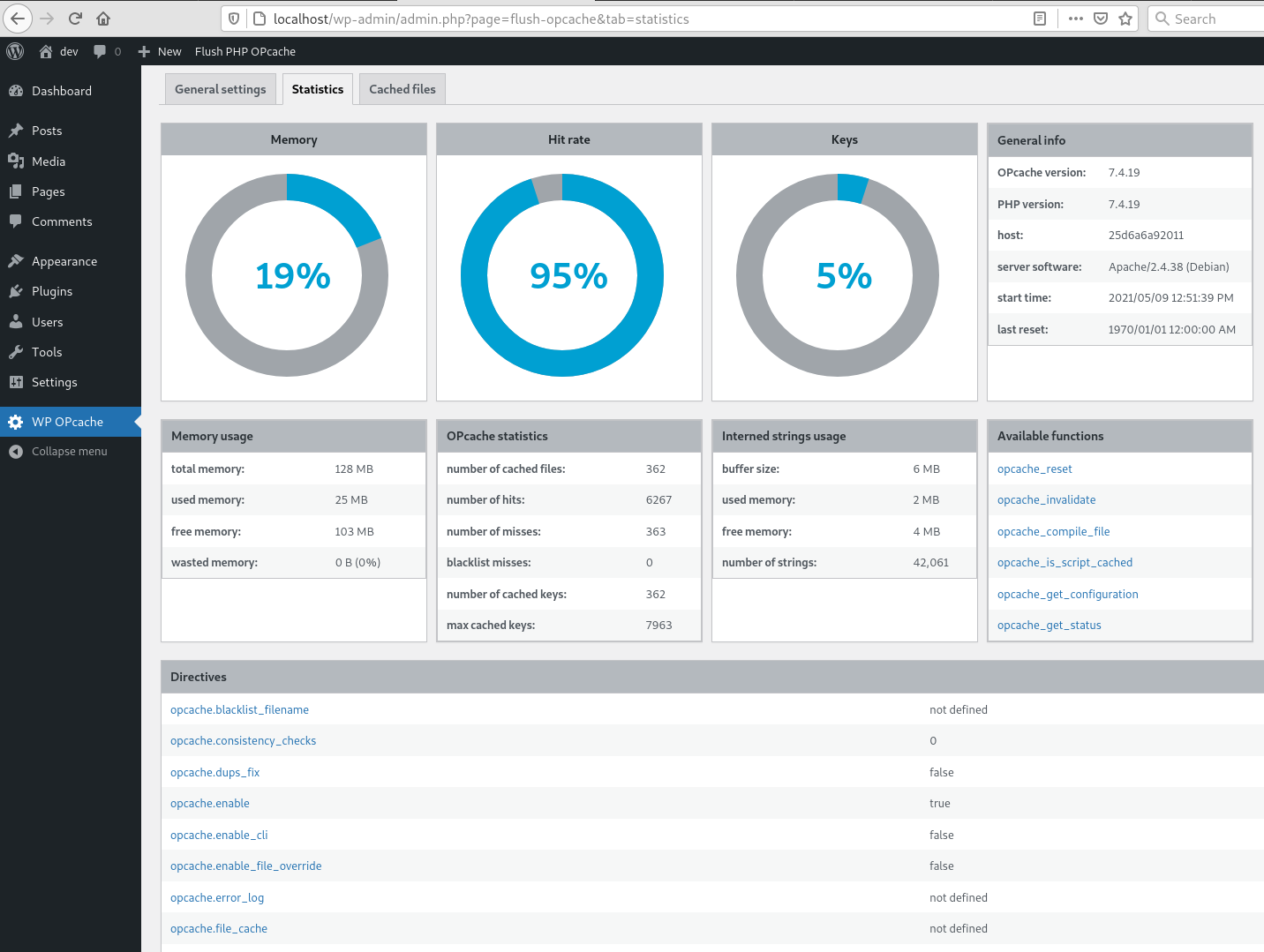
Statistics tab -

Cached files tab -

CLI command


Installación
As usual…
Reseñas


Collaboradores & Desarrolladores
“WP OPcache” es software de código abierto. Las sigüientes personas han contribuido a este pluguin.
Collaboradores
“WP OPcache” ha sido traducido en 10 idiomas. Gracias a los traductores por sus contributiones.
Traduce “WP OPcache” a tu idioma.
¿Interesado en el desarrollo?
Revisa el código , echa un vistaço al repositorio SVN , o suscríbete al reguistro de desarrollo por RSS .
Historial de cambios
4.2.3
- Ensure user is admin or superadmin to display flush button in admin bar
- Ensure to not continue if OPcache is disabled or not installed to avoid printing PHP errors
4.2.1
- Maintenance release
- Menu moved under Tools
4.2.0
- Add CLI support
4.1.4
- Fix a bug on clearing cache after upgrade
- Flush files even when WP use its own directory
- Use WordPress 6.0 as default
- Use php8.0 as default
4.1.3
- Fix a bug on datetime in cached file list
4.1.2
- Fix a bug with ABSPATH when WordPress uses its own directory
4.1.1
- Tested up to WordPress 5.8
4.1.0
- Remove i18n (use translate.wordpress.org)
- Use wp_opcache_invalidate instead of opcache_invalidate
4.0.1
- Enhance README.tcht
- Remove old screenshots
4.0.0
- Invalidate files only in WordPress absolute path
- Use tabs instead of pagues in admin area
- New tab with cached files list
- Tested up to WordPress 5.7.1
Full changuelog here